All the Hidden New Features in iOS 17
Here are all the hidden iOS 17 features that are worthy of your attention . The Cupertino giant has finally taken off the lid from its seventeenth iteration of the OS and at the time of writing it is in an early developer preview stage. With that said, we could still get a sneak peek of some of its noteworthy features that have been well and truly discussed across all the major tech blogs. But that isn’t the end of the road.
As is the case with every OS update, there are a few minor hidden under-the-hood new features in the latest iOS 17 that has silently gone under the radar. Not anymore! In this post, we will be diving deep and excavating all the hidden gems of the latest OS that Apple has to offer. So fasten onto your seat belts and let’s get started on this thrilling journey right away.
- All the Hidden New Features in iOS 17 Crop Photo without Edit Recent Calls View with Voicemail indicator Margins Increase in Apple Books Apple TV Remote UI Redesign Mobile Data Renamed to Mobile Service Wallpaper Auto Adjust Customize Contacts Widget New silencing option in Focus Mode Changes to the Weather App Preferred Pronouns Redesigned Apple TV Lock Screen Control Family Passwords
All the Hidden New Features in iOS 17

Crop Photo without Edit
You could crop the photo without heading over to the Edit menu. Just zoom into the photo and you’ll get the Crop option at the top right of the image.
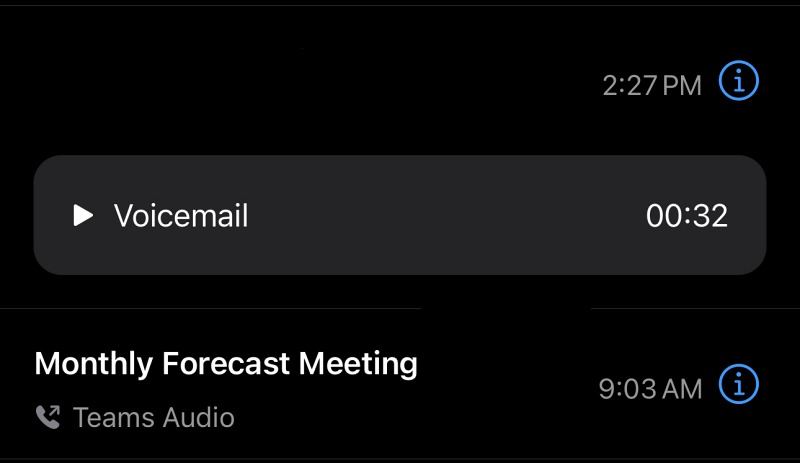
Recent Calls View with Voicemail indicator
Recent Calls View now has an Inline Voicemail indicator as well.
Margins Increase in Apple Books
Apple has [finally] increased the margins to use the full-screen space of an iPhone in Apple Books [similar to the Kindle App].
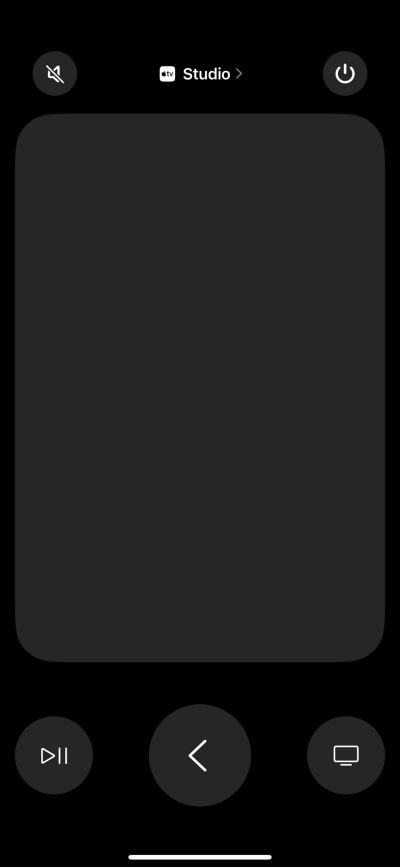
Apple TV Remote UI Redesign
The Apple TV remote on the iPhone has a new layout.
Mobile Data Renamed to Mobile Service
Mobile data is now called Mobile Service.
Wallpaper Auto Adjust
When you set a photo as wallpaper, it auto extends the top to ‘elongate’ the picture and fill the entire screen.
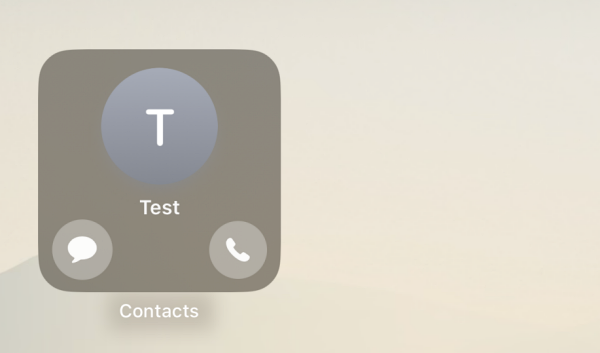
Customize Contacts Widget
The contacts widget allows you to add buttons for messaging and calling. And that’s not it. You could even configure each button to message/call via the app of your choice.
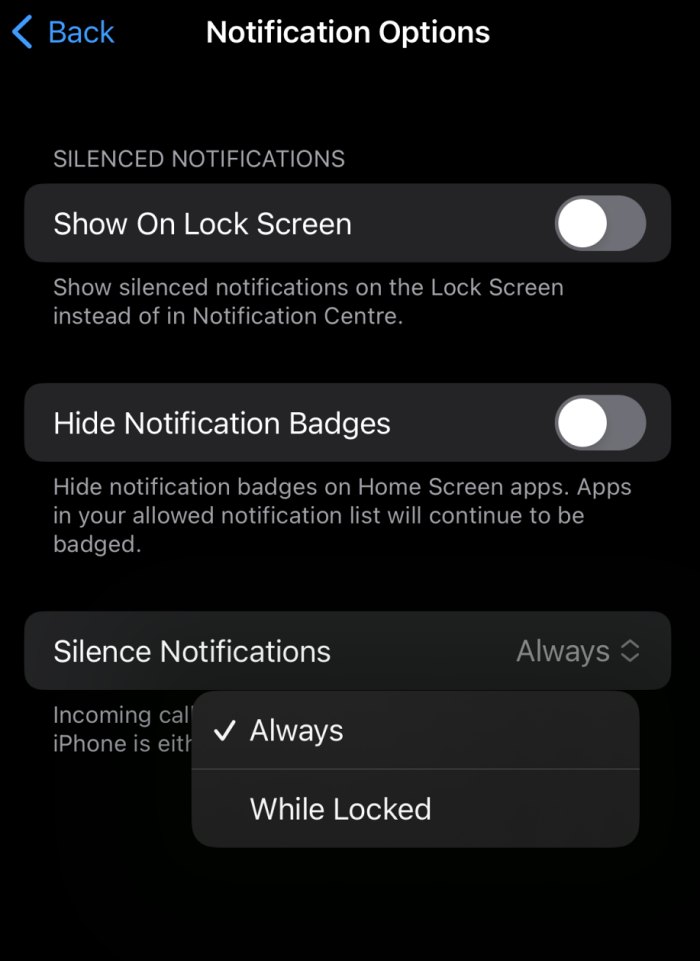
New silencing option in Focus Mode
The new silencing option in focus mode settings will also allow you to silence calls ‘when the screen is locked’ as opposed to only ‘always’, which was the only default option up until now.
Changes to the Weather App
There has been a truckload of new changes to the native Weather app as well.
Preferred Pronouns
Preferred pronouns (he/him/his, she/her/hers, they/them/theirs, etc.) are now available in the Contacts.
Redesigned Apple TV Lock Screen Control
The volume control is no longer a slider.

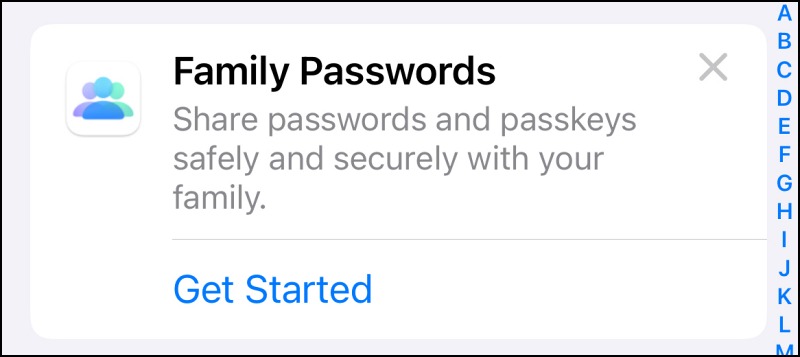
Family Passwords
Users of Apple’s Safari browser will be able to securely share their passwords and passkeys with each other.
- How to Download & Install iOS 17 on Your iPhone right away
- Download & Install macOS Sonoma on your Mac right away
- How to Download and Install iPadOS 17 on Your iPad Right Away
- How to Download & Install watchOS 10 onto your Apple Watch

(Cancel Reply)
Δ
