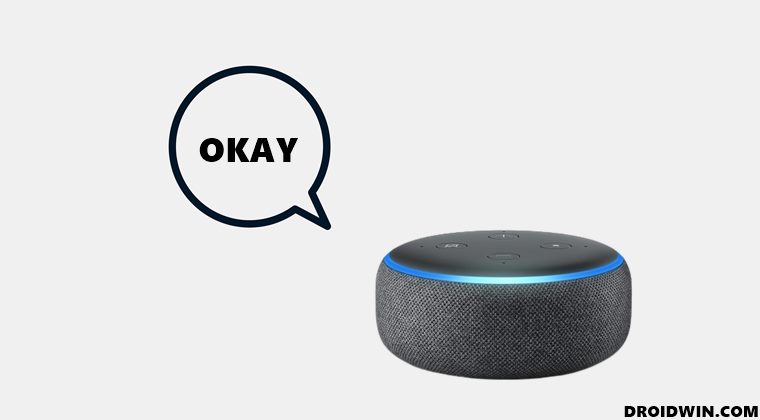
Moreover, whenever you issue it a command, it will respond back with an “Okay” message. While this seems to be fine at first, but over the due course of time, it could well prove to be quite irritating. To counter this, the virtual assistant comes built-in with a Brief Mode. When enabled, it will just play a short sound instead of “Okay” whenever you issue it a command.
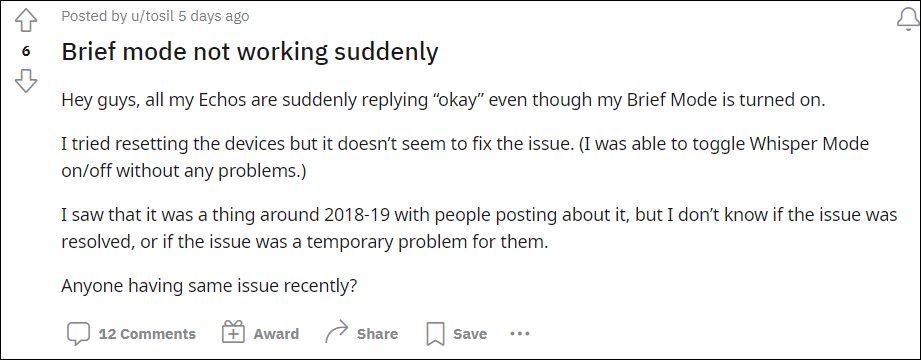
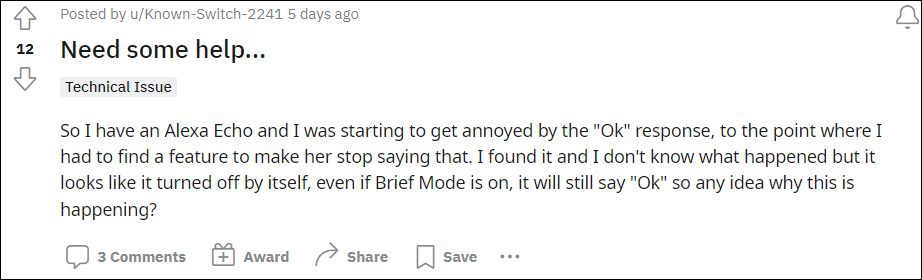
However, as of now, it isn’t working along the expected lines. Various users have voiced their concern that even after enabling the Brief Mode, Alexa is still responding with the Okay message. With that said, there does seem to exist a workaround that has spelled out success for some users. And in this guide shall make you aware of just that. So without any further ado, let’s get started.
As of now, the only workaround that seems to be giving some degree of respite is the restarting of Brief Mode. So proceed ahead with the below steps to disable and then re-enable it on your Alexa device.
- Launch the Alexa app and tap on More.
- Then select Settings followed by Voice Responses.
- Then turn off the toggle next to Brief Mode.
- Now wait for a couple of minutes and then re-enable it.
- Amazon App Store not working in Android 12: How to Fix
- Amazon App Store: This app will not work on your device [Fixed]
- Cannot Download Amazon Music Purchased Songs: How to Fix
- How to Sideload Android Apps on Windows 11 [Without Amazon App Store]

(Cancel Reply)
Δ
