- Fix Amazon Fire TV Remote Battery Drain Reset Amazon Fire TV Remote Use Amazon Fire TV App
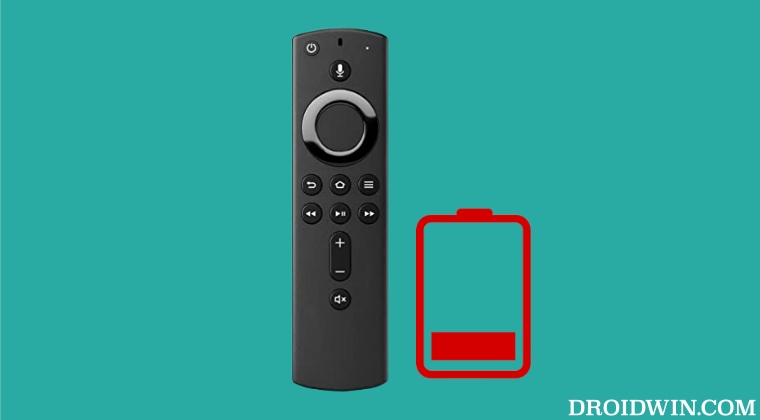
It is recommended that you try out each of the below-mentioned workarounds and then see which one spells out success for you. So with that in mind, let’s get started.
Your first course of action is to reset the remote to its factory default state using the below-listed steps [which is valid across all Alexa remotes, namely Alexa Voice Remote (1st Generation), Alexa Voice Remote (with volume and power buttons), Alexa Voice Remote Lite, and Fire TV Smart TV Remotes]
- To begin with, unplug your Fire TV and wait for a minute.
- Then press and hold the Left button and Menu button together.
- Now release the pressed buttons after 12 seconds.
- Then wait for 5 seconds and remove the batteries from your remote.
- Now plug in your Fire TV and wait for a minute.
- Then put the batteries back in your remote.
- Press the Home button on the remote. This should pair your remote.
- Now check if it fixes the Amazon Fire TV remote battery drain issue.
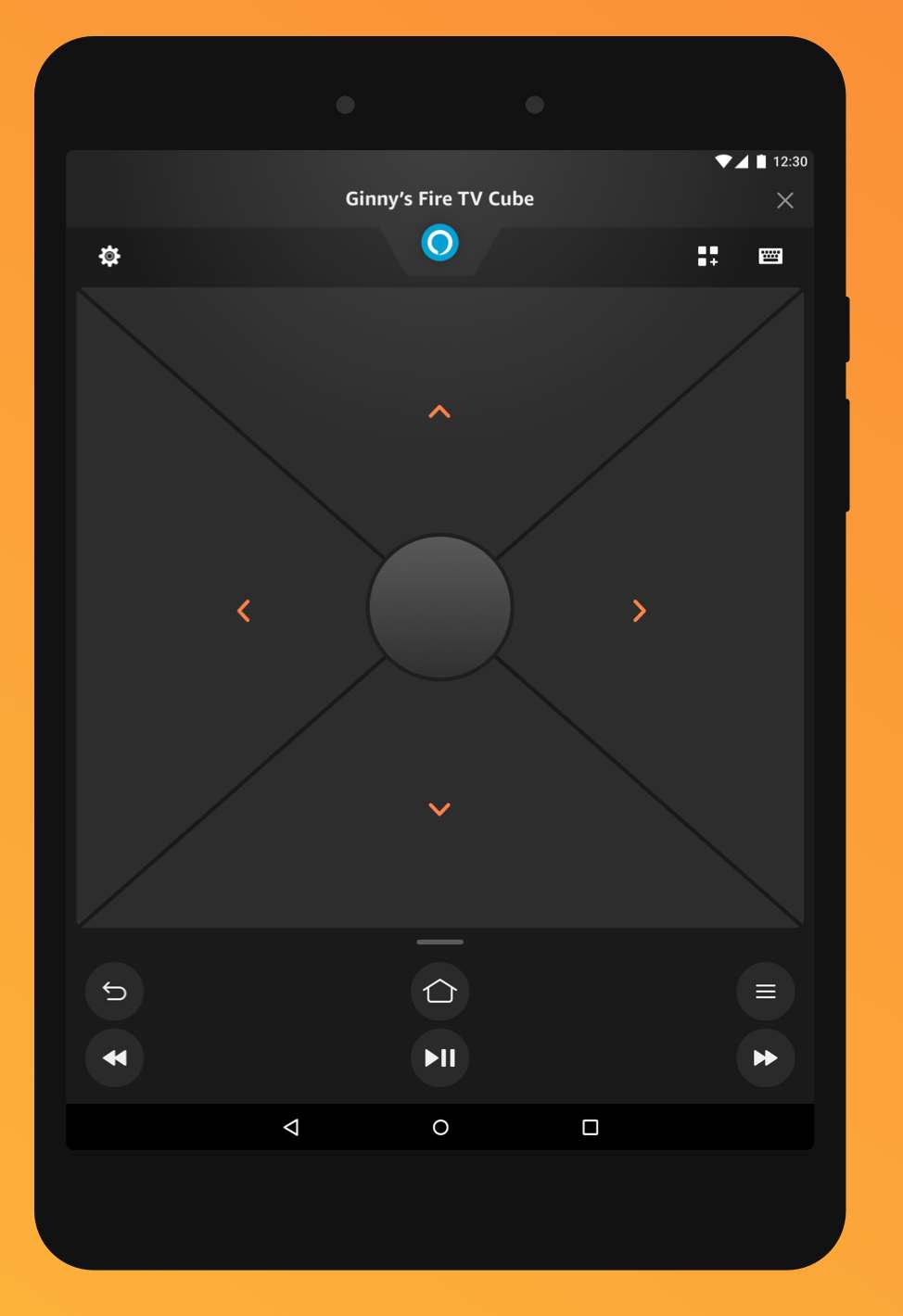
Credits: Amazon
- Install Wolf Launcher or any other Custom Launcher in Amazon Fire TV
- YouTube videos on Amazon Fire TV Stick stuck on thumbnail [Fixed]
- Amazon Prime Video Black Screen with Audio in Background [Fix]
- Downgrade Plex on Windows, macOS, Nvidia Shield, Amazon Firestick

(Cancel Reply)
Δ
