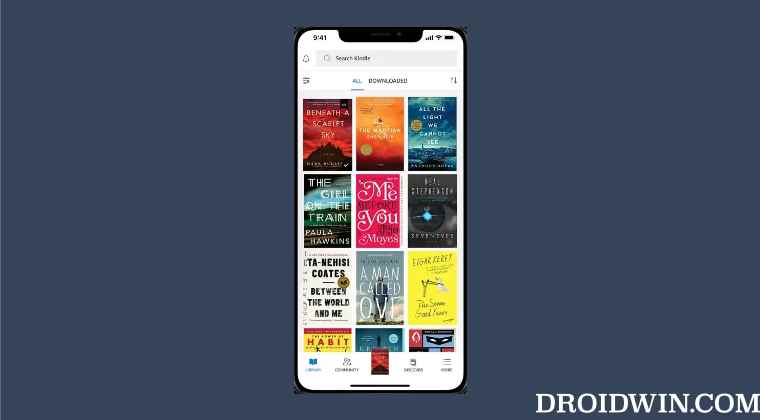
In order to resolve this issue, the only workaround that is spelling out success for the end users involves uninstalling and then reinstalling the app on their iOS device.
- Head over to the Setting menu and uninstall the Amazon Kindle app.
- After that, go to App Store and download and install its latest version.
- Then launch the app and sign in with your credentials.
- That’s it. You wouldn’t face any crashing issues now.
- Amazon App Store not working in Android 12: How to Fix
- Amazon App Store: This app will not work on your device [Fixed]
- Cannot Download Amazon Music Purchased Songs: How to Fix
- YouTube videos on Amazon Fire TV Stick stuck on thumbnail [Fixed]

(Cancel Reply)
Δ
