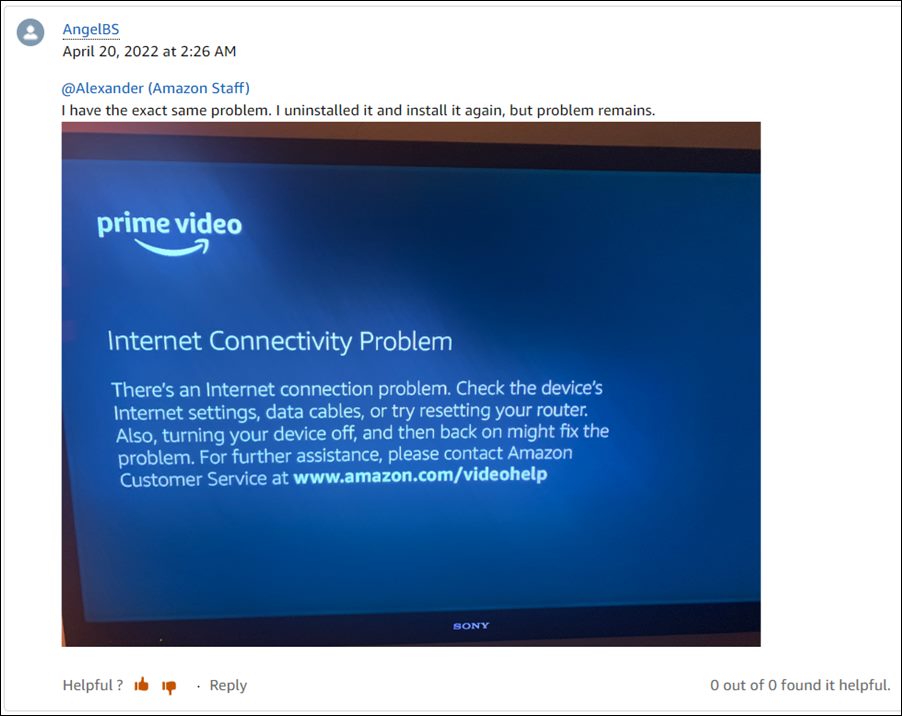
Users have already tried the basic workarounds of restarting the TV, router, and even reinstalling the app, but none of them spelled out success. So how to address this issue? Well, you will have to switch over to Google’s Domain Name Server from the current default one that has been assigned by your Internet Service Provider. So proceed ahead with the below steps to implement this fix.
- Head over to Settings > General > Network.
- Then go to Wi-Fi and select your network from the list.
- After that, select Configure DNS.
- Then choose Manual.
- Now type in 8.8.8.8 as the DNS Address and hit Done.
- It might look like 008.008.008.008 on your TV. That’s it.
- How to Fix Amazon Prime Video Error 7235 on Chromebook
- Amazon App Store not working in Android 12: How to Fix
- Chromebook screen flickers when watching videos in full screen [Fixed]
- Amazon App Store: This app will not work on your device [Fixed]

- DMS 4 years ago Reply Thank much, Sadique. After trying many posted suggestions as to how to fix this problem, your solution was the only one that worked. And it is so simple. Just a note–I found Network directly in Settings, not General
(Cancel Reply)
Δ
