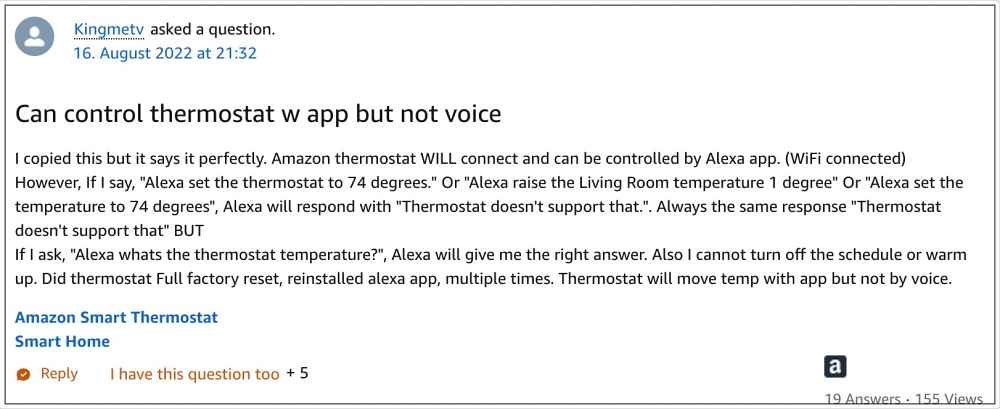
- Amazon Smart Thermostat Voice Commands not working FIX 1: Update Alexa App FIX 2: Re-Add Thermostat FIX 3: Delete Alexa Data FIX 4: Downgrade to Older Version
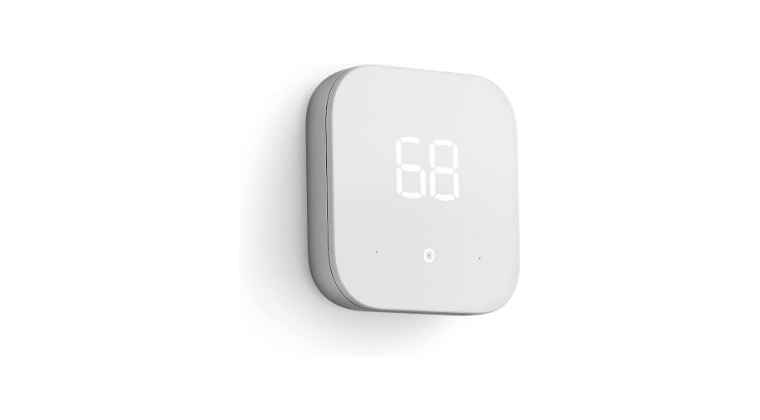
It is recommended that you try out each of the below-mentioned workarounds and then see which one spells out success for you. So with that in mind, let’s get started.
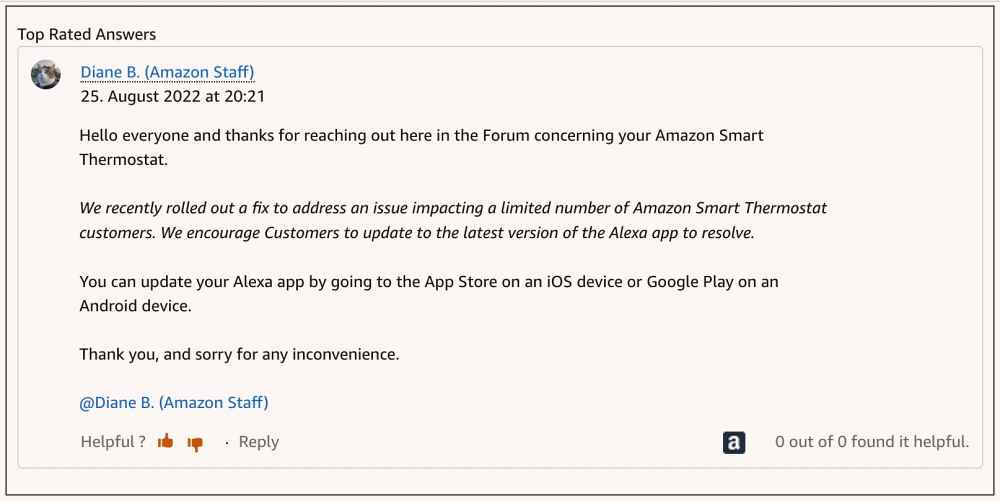
FIX 1: Update Alexa App
FIX 2: Re-Add Thermostat
Your next course of action should be to remove and then re-add the thermostat to the Alexa app. Do so and then check if it rectifies the underlying issue.
FIX 3: Delete Alexa Data
If the app’s data gets corrupted, then issues like the one that we are currently dealing with are bound to happen. Therefore, you should delete the data and let the app repopulate the same from scratch. Here’s how it could be done:
- To begin with, head over to Settings > Apps > See All Apps.
- Then select Amazon Alexa from the list and go to its Storage & Cache section.
- After that, tap on Clear Storage > Delete in the confirmation prompt.
- Now launch the app, sign it using your account, and set up the thermostat.
- Check if it fixes the Voice Commands not working issue with Amazon Smart Thermostat.
FIX 4: Downgrade to Older Version
- To begin with, head over to Settings > Apps > See All Apps.
- Then select Amazon Alexa from the list and tap on Uninstall > OK.
- After that, go to a third-party site and download an older version of Alexa.
- Now install using that APK but do not launch the app.
- Rather, go to Settings > Apps > See All Apps > Amazon Alexa.
- Then scroll to the end and tap on App Details. You will be taken to Play Store.
- Now tap on the overflow icon situated at the top right and uncheck Enable Auto Update.
- You may now launch the app, sign in to it and start using your thermostat without any issues.
- Amazon Alexa Brief Mode Not Working: How to Fix
- Google Nest Camera Doorbell No Push Notifications [Fix]
- Google Nest thermostat not turning on AC compressor [Fixed]
- Google Nest Camera Can’t connect to assisting device error [Fix]

(Cancel Reply)
Δ
