American Horror Story not loading on Hulu: How to Fix
In this guide, we will make you aware of a nifty workaround that could help you fix the issue of American Horror Story not loading on Hulu. This American horror anthology television series follows a different set of characters within the same fictional universe and owing to this, it seems to have managed to grab the attention of the masses. As far as the streaming is concerned, you could watch it on Hulu, well at least on paper, but the practicality aspect is far from it.
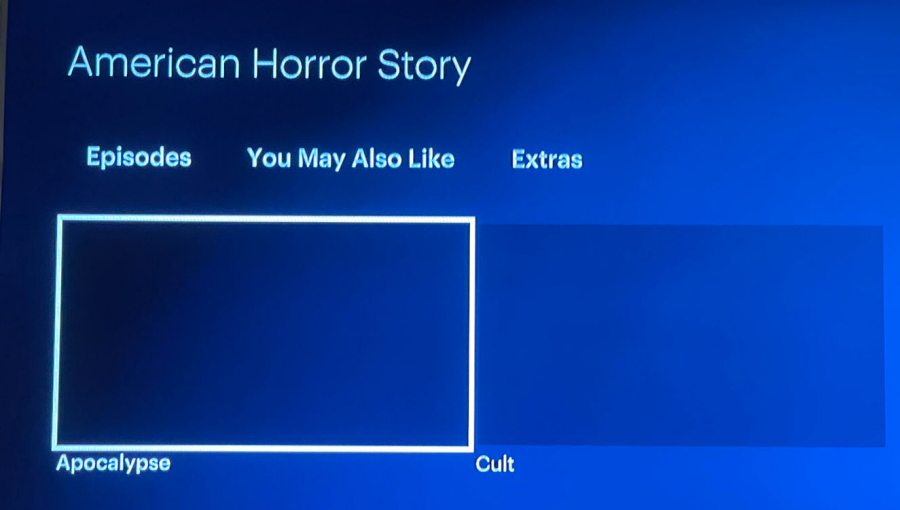
This is because numerous users have voiced their concern that the American Horror Story is not loading on Hulu. Whether they are trying to resume from the last watched point or trying to access a different episode, none of these tasks seems to be possible. While the episode names are visible, however, their posters are missing, and upon clicking on them, the episode wouldn’t load either. If you are also facing this issue, then this guide will help you out. Follow along.
Fix American Horror Story not loading on Hulu

- First off, go to the ‘Extras’ section of the American Horror Story.
- Then select and play its trailer. Don’t stop it in between and let it play till the end.
- As soon as it ends, the episode that you were last watching will automatically start.
- Netflix, Hulu, YouTube will not work on replaced Pixel Fold!
- Hulu audio lag/sync issue on Roku: How to Fix
- Hulu Up Next/AutoPlay next episode starts early: How to disable it
- What is Hulu Dogfood & How to Remove it from my screen

(Cancel Reply)
Δ
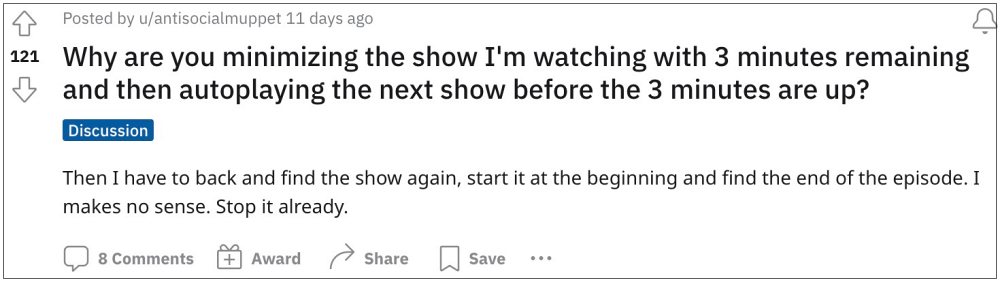
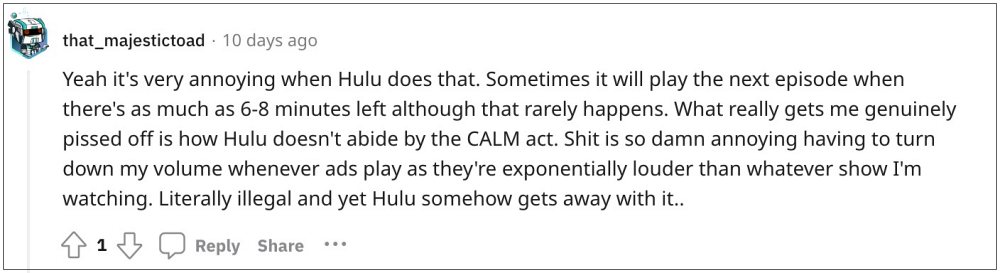
- How to Disable Hulu Up Next/AutoPlay next episode On TVs On Mobile On Website
We have listed the steps to get this job done across TV, mobile app, and website. You may refer to the one which is in sync with your requirement.
On TVs
- Scroll to the left or select Back to open navigation bar.
- Then select Settings and turn off the AutoPlay toggle.
On Mobile
- Tap on the account icon and select Settings.
- Then turn off the toggle next to AutoPlay.
On Website
- During playback, click on the Settings icon.
- Then turn off the toggle next to AutoPlay.
- What is Hulu Dogfood & How to Remove it from my screen
- Netflix/Prime/Hulu Distorted and Pixelated color issue on Xbox [Fix]
- Hulu is no longer supported on this device error: What’s next?
- Hulu App Audio Not Working on iPad: How to Fix
(Cancel Reply)
Δ
