Android 14 Black Camera Viewfinder bug on Pixel: How to Fix
In this guide, we will show you various methods to fix the black camera viewfinder bug on Pixel devices running Android 14. The fourteenth iteration of the OS has brought in a truckload of goodies to the fore. Some of the noteworthy ones include the likes of new photo pickers , lock screen customizations , Notification Flash , Auto-Confirm Lock Screen [finally!], and Predictive Back Gesture . On the flip side though, a few bugs seem to have crept in as well.
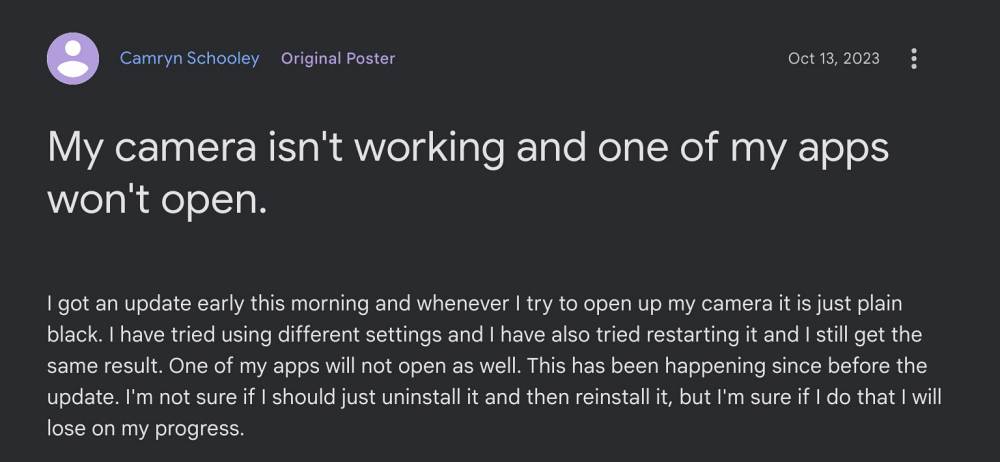
Among them, one of the most concerning ones is the black camera viewfinder bug on numerous Pixel devices running Android 14. For many, it is only affecting the rear camera but for some, the matter is far worse as both the front and rear camera’s viewfinder are bugged. Some have also said that the camera app is crashing as soon as they launch it. If you are facing these issues. then this guide will help you rectify them. Follow along for the fixes.
Fix Android 14 Black Camera Viewfinder bug on Pixel
Just click on the desired fix to open it and try out the steps that it recommends:
FIX 1: Boot to Safe Mode

FIX 2: Force Stop Camera

FIX 3: Disable and Re-Enable Camera

FIX 4: Toggle Camera Access

FIX 5: Remove Battery Limitations for Camera

FIX 6: Unpause App Activity of Camera

FIX 7: Delete Data of Camera

FIX 8: Downgrade Google Camera

FIX 9: Use Alternative Camera Apps

FIX 10: Factory Reset Device

FIX 11: Opt Out of Beta [For Android 14 Beta Users]
- How to Enable Camera Flash for Notifications on Android 14
- Wrong Date/Time on Photo taken by Google Camera on Pixel
- Download Google Camera 9.0 APK [List of all new features]
- Pixel Fold Real Camera Not Working: How to Fix

(Cancel Reply)
Δ
