Apple Watch Ultra 2 AOD Low Brightness Issue comes to “light”
Numerous users have reported about the AOD low brightness issue in Apple Watch Ultra 2. The Cupertino giant has recently rolled out its second generational watch with a slew of intriguing features. Some of the noteworthy ones include the likes of Fast Charging, precise finding for iPhone, crash detection, new cycling features, Double Tap, and Siri on-device. On the flip side though, it isn’t free from its fair share of issues either.
Apple Watch Ultra 2 AOD Low Brightness Issue comes to “light”
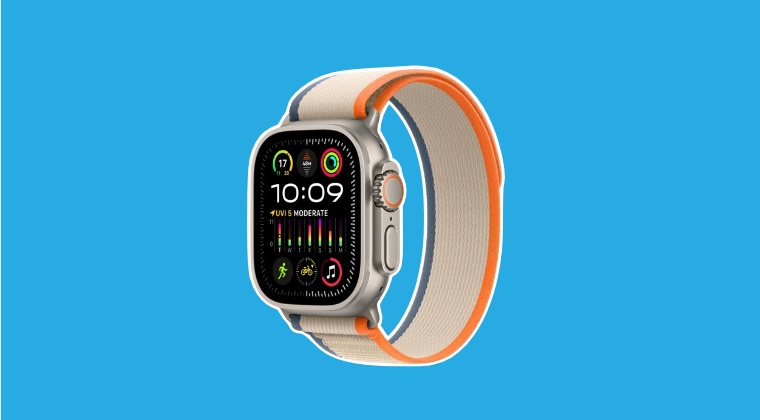
In this regard, recently we talked about the weird screen flickering issue . While that bug is yet to be addressed, a new one has already made its way. As of now, numerous users have voiced their concern about the AOD Low Brightness issue in Apple Watch Ultra 2 which results in their inability to view contents on their watch in dark and low light environments.
There are no override settings available and the brightness is already set to full, but even then it doesn’t seem to be sufficient in the aforementioned conditions. Moreover, the fact that you cannot disable the auto dim or at least raise the lower minimum brightness further infuriates the user base, and rightly so. To make matters worse, its brightness slider doesn’t yield any decent result either- the second and third level gives out the same level of brightness!
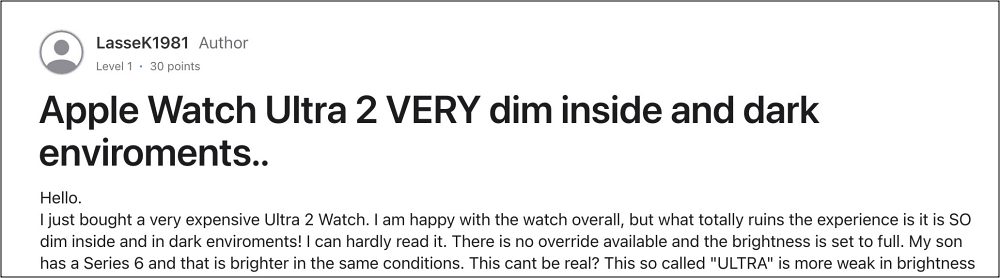
All in all, users are really disappointed and even surprised as to how Apple ended up releasing this product without actually vigorously testing it under different conditions. Fortunately, it’s not a hardware issue but just software and could easily be resolved via an update. However, for that to happen, make sure to file the bug report and make the tech giant aware of the same [UPDATE: Apple might be aware of this bug].
- Apple Watch 2/Ultra Purple Flickering Issue comes to light
- Fix Apple Watch Weather Complication not working on watchOS 10
- Fix watchOS 10: Favorites Dock Removed from Apple Watch
- Here’s why you cannot swipe between watch faces on WatchOS 10

(Cancel Reply)
Δ
