Asus ZenFone 9 random restart: How to Fix
In this guide, we will show you various methods to fix the random restart issue on your Asus ZenFone 9. Every OEM comes with its high-end model that offers the absolute best in the class specification and feature sheet. However, apart from that, they also have another thing in common which isn’t usually welcomed by a section of users- a huge large display size.

There are some who wish to have a compact device that falls in the flagship category, and for them, there couldn’t have been a better device than the latest offering from Asus. However, in spite of all the goodies that it has to offer, it isn’t free from its fair share of issues either. As of now, numerous users have voiced their concern that they are facing random restart issues on their Asus ZenFone 9.
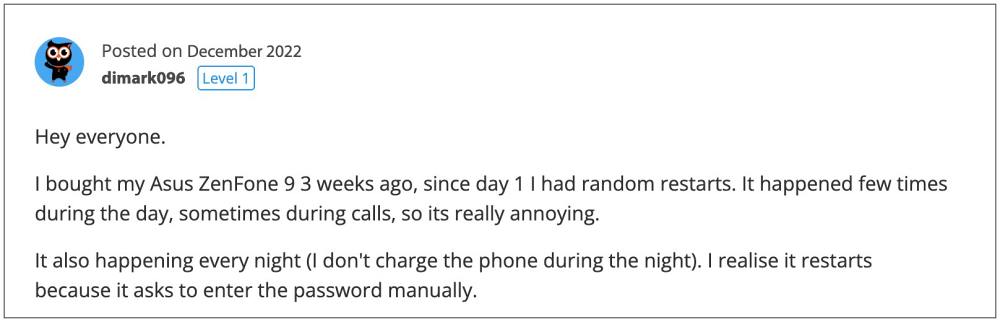
While a concrete correlation is yet to be established, but many have said it tends to happen during the night when they plug in their device for charging. Moreover, the issue was first reported during the Android 12 days and it remained unaddressed even with the Android 13 update. So if you are also getting bugged by this issue, then this guide will help you out. Follow along for the fixes.
- How to Fix Asus ZenFone 9 Random Restart FIX 1: Disable Bedtime and Automatic DND FIX 2: Disable Face Unlock FIX 3: Downgrade OS FIX 4: Replace Motherboard?
How to Fix Asus ZenFone 9 Random Restart

It is recommended that you try out each of the below-mentioned workarounds and then see which one spells out success for you. So with that in mind, let’s get started.
FIX 1: Disable Bedtime and Automatic DND
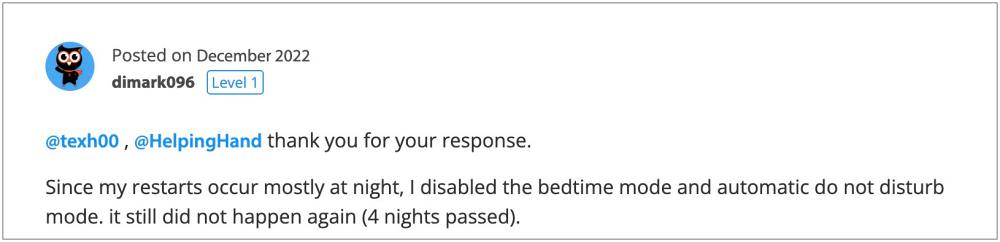
Many users have reported that upon disabling the Bed Time and the Automatic Do Not Disturb Mode on their Asus ZenFone 9, they didn’t face random restart issues. So give this tweak a try and then check if it works out in your favor.
FIX 2: Disable Face Unlock
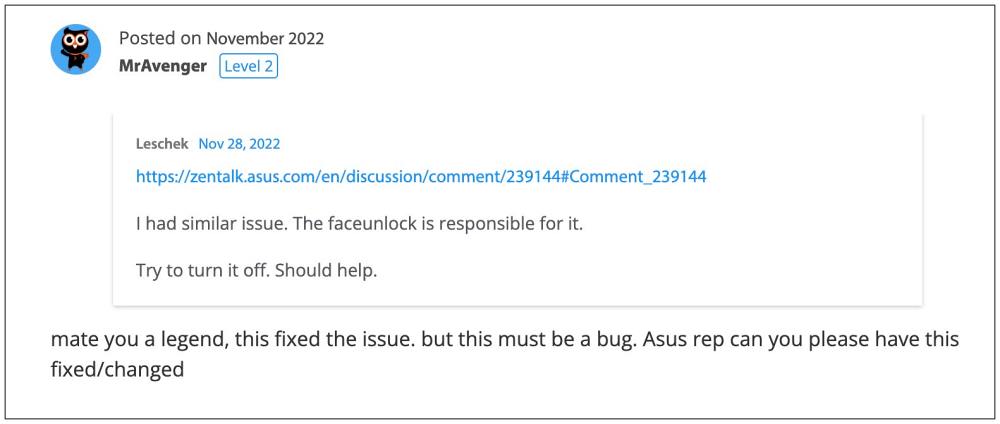
For some, disabling the Face Unlock on their device did manage to rectify the underlying restart issue. So try out this workaround and check if it spells out success for you or not.
FIX 3: Downgrade OS
For the tech enthusiast, they could consider downgrading their device to an early build of Android 12 during which the issue wasn’t present. However, do note that the process requires an unlocked bootloader- which will result in a factory reset and could nullify the device’s warranty as well. If that’s well and good, then do check out this guide to get the job done.

FIX 4: Replace Motherboard?
Some of the affected users have also reported that they were only able to rectify the random restart issue on their Asus Zenfone 9 after replacing the device’s motherboard. While this might result in shelling out some bucks but if you are planning to take this route, then please take the official route only [Asus Service Center].

That’s it. These were the various methods that should help you to fix the random restart issue on your Asus ZenFone 9. As far as the official stance on this matter is concerned, the developers are yet to acknowledge this issue, let alone give out any ETA for the rollout of a fix. As and when any of these two things happen, we will update this guide accordingly. In the meantime, the aforementioned workarounds are your best bet.
- How to Unlock Bootloader on Asus Zenfone 9
- How to Root Asus Zenfone 9 via Magisk Patched Boot
- Guide to Unbrick Asus Zenfone 9 via Fastboot Commands
- How to Downgrade Asus Zenfone 9 from Android 13 to Android 12

(Cancel Reply)
Δ
