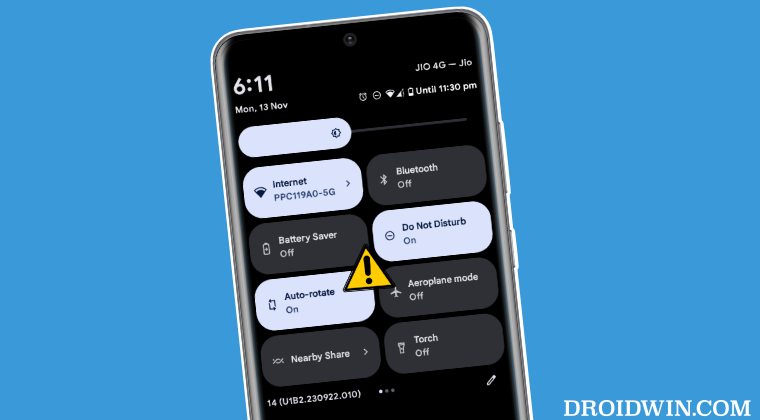
Auto Rotate not working on Android 14 [Fixed]
In this guide, we will show you the steps to fix the issue of Auto Rotate not working on your rooted Android 14 device. The fourteenth iteration of the OS has brought a slew of intriguing goodies to the fore. To further expand its capabilities, you could gain administrative privileges by rooting it via Magisk [either via patched boot or init_boot]. This in turn will pave the way for the entrance of numerous Magisk modules and custom binaries.
On the flip side though, rooting does bring in a few uninvited risks as well, with the tripping of SafetyNet being the most concerning one. Apart from that, you might also come across a few minor yet infuriating bugs with the everyday usage of your device. One such issue is with the Auto Rotate not working along the expected lines on Android 14. According to the affected users, as soon as they go to landscape mode, the app that they are currently in suddenly crashes.
The issue is with both the Stable and Beta build of Android 14, so that isn’t the culprit. So we went through numerous user reports and found out that one thing stood in common among all. And that indeed proved to be the culprit. So it’s time to make you aware of the same and bid adieu to this issue once and for all.
Fix Auto Rotate not working on rooted Android 14
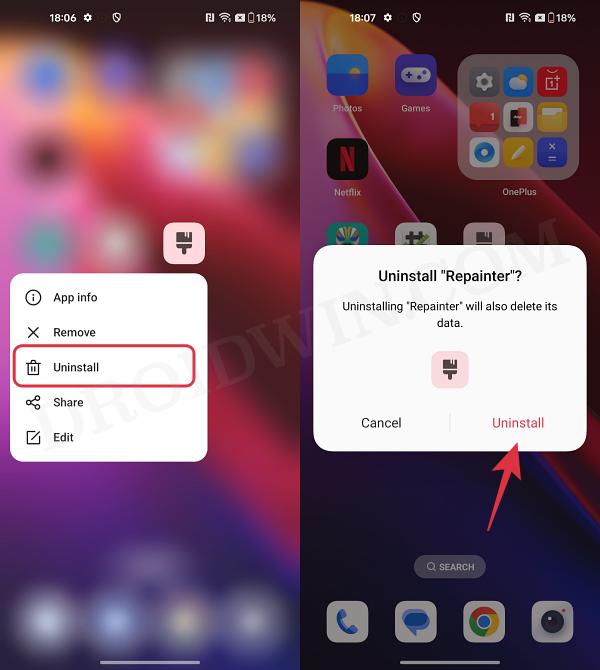
Whenever an issue pops up in the rooted environment, then your first course of action should be to disable all the Magisk modules and rooted apps. Then enable them one at a time until you can re-create the issue. Once that happens, the last enabled module will be the culprit.
- Pixel Mobile Network not working on Android 14 [Fixed]
- Pixel 5G not working after Android 14 update [Fixed]
- Always On Display AOD not working on Android 14: How to Fix
- Navigation Swipe Gesture not working on Android 14: How to Fix

(Cancel Reply)
Δ
