Boat Disappears in Minecraft after Update 1.18: How to Fix
In this guide, we will show you various methods to fix the boat disappearing issue in Minecraft after the 1.18 update. When it comes to sandbox video games, then there is no denying the fact that the offering from Mojang is right at the top of pecking order for many users. This procedurally-generated 3D world has a plethora of things to offer, with both the survival and creative mode having their own distinctive feature set.
However, in spite of all the goodies that it has to offer, it isn’t free from its fair share of issues either. As of now, various users have voiced their concern across the Reddit Forum that the boat is suddenly disappearing as soon as their character gets off it. They only go a few distances and when they turn back, it is nowhere to be seen. For others, the issue is much more concerning as the boot seems to go invisible as soon as they hit the Ctrl key to exit it.
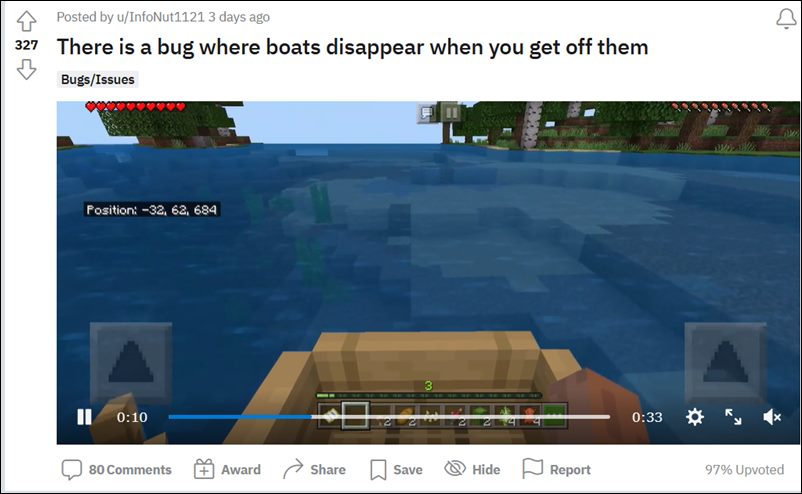
As a result of this, users have already lost many boats as well as the animals that there were present within it. All in all, it seems that if you travel a distance greater than your render distance setting from where you first embarked, then the boat would disappear. While this is indeed a concerning issue, there do exist a couple of workarounds that have known to fix the boat disappearing issue in Minecraft after the 1.18 update. So without further ado, let’s check them out.
- How to Fix Boat Disappears in Minecraft after Update 1.18 FIX 1: Shoot your Invisible Boat FIX 2: Move 70 Blocks FIX 3: Reload World FIX 4: For Players using Cheats/Commands
How to Fix Boat Disappears in Minecraft after Update 1.18
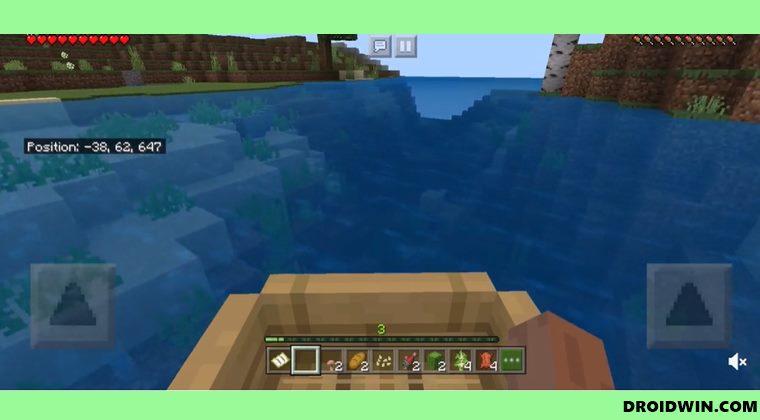
Here are four different workarounds that have been known to spell out success for many users. Try out each of them and then see which gives out the maximum success rate in your case.
FIX 1: Shoot your Invisible Boat
First and foremost, you should try shooting your ‘invisible boat’ with a sufficiently strong bow. But where should you aim? Well, you should aim at the place where you exited the boat. Try this tweak and check if it fixes the boat disappearing issue in Minecraft.
FIX 2: Move 70 Blocks
Next up, try moving 70 blocks horizontally from the location where your boat disappeared and come back, the boost should reappear.
FIX 3: Reload World
Along the same lines, you could also reload the word to rectify this issue.
FIX 4: For Players using Cheats/Commands
- If you are using cheat codes or commands, then make sure that you have only one boat within a distance of 20 blocks: /ride @s start_riding @e[type=boat,r=20]
- Along the same lines, if you want to do it for another player: /execute Player_Name ride Player_Name start_riding @e[type=boat,r=20]
- How to Hack the Wordle Game [And Why You Shouldn’t!]
- PUBG New State: You have been disconnected from the game [Fixed]
- How to Fix Rust Game Freeze/Crash issues on Xbox, PS4, and PS5
- How to Block Ads in Games without going Offline

(Cancel Reply)
Δ
