Bring Back YouTube Old UI Layout [Update: Oct 2025]
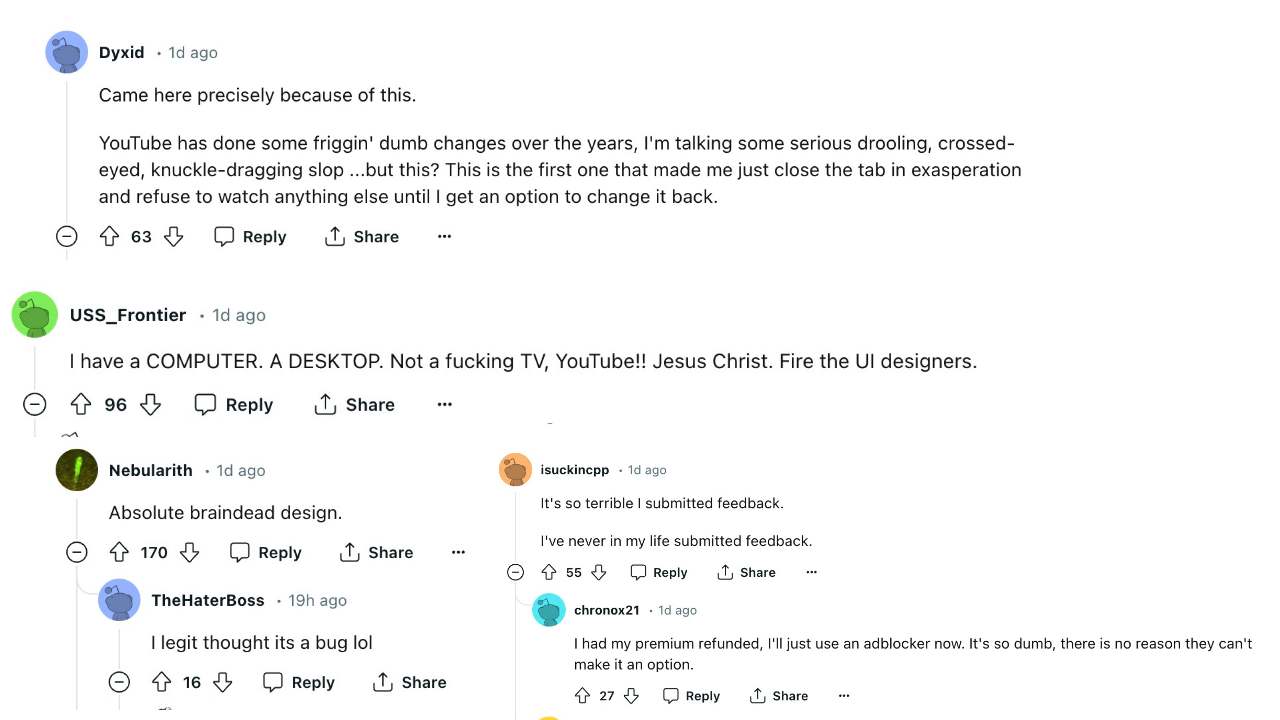
UPDATE 2 [October 2025]: YouTube has rolled out, ruined yet another update, wherein many users have called it an “update for the older” due to those large UI and icon sizes, not to mention the weird likes and dislikes buttons.

However, the biggest issue pertains to the Playlist . Earlier, you could add all the videos at one go to the Playlist, simply by checking the desired videos. However, now, the selection video closes after each choice, forcing you to re-open it each time you wish to add a video to the playlist [you could temporarily get back the old Playlist style, using the instructions given below in this guide].

UPDATE 1 : The streaming giant has again released a new update, ruining its entire UI/UX and infuriating the masses. But we have again managed to get hold of a couple of nifty workarounds that should help you bring back the old YouTube UI. Scroll to the end of the guide to know more about the same. The original article is preserved below.
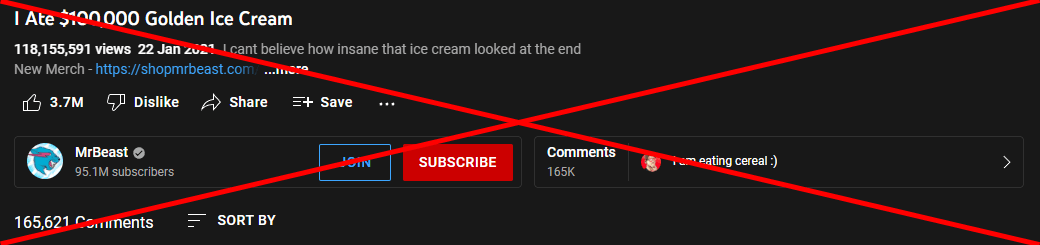
Credits: YouTube – Proper Description
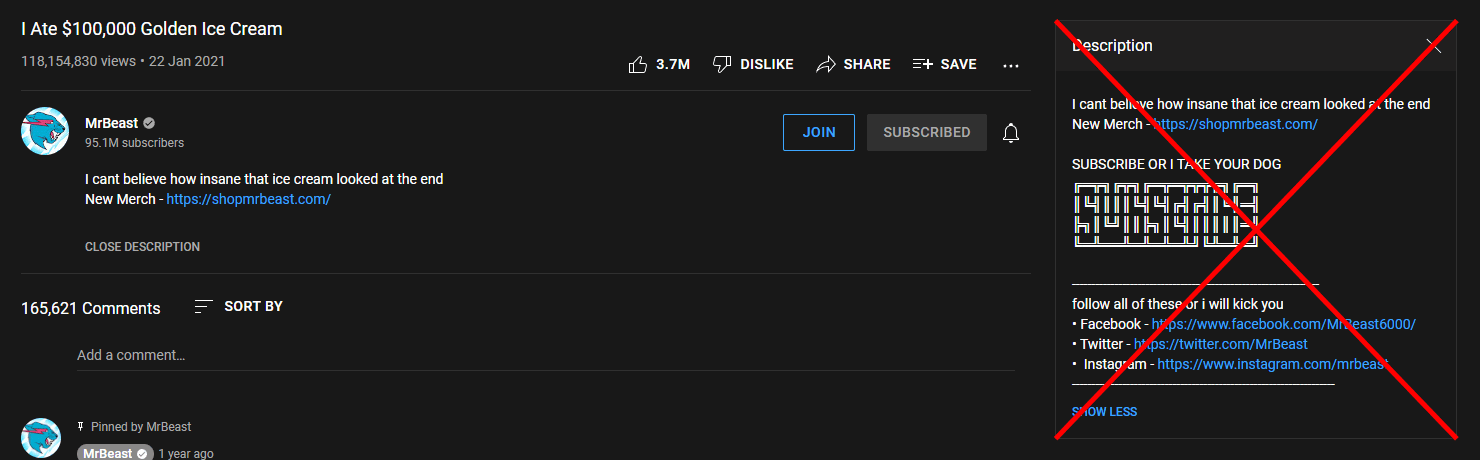
Credits: YouTube – Proper Description
On the other hand, some users have received a slightly different UI change wherein the video description section is sent to the right of the screen. Both these changes are something that users didn’t ask for in the first place, but are now left with no choice but to stick with this UI. Or is that really the case? Well, there does exist a nifty workaround through which you could bring back the old YouTube UI layout. And in this guide, we will show you how to do just that. Follow along.
- How to Bring Back Old YouTube Playlist
- Bring Back YouTube Old UI: Send Comments/Description at the Bottom UPDATE: More users are receiving the New YouTube Layout
- How to Bring Back the Old YouTube UI in 2025 FIX 1: Using uBlock Origin FIX 2: Using Tampermonkey FIX 3: Use Enhancer for YouTube
How to Bring Back Old YouTube Playlist
As already discussed above, the new YouTube Playlist now requires you to add one video at a time, as opposed to being able to add multiple videos at once. This calls for unnecessary time and effort. Fortunately, we have a workaround in hand, using which you can easily get back the old playlist style. Here’s how:
- Head over to Settings > Apps > All Apps > YouTube.
- Then tap on the overflow icon at the top right and select Uninstall Updates > OK.
- Now go to the Play Store, search YouTube, and tap on the overflow icon at the top right.
- Finally, uncheck Enable Auto Updates, and your task stands complete.

- To begin with, install the TamperMonkey Script Manager in your browser.
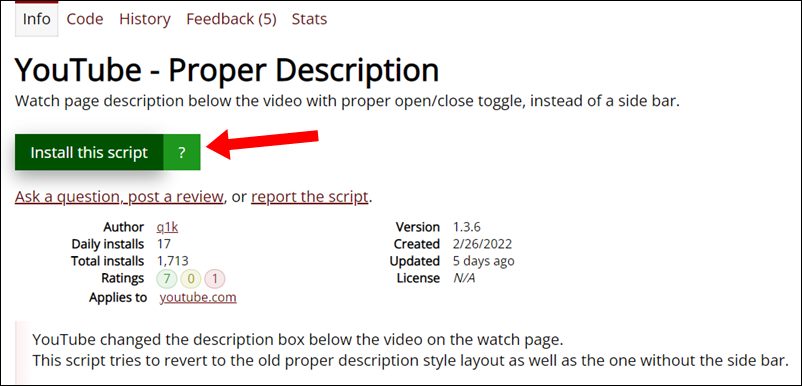
- Then head over to the GreasyFork website and click on Install this script next to YouTube Proper Description.
- TamperMomkey will now open the script. Click on Install. Once installed, restart the browser.
- Now open YouTube and you should see the old UI layout with the comments and description at the bottom. Credits: YouTube – Proper Description
So were the steps to bring back the old YouTube UI layout. It’s never a good change to begin with, when a user has to rely on a third-party script to revert a change that has been introduced by the developers. But that’s the way it is for now, and we don’t see there being any changes either.
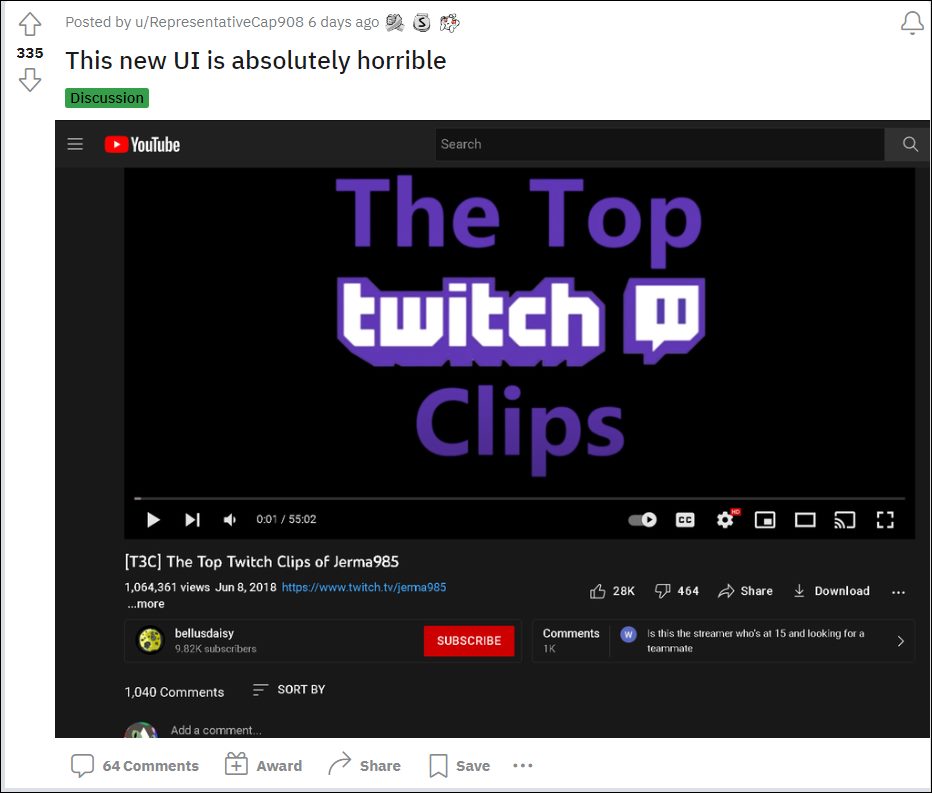
Moreover, if this feature is going through a testing phase, then a much better approach will be to carry out this test in a closed environment with only the beta testers as opposed to rolling it out for the stable users. Or if they had to include the general audiences for a much larger sample unit, then you should have atleast given us a toggle to enable/disable this change. But unfortunately, that isn’t the case and a third-party script is our only dependency.
UPDATE: More users are receiving the New YouTube Layout
At the time of initially writing this article [October 2022], this was an A/B testing going on in the backend, so only a handful of users were affected by it. However, it seems Google has now really picked up the pace as the reports of users being impacted by this unwanted UI tweak has increased drastically over the last couple of weeks. Fortunately, the aforementioned tweak would still help you bring back the old YouTube UI layout.
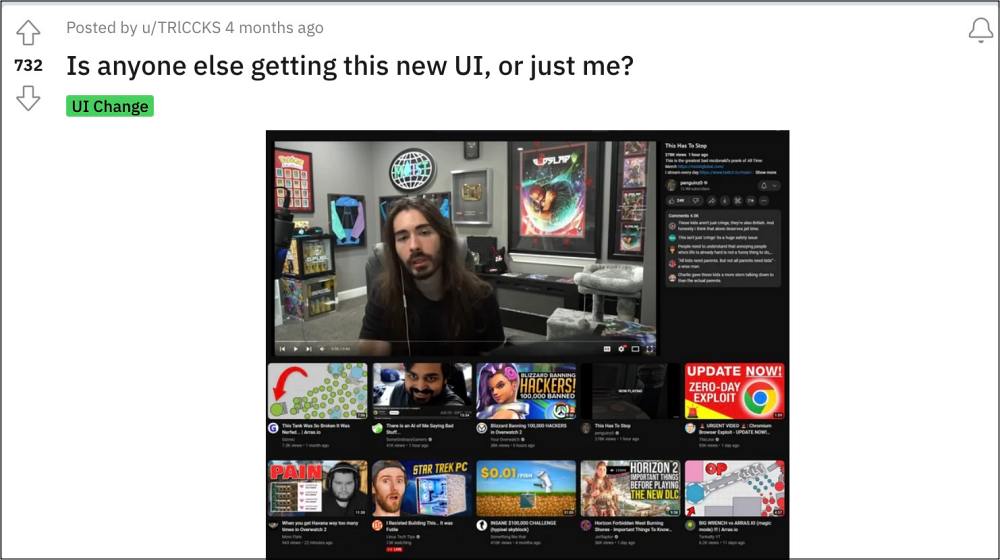
How to Bring Back the Old YouTube UI in 2025

There’s definitely some study needed as to how YouTube manages to make its UI worse than before with each new update, seriously it’s no easy task in itself, as it could have been the case that one of the updates might unintentionally make the interface great again, but that hasn’t happened till date and judging by the looks of it, wouldn’t happen in the near future either.
FIX 1: Using uBlock Origin
- First off, download and install the uBlock Origin extension in your browser.
- Then click on the extension icon, select uBlock, and click on its Settings icon.
- Now go to My Filters and paste the below two filters [one in each line]: youtube.com##+js(set, yt.config_.EXPERIMENT_FLAGS.kevlar_watch_grid, false) youtube.com##+js(set, yt.config_.EXPERIMENT_FLAGS.kevlar_watch_max_player_width, 1280)
- Then click on Apply Changes, refresh the YouTube website, and check out the result.
FIX 2: Using Tampermonkey
You could also get this job done using the Tampermonkey script that we have discussed in the above section of this guide. So scroll up and carry out the steps listed there . Check if it spells out success for you or not.
FIX 3: Use Enhancer for YouTube
You may also try out the Enhancer for YouTube extension and it should help you get the old UI back. Simply download and install the extension from the links given below and your task stands complete:
Chrome Download
Firefox Download
Edge Download
How to Disable YouTube’s Most Replayed Feature
YouTube Videos Missing Upload Date: How to Fix
Bring Back Sort By Date Added Oldest option on YouTube
How to Remove Shorts from YouTube Website

(Cancel Reply)
Δ
