Cannot Pair Galaxy Watch with Rooted Device: How to Fix
Over the past couple of months, we have witnessed numerous reports from users that they were unable to pair their Galaxy Watch with their rooted Android device. While such issues are usually common in a rooted environment but still need to be addressed at the earliest. In this regard, we went through those reports but couldn’t find a common module that might have given birth to this issue.
Upon further investigation, we ultimately got hold of one interesting factor- all those devices were passing the SafetyNet test. But how could passing the SafetyNet result in this issue, if only it should help in further streamlining the process of pairing the watch in a rooted ecosystem? Let’s find out.
Why You Cannot Pair Galaxy Watch on Rooted Device
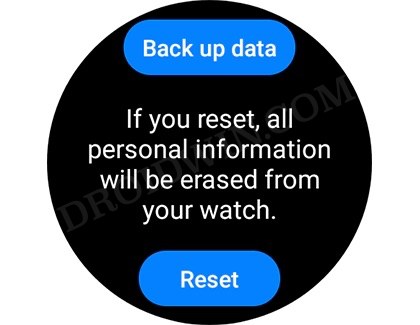
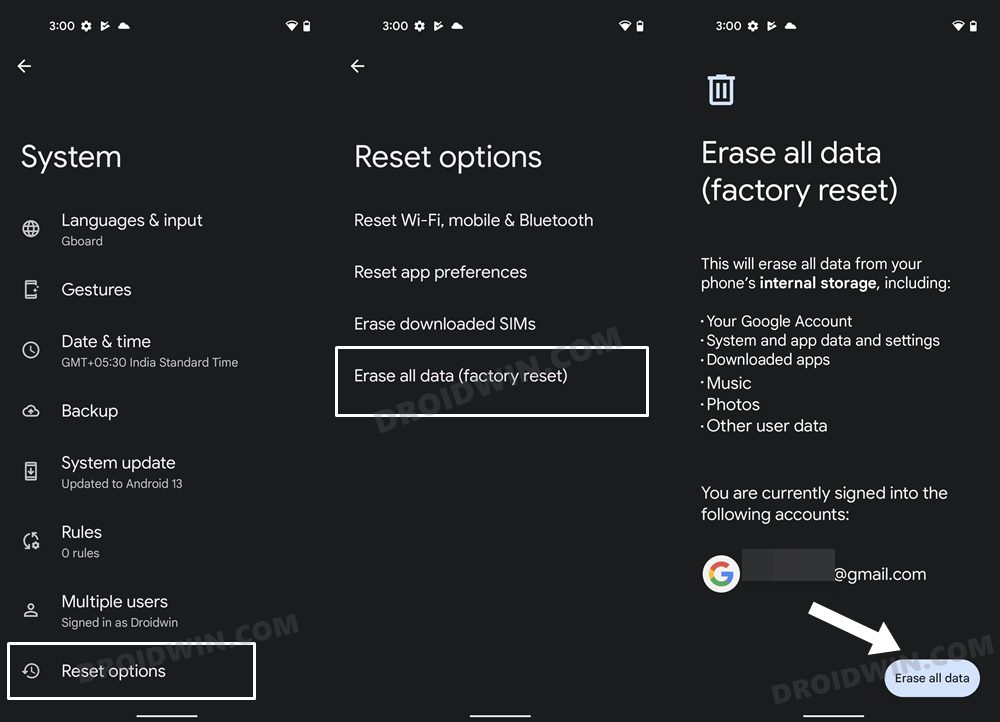
For the unaware, during the passing of the SafetyNet Test , one of the steps involves you to delete the data of Google Play Services. And this is your culprit. Yes, once you delete the data of Google Play Services, you won’t be able to pair your Samsung Galaxy Smart Watch until and unless you format data/factory reset your device as well as your watch. This is applicable for all variants of smartwatch as well as for all Android devices.
UPDATE: Install Knox Patch
Apart from the aforementioned tweak, it is also recommended that you flash the Knox Patch Module on your rooted device, if you own a Samsung phone.
- How to Enable Apple’s Watch Double Tap on Galaxy Watch
- Cannot Connect Watch to Galaxy Watch Studio [Fix]
- Install Custom Fonts on any Samsung Galaxy Watch
- Cannot Activate LTE on Galaxy Watch 6: How to Fix
- Download and Install Galaxy Watch 6 Faces on any Smartwatch

(Cancel Reply)
Δ
