Cannot Set 5GHz Frequency Hotspot on Android: How to Fix
In this guide, we will show you a nifty method to fix the issue of being unable to set the 5GHz frequency hotspot on your Android device. There are a few features that are restricted based on the region that you belong to. These limitations aren’t hardware-backed but instead restricted on a software level. So this gives us the perfect opportunity to remove those roadblocks and get hold of the features that are not available in your region.
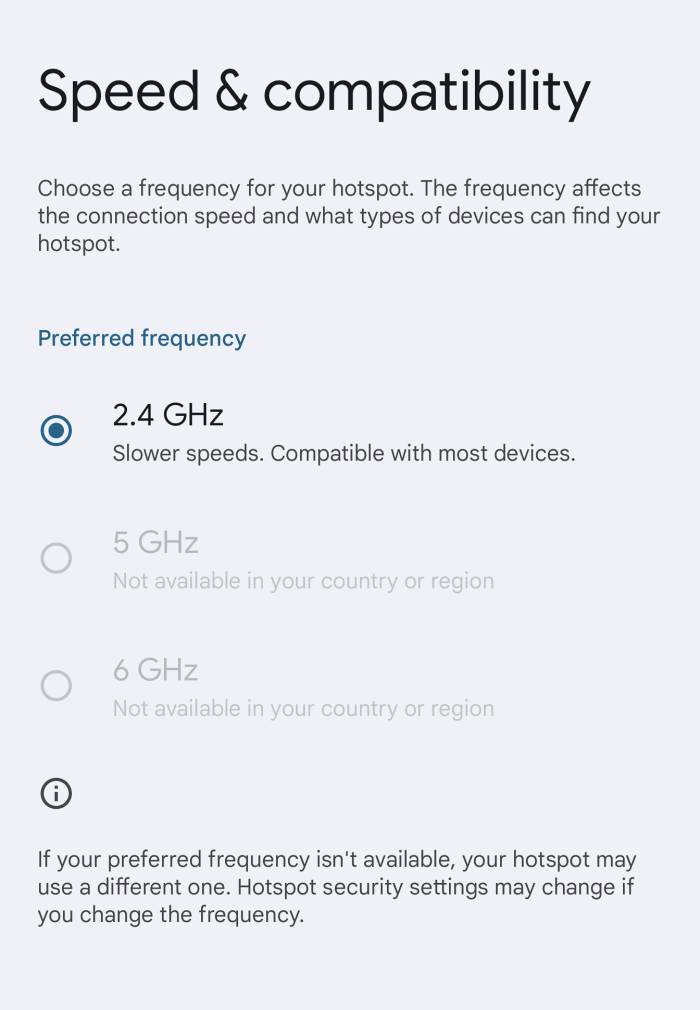
One such functionality is the ability to choose 5GHz or 6GHz Hotspot frequency on your Android device. Depending on the region you belong to, this feature might be greyed out for you. If that is the case, then you are missing out on a faster data transmission speed. Well, not anymore! In this guide, we will show you a nifty workaround that should help you remove this restriction from your device once and for all. Follow along.
Cannot Set 5GHz Frequency Hotspot on Android
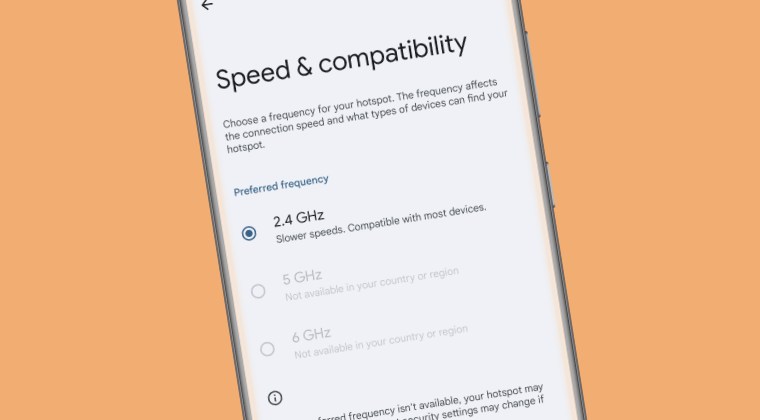
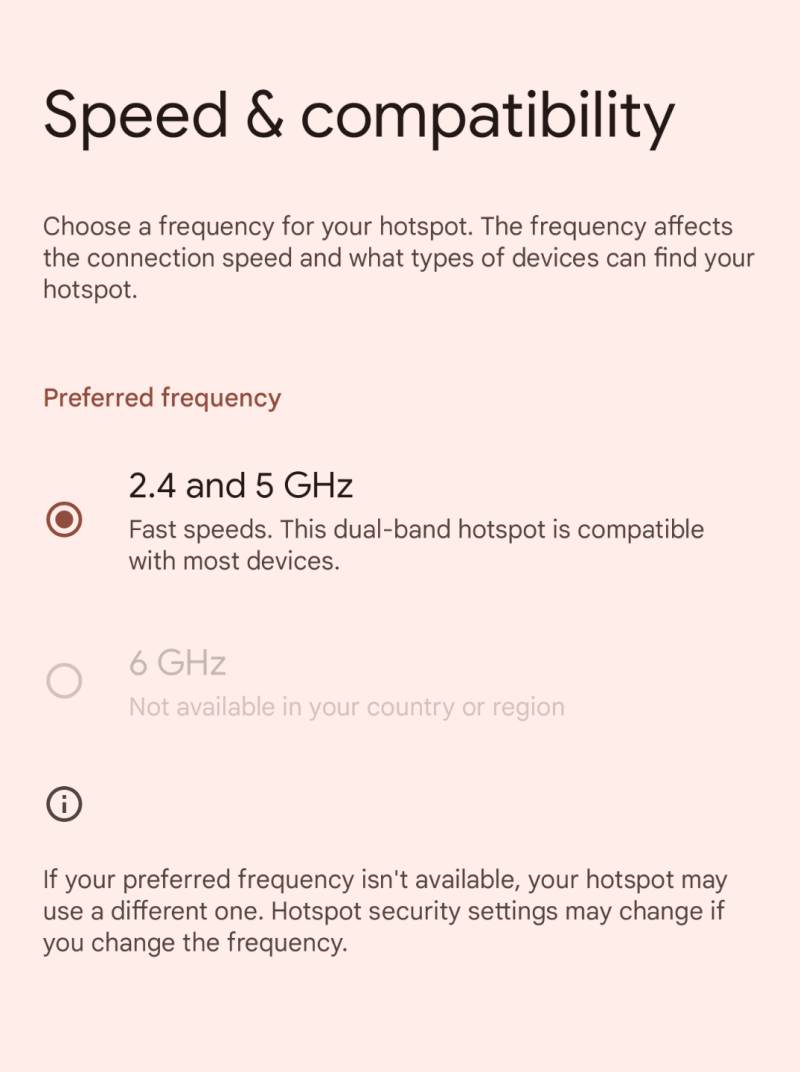
In order to get this job done, you’ll have to root your device via Magisk and then install the open-source VPN Hotspot app from the Play Store . Then launch it and manually modify the hotspot frequencies as per the need. In our case, while it was able to unlock the 5GHz, however, it didn’t manage to do so for the 6GHz [which didn’t matter much because we were looking to unlock 5GHz only as many devices are not yet compatible with 6GHz].
- Fix OnePlus 11 PHB110 Hotspot not working due to Overheating
- How to Enable 6GHz Wi-Fi 6E Hotspot on Android Devices
- 5GHz Hotspot not working on Pixel 7/Pro: How to Fix
- Pixel Hotspot Authentication Failure Error: How to Fix

(Cancel Reply)
Δ
