Cannot Update Files by Google: How to Fix
In this guide, we will show you the steps to fix the issue of being unable to update the Files by Google app via Play Store. This file manager app from the Silicon Valley giant comes preinstalled on numerous Android devices. While it doesn’t behold a slew of options as its third-party counterparts, it still manages to checkmark all the basic prerequisites with ease. With that said, it seems to have currently hit a roadblock of sorts.
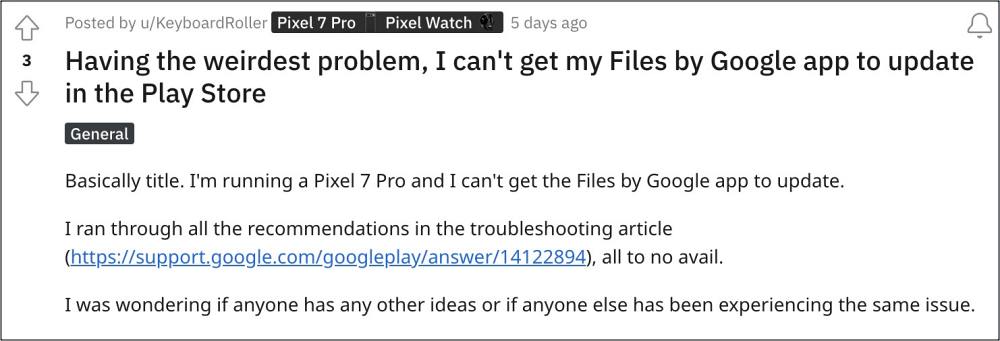
Numerous users have voiced their concern that they are unable to update the Files by Google app via Play Store. Whenever they are trying to do so, they are instead greeted with the ‘Can’t install Files by Google’ error message. The issue first came to light after Google had recently rolled out an update to this app on the 8th of January. With that said, there does exist a nifty workaround that should help you rectify this issue. So without further ado, let’s check it out.
Fix Cannot Update Files by Google
To rectify this issue, you just need to first uninstall the buggy update and then reinstall the latest update to this app. Here’s how it could be done:
- Head over to Settings > Apps > All Apps > Files by Google.
- Then tap on the overflow icon and select Uninstall Updates.
- After that, tap OK in the confirmation prompt that appears.
- Now go to Play Store, search Files by Google, and hit Update.
- Cannot Open Safe Folder in Files by Google [Security Update Fix]
- How to access Android 13 Data and OBB folder & transfer files in them
- USB File Transfer not working in Pixel 6 Pro: How to Fix
- How to Flash APK Files via TWRP Recovery

(Cancel Reply)
Δ
