COD Modern Warfare 2 Your data is corrupt: How to Fix
In this guide, we will show you various methods to fix the “Your data is corrupt” error in COD Modern Warfare 2. When it comes to first-person shooter games, then the Call of Duty franchise has established quite a name for itself. Adding more power to its arsenal is the second generation of Modern Warfare which is still doing an impressive job even after a decade.
One major reason for the same is the plethora of updates that it gets blessed with at regular intervals which not only irons out underlying bugs but also tends to add intriguing missions and challenges in some instances. However, the latest update version 1.03 is a ‘far cry’ from this.
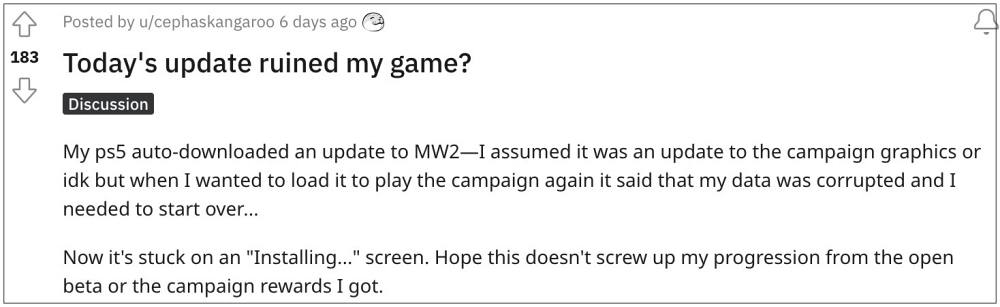
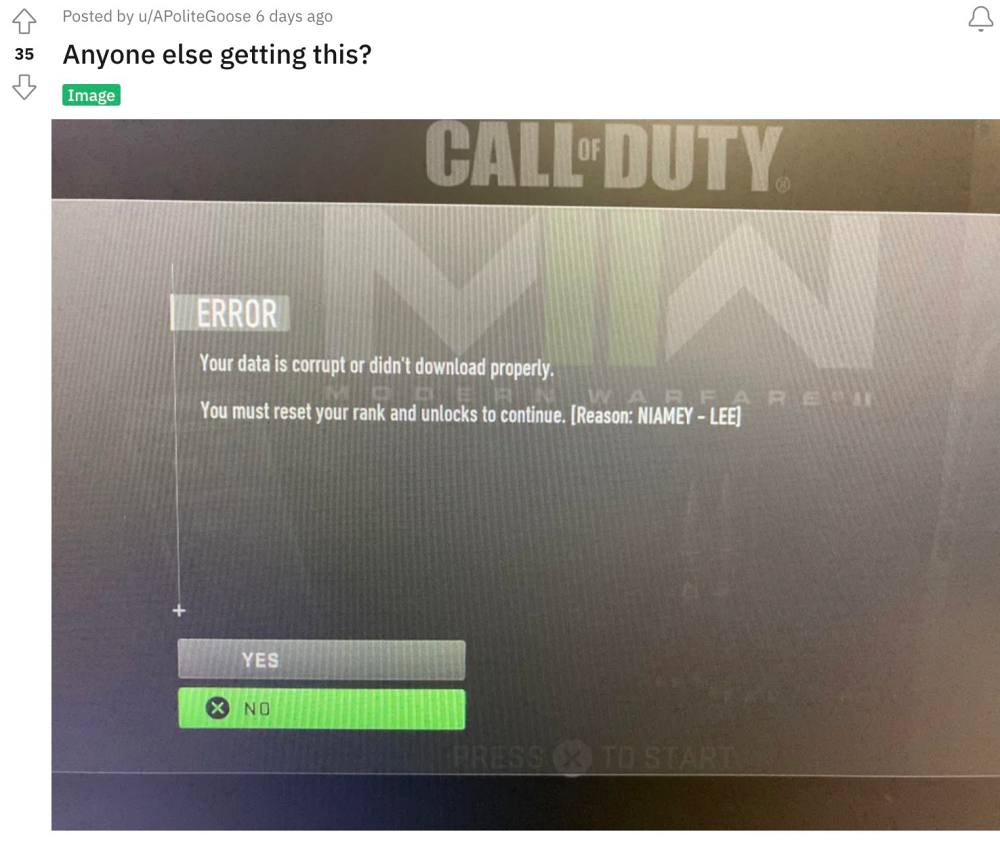
Numerous PS5 users who had installed this update have voiced their concern that they are getting the “Your data is corrupt” error in COD Modern Warfare 2. As a result of which, they are neither able to load their save game file nor login into the game. If you are also on the same page, then this guide will make you aware of a nifty workaround that shall help you rectify this bug. Follow along.
- Fix COD Modern Warfare 2 Your data is corrupt FIX 1: Go Offline FIX 2: On-Demand Texture Streaming FIX 3: Use the Settings tweak
Fix COD Modern Warfare 2 Your data is corrupt
It is recommended that you try out each of the below-mentioned workarounds and then see which one spells out success for you. So with that in mind, let’s get started.
FIX 1: Go Offline
This simple fix has managed to rectify the issue for many. So before moving on to any of the advanced fixes, you should probably go offline and then try loading the game. Check if it fixes the “Your data is corrupt” error in COD Modern Warfare 2.
FIX 2:On-Demand Texture Streaming
Next up, you should disable the On-Demand Texture Streaming using the below-listed steps and then check if it spells out success for you.
- Launch the game and head over to Settings > Graphics.
- Then turn off the toggle next to On-Demand Texture Streaming.
- Check if it fixes the “Your data is corrupt” error in COD Modern Warfare 2.
FIX 3: Use the Settings tweak
Given below is a user-shared workaround that has worked out for many including the users who are getting the Niamey-Lee error. So give it a try using the below-given instructions and then check out the results.
- Press the setting button to go to the Settings tab.
- Then head over to quick settings or any other subcategory.
- Now press the circle to exit the settings.
- You should now be taken to the early access campaign.
That’s it. These were the three different methods that shall help you fix the “Your data is corrupt” error in COD Modern Warfare 2. As far as the official stance on this matter is concerned, the developers are aware of this issue, but they haven’t given out any ETA for the rollout of a fix. As and when that happens, we will update this guide accordingly. In the meantime, the aforementioned workarounds are your best bet.
- COD Modern Warfare 2 Vault Edition items missing: How to Fix
- How to Fix COD Modern Warfare 2 Campaign Crashing issue
- COD Modern Warfare Multiplayer Missing Data Pack Error [Fixed]
- Fix COD Modern Warfare: Cannot Change Reticle on any Optics/Guns

(Cancel Reply)
Δ
