COD Warzone 2: Recon Drone Hangs/Freeze Game [Fixed]
In this guide, we will show you the steps to fix the issue of the Recon Drone hangs/freeze the COD Warzone 2. When it comes to the battle royale genre, then COD is one such name that hardly needs an introduction or two. If we ta;k about the second iteration of the Warzone, then its cross-platform play and the new DMZ extraction mode were its breakthrough features. On the flip side though, it isn’t free from its fair share of issues either.
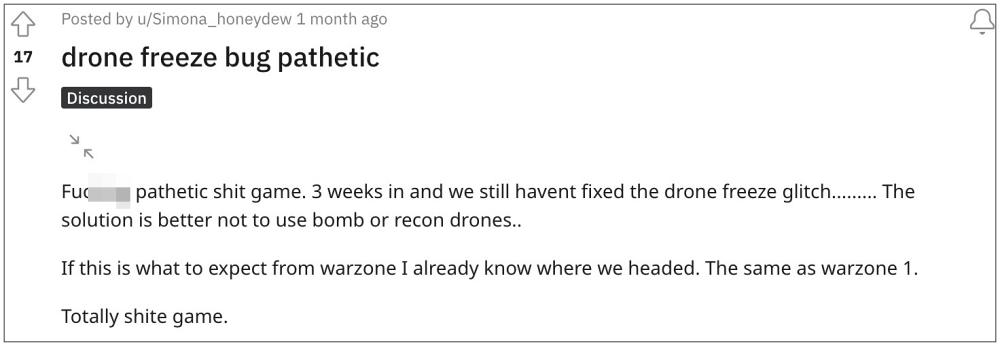
As of now, numerous users have voiced their concern that the Recon Drone tends to hang/freeze the COD Warzone 2. The character gets stuck and is unable to move for the rest of the game. The issue is more prominent if you are inside the building than outside. Moreover, this bug has even made its way over to Season 1 as well. With that said, there does exist a nifty workaround that should help you rectify this issue. So without further ado, let’s check it out.
Fix COD Warzone 2: Recon Drone Hangs/Freeze Game
According to the affected users, if you try to go up or down while deploying, then it tends to freeze the controls. So you should keep the following points in mind to avoid that from happening:
- Do not go prone when launching it.
- Do not use it inside a building or under cover.
- When you deploy it, do not press any button for a few seconds.
So implement this tweak and it should help you fix the issue of the Recon Drone hanging/freezing the COD Warzone 2. As far as the official stance on this matter is concerned, the developers are yet to acknowledge this issue, let alone give out any ETA for the rollout of a fix. As and when any of these two things happen, we will update this guide accordingly. In the meantime, the aforementioned workaround is your best bet.
- COD Warzone 2.0 Not Installed error on PS5 [Fixed]
- Warzone 2.0 custom loadout blueprint mods not working [Fixed]
- COD Warzone 2 Modern Warfare 2 random recoil bug [Fix]
- COD Modern Warfare 2 Daily Challenge not working [Fix]

(Cancel Reply)
Δ
Warzone 2.0 custom loadout & blueprint mods not working [Fixed]
In this guide, we will show you the steps to fix the issue of Warzone 2.0 custom loadout & blueprint mods not working. This sequel to the popular free-to-play battle royale video game follows in the footstep of its predecessor by having the Battle Royale game mode as the primary one that beholds a continuously shrinking map until the last player remains.
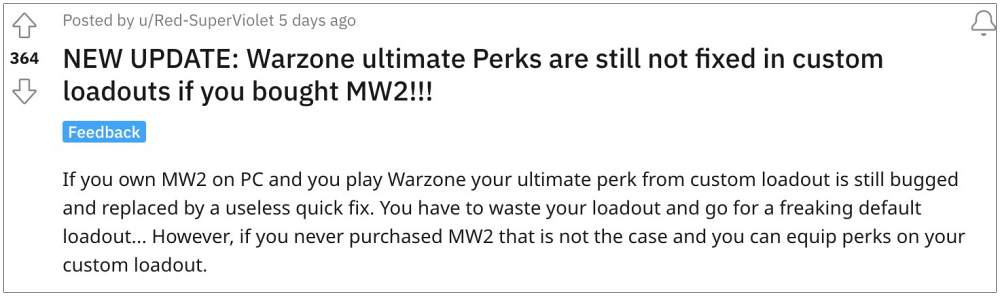
Moreover, it also beholds a slew of intriguing game modes and challenging missions but as of now, users are having to deal with an altogether different challenge. Numerous Warzone 2.0 players have voiced their concern that custom loadout & blueprint mods are not working along the expected lines.
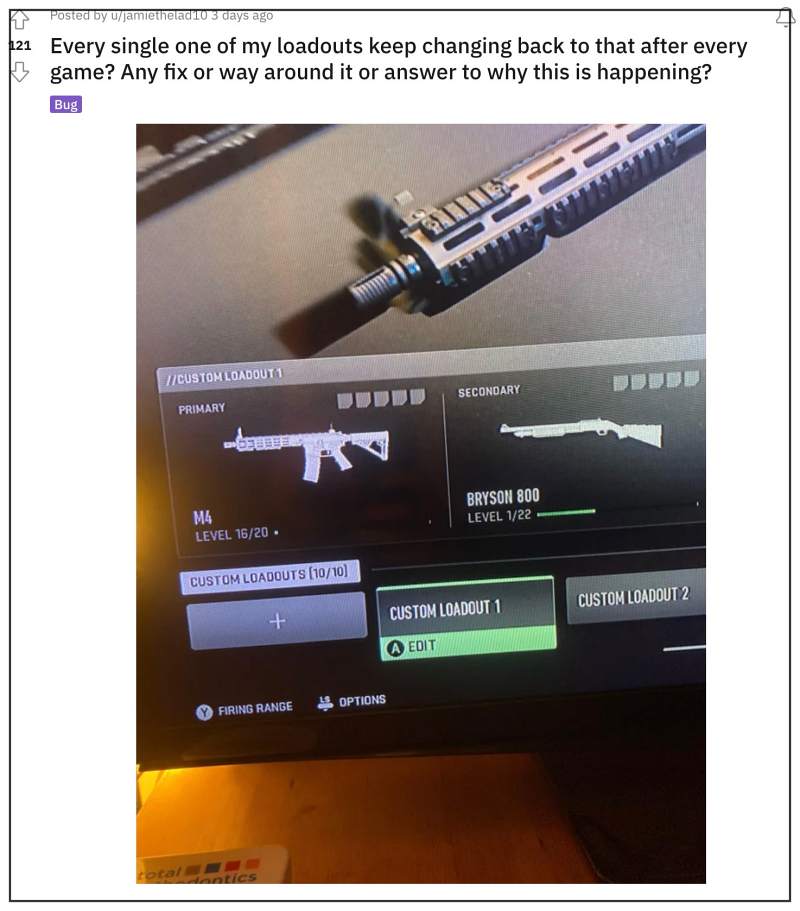
According to them, these mods and loadout revert to the default version on their own. The issue first came to light right after the developers rolled out a new patch. With that said, there does a nifty workaround that should help you rectify this bug. So without further ado, let’s check it out.
Fix Warzone 2.0 custom loadout & blueprint mods not working
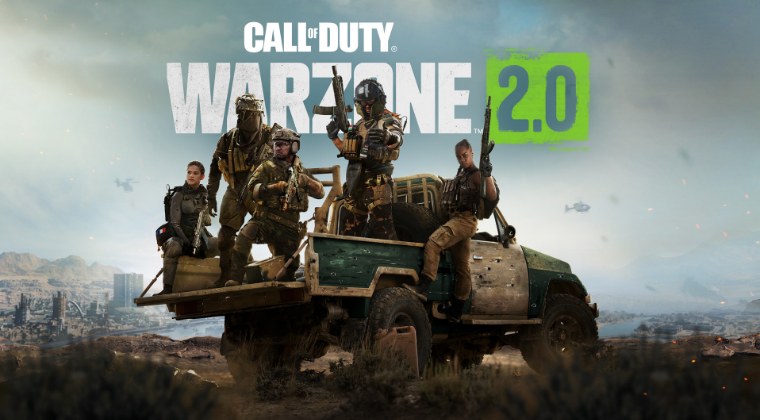
Due to the recent buggy patch release, it is literally impossible to carry two custom blueprint weapons at the same time (even picking them up from a dead player backpack is currently not possible). So try out the below-listed steps to effectively address this issue:
- First off, make your blueprints and save them (it will work for edited pre-made blueprints as well)
- Then edit one attachment after saving the blueprint (select something that isn’t tuned like a magazine)
- Now switch the attachment back to the desired attachment after confirming that you want to disrupt the blueprint.
- Finally, repeat it for secondary the slot.
That’s it. This should help you fix the issue of Warzone 2.0 custom loadout & blueprint mods not working. As far as the official stance on this matter is concerned, the developers are aware of this issue, but they haven’t given out any ETA for the rollout of a fix. As and when that happens, we will update this guide accordingly. In the meantime, the aforementioned workarounds are your best bet.
- COD Warzone 2.0 Not Installed error on PS5 [Fixed]
- COD Warzone 2 Modern Warfare 2 random recoil bug [Fix]
- How to turn off SMBB in COD Modern Warfare 2
- COD Modern Warfare 2 Daily Challenge not working [Fix]
(Cancel Reply)
Δ
