Current temperature missing while raining in iPhone Standy Widget
Among the plentitude of new functionalities brought about in the seventeenth iteration of the OS, one that managed to grab the attention of the masses was the Standby Mode. This is a customizable Lock Screen mode that activates when an iPhone is charging and positioned on its side. From there, you could get hold of live interactive widgets, photos from your Photos library, and a large clock along with the current temperature.
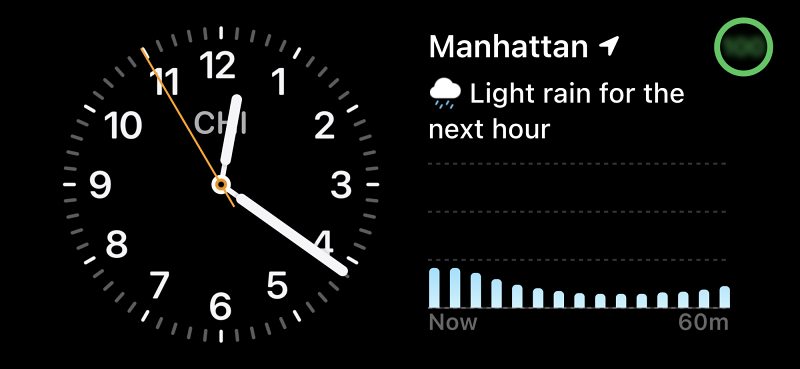
Credits: sparky672
However, numerous users are having an issue or two with the last one. Many of them have voiced their concern that the current temperature is missing from the Standy Widget when it is raining. Apart from the current temperature, both the maximum and minimum ones are also not shown. Moreover, not just during rain, the temperatures also seem to be missing while it’s hailing and snowing as well. So why is this happening? Let’s find out.
Why is Current temperature missing while raining in iPhone Standy Widget?
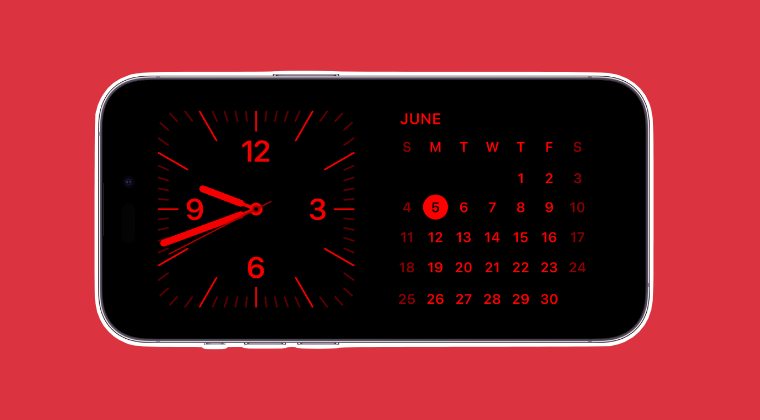
It might come as a shocker to you, but it’s not a bug but an intended feature. Every time there is rain or snow, the Standy Widget will not show the current, maximum, and minimum temperatures. So if you are living in a region wherein there is constant rain, then you might have to take an alternate route to get hold of the temperature.
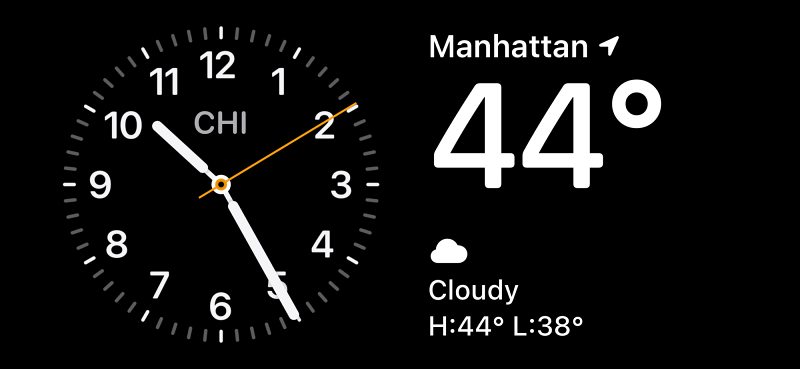
Credits: sparky672
- Standby Mode “Never” Turn off not working for many
- iPhone iOS 17: Alarm Snooze not working on Standby Mode
- Standby Mode automatically turns off: Bug or by design?
- Notifications not working in Standby Mode: How to Fix

(Cancel Reply)
Δ
