Custom Launcher Lag on OnePlus? Try This Fix!
Once I got my hands on the OnPlus 13, I tried a custom launcher [yes, you guessed it right, it’s Nova Launcher]. Surprisingly, there were quite a few lags, especially when using the gesture navigation pill. Tried a few tweaks, but unfortunately, none of them worked in my favor. Then I gave a shot at some of the other launchers, but they were all plagued with the same issue. So this cemented the fact that there’s nothing wrong with the launcher; it’s definitely something wrong with my device.
Turned out, it wasn’t just my device, but infact all OnePlus devices had the same problem. This is because I used a custom launcher on the Nord 5, OnePlus 13R, and even the latest OnePlus 15, and all of them faced the same problem. So it seems OnePlus has done something deliberate on their end so that the users don’t ditch the stock launcher in favor of a custom one. So what can be done to address this problem? Well, I did some research and found a nifty workaround that will help you rectify this issue. So without any further ado, let’s check it out.
Custom Launcher Lag on OnePlus? Try This Fix!
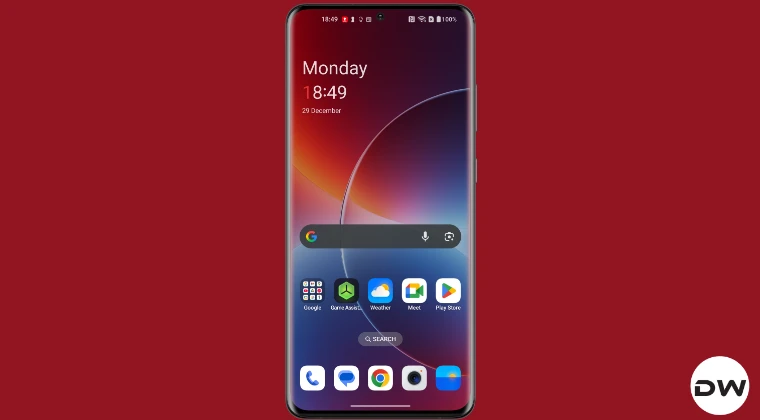
I stumbled upon an XPosed module, XEdgePro, which was released all the way back in 2016, but is still working to this date on the latest OxygenOS 16 [Credits for the mod: XDA Member jozein]. But as you might have guessed by now, this process requires root. If that’s all well and good, then take a complete device backup and let’s get started. Droidwin and its members wouldn’t be held responsible in case of a thermonuclear war, your alarm doesn’t wake you up, or if anything happens to your device and data by performing the below steps.
- To begin with, root the device via Magisk / KernelSU / APatch .
- Then, download, install, and set up the LSPosed Framework .
- Now download and install XEdgePro. Then launch LSPosed.
- Head to the Modules section and enable the XEdgePro toggle.
- Then restart your device. Once it boots up, launch XEdgePro.
- Now go to the Swipe Up gesture and set it to Home. That’s it.
- How to Bring Back the Old Pixel Launcher Search UI
- Google Shortcuts Launcher: Launch Hidden Google Apps
- Custom Launcher Not Loading After Unlocking Pixel? Try This!
- How to Install Custom Launchers on any Amazon Echo Show

(Cancel Reply)
Δ
