Device Not Working With Google Find Hub: How to Fix
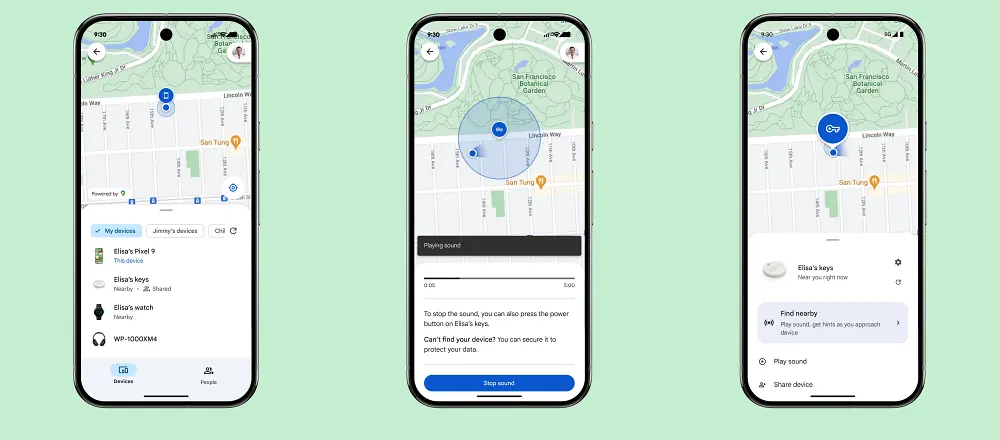
In this guide, we will show you an interesting method using which you can fix the device not working issue with the Google Find Hub. Using this app from the Silicon Valley giant, you can easily find your phone, tablet, headphones, tags, and other accessories on the map. Apart from that, you can also play a sound to locate your lost device if it’s nearby.
Credit: Google
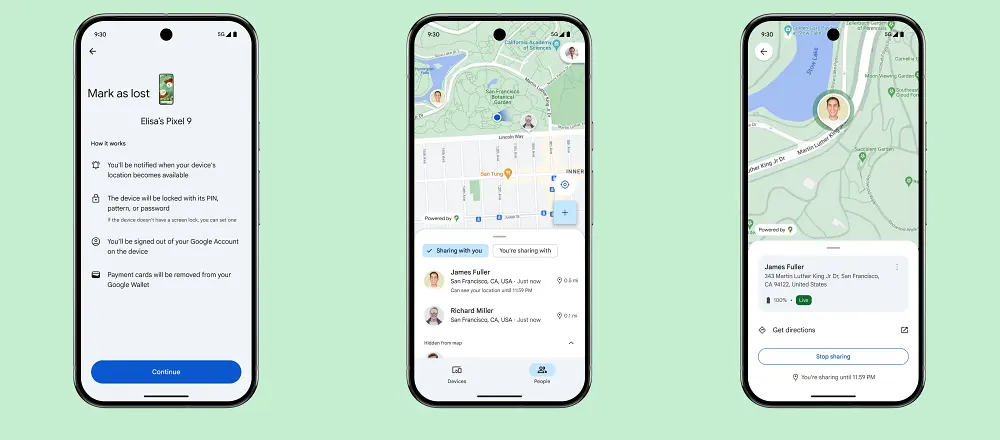
Furthermore, if you have lost your device, you can remotely secure or erase all the data on it as well. However, as of late, it has been giving me quite a tough time. Recently, I purchased the MiTag Duo, which claims to be the world’s first Apple and Google Bluetooth tracker. Before catching my flight, I had attached this tag to my luggage so that I could easily keep track of it during the journey.
Credit: Google
Unfortunately, it only worked the first time, which was before I was about to leave my home; after that, it always failed to show up on the Find Hub. So I was quite sure that there was some issue with this device only. But before opting for a replacement, I decided to tweak a few settings of the app. And guess what? The issue was rectified within seconds! So I thought of jotting down these points in this guide so that it could help others who are in the same boat as mine. Follow along!
Fix Device Not Working With Google Find Hub
- Google Assistant Cannot Find Nest Speaker Group: How to Fix
- Google Assistant cannot find WhatsApp Contacts [Fixed]
- OnePlus alert slider opens ‘Find in page’ in Google Chrome!
- Google Drive Server connections interrupted Finder error on Mac [Fixed]

(Cancel Reply)
Δ
