Discord Trust and Safety Removed: How to Report now?
In this guide, we will make you aware of a secondary method to report on Discord now that it has removed the Trust and Safety page. When it comes to instant messaging and VoIP social platforms, then Discord has firmly established itself as the absolute best in this domain. However, with such a large user base and its audiences spanning across the globe, there are bound to be a few issues.
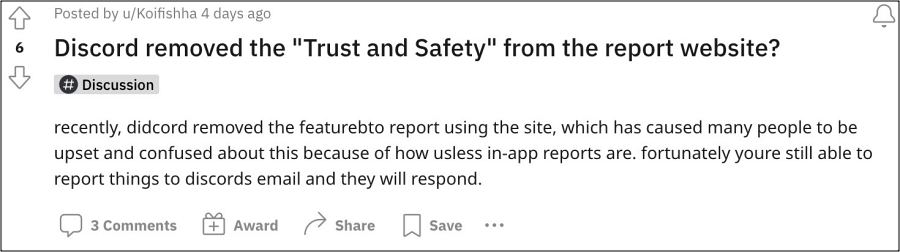
While they might not get much attention but it’s an undeniable truth that there have been cases related to NSFW, racism, and threats on this platform. And up until now, the affected party could easily communicate such instances to Disocrd who could then take the appropriate action. However, that could now prove to be easier said than done.
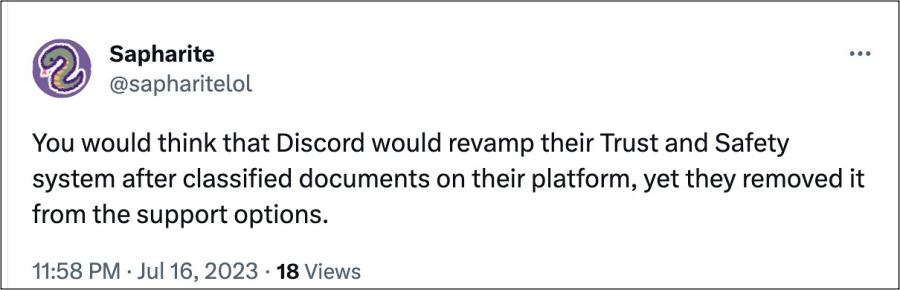
This is because Discord has now removed the Trust and Safety section from its support page thereby leaving users in a lurch as they could no longer report malicious incidents. Fortunately, there does still exist another method through which you could get this job done. So without further ado, let’s check it out.
Discord Trust and Safety Removed: How to Report Now?

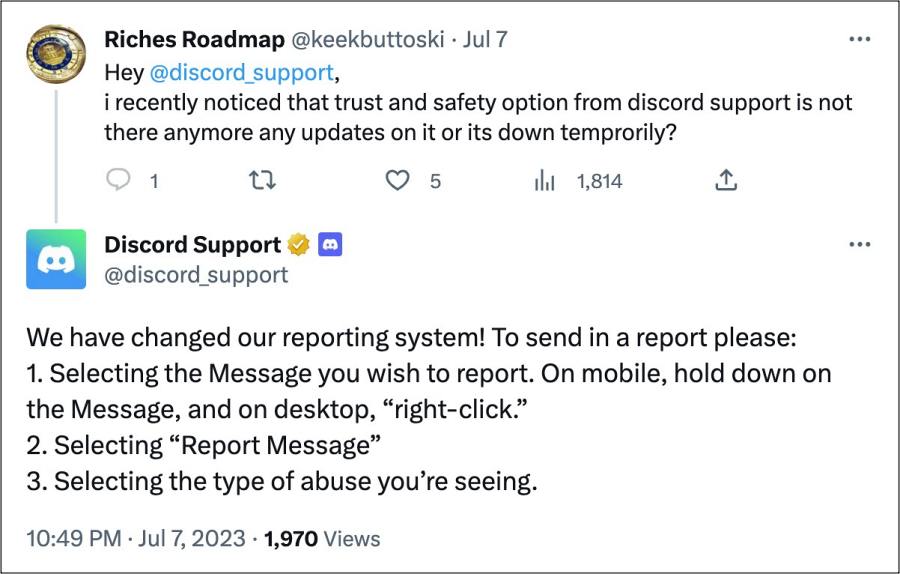
According to Discord, they have changed their reporting system and the only way of sending in reports is as follows:
- To begin with, select the message you wish to report.
- On mobile, hold down on the Message, and on desktop, “right-click.”
- Then select “Report Message” and select the type of abuse you’re seeing.
This s no way is the most viable or feasible way of getting the job done as we have seen numerous instances in the past wherein the in-app reporting system doesn’t;t work along the expected lines. But unfortunately, we don’t have any in this matter, and using this buggy approach is our only way out.
- Discord App on PC using too much RAM? Try this workaround
- Fix Discord detecting search application Everything as Steam game
- Discord notifications not working on Android: How to Fix
- Discord sending random images instead of the copied one [Fixed]

(Cancel Reply)
Δ
