Does Galaxy S23/Plus/Ultra support Dual SIM Dual Active [DSDA]
Most of the devices available in the market support Dual SIM Dual Standby, but only a handful of them support Dual SIM Dual Active. So are the latest flagships from Samsung part of this niche segment? In other words, does Samsung Galaxy S23/Plus/Ultra support Dual SIM Dual Active? Let’s find out.
What is Dual SIM Dual Active
As is evident from its name, Dual SIM Dual Active [DSDA] allows your phone to be able to make and receive calls from both SIMs at all times. So if you are currently on call via SIM 1 and someone calls on your SIM 2 number, then the call will be placed and you could either accept it, decline it, or even merge it with the call from SIM 1.
This is opposed to Dual SIM Dual Standby [DSDS] wherein only one SIM is active at a particular point in time. So how does DSDA work? Well, every Dual SIM Dual Active phone has two transmitters, one for each SIM. So if you are on a call via SIM 1, then only its transmitter will be busy, the transmitter of SIM 2 would still be active and your device could easily receive calls via it.
While this technology does have a few downsides such as the increased cost of smartphones owing to the incorporation of two transmitters and increased battery consumption, but for many, the perks outweigh the negatives and hence users are generally inclined towards the DSDA device. So this begs the all-important question- does Galaxy S23/Plus/Ultra support Dual SIM Dual Active? Let’s check it out.
Does Galaxy S23/Plus/Ultra support Dual SIM Dual Active [DSDA]
But since this time around, the S23 series have nearly identical hardware for numerous regions [same chipset and 5G modem], couldn’t we just change the CSC to China and then flash the Chinese firmware? Unfortunately, this might not work. Last time around with the S22 series, numerous users with the Snapdragon chipset had tried flashing the Chinese firmware via Odin, but they weren’t able to do so.
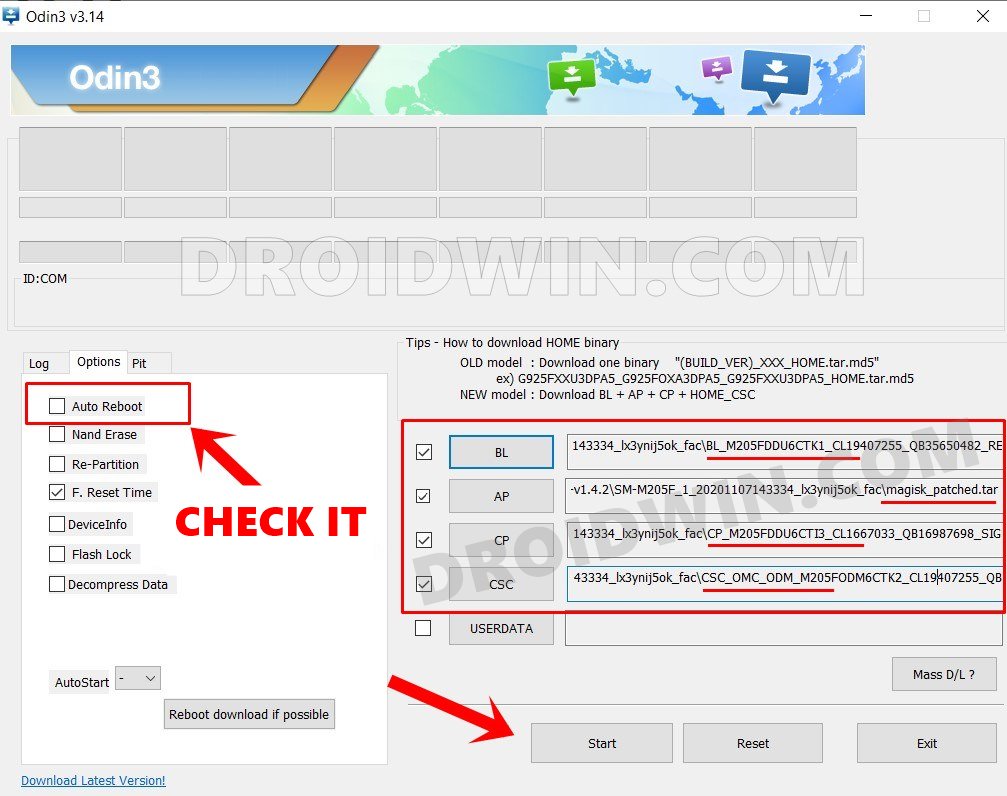
Odin in action
- Galaxy S22/S23 has a secret Pause USB Power Delivery feature!
- Galaxy S23/Plus/Ultra: Download Google Camera GCam & Config
- How to Force 120Hz Refresh Rate on Galaxy S23/Plus/Ultra
- Galaxy S23 Ultra is unable to connect to WiFi 6 5GHz

(Cancel Reply)
Δ
