Download Android 13 update for unlocked Galaxy S22/Plus/Ultra
In this guide, we will show you a nifty workaround that shall help you download the Android 13 update for the unlocked Galaxy S22/Plus/Ultra. The flagships from the South Korean giant were the first in the lineup to get blessed with the thirteenth iteration of the OS. As a result of this, you are about to welcome a plethora of new and intriguing features onto your device.

Unfortunately, the same couldn’t be said for all the S22 series users. While AT&T and T-Mobile users are enjoying the One UI 5.0 goodies, the ones from Google Fi and Verizon are still left behind, even 2 weeks after the update had rolled out. This is because even though Samsung has rolled out the update, it is left ultimately at the disposal of the carrier to apply the finishing updates.
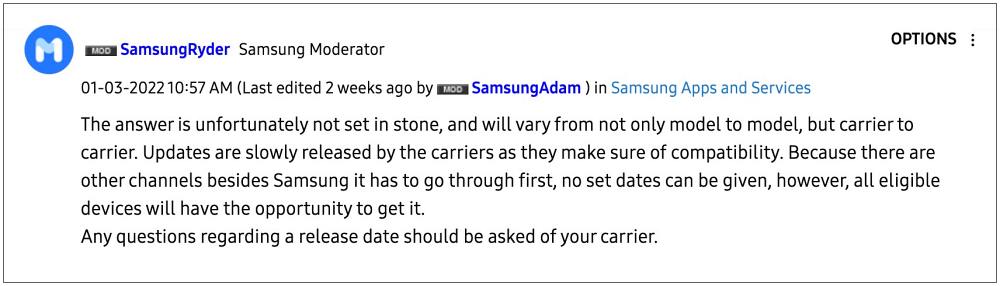
And this is where Google Fi and Verizon users are currently stuck. But guess what, you don’t have to be at the disposal of these carriers any longer. This is because we managed to find out a nifty workaround that shall help you download the Android 13 update for your unlocked Galaxy S22/Plus/Ultra right away. So without further ado, let’s check it out.
How to Download Android 13 update for unlocked Galaxy S22/Plus/Ultra
- To carry out this task, you need a T-Mobile SIM card, active or inactive doesn’t matter.
- Once you get hold of the SIM, insert it into your device and then restart your phone.
- You will now get the Android 13 update prompt, download and install it right away.
- Once done, you may now remove the T-Mobile SIM and insert your Google Fi/Verizon SIM.
- Galaxy S22 Ultra: No 4G/5G after Android 13 One UI 5.0 [Fixed]
- ADB Sideload One UI 5.0 in Galaxy S22/Plus/Ultra [2 Methods]
- Stutter and Scrolling Lag in Galaxy S22 Ultra: How to Fix
- How to Enable and Select Bands in Samsung Galaxy S22 Ultra

(Cancel Reply)
Δ
