EA SPORTS FC 24 Lagging / Crashing / Stuttering: How to Fix
In this guide, we will show you various methods to fix the Lagging / Crashing / Stuttering issues in EA SPORTS FC 24. When it comes to football games, then there’s hardly an iota of a doubt that the offering from EA has for long been the go-to choice for the masses. Moreover, it is about to release its 31st iteration of this game [yup, time flew way too fast!] and at the time of writing, it is currently in its early access phase.
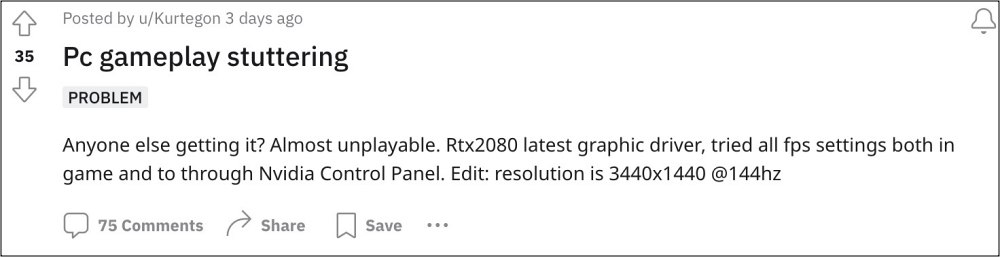
However, things currently seem to be going through a rough patch. This is because numerous users have voiced their concern that they are constantly facing lagging/crashing/stuttering issues in EA SPORTS FC 24 which has literally made the game unplayable. The inputs, gameplay, and controls tend to get completely unresponsive for around 10-15 seconds.
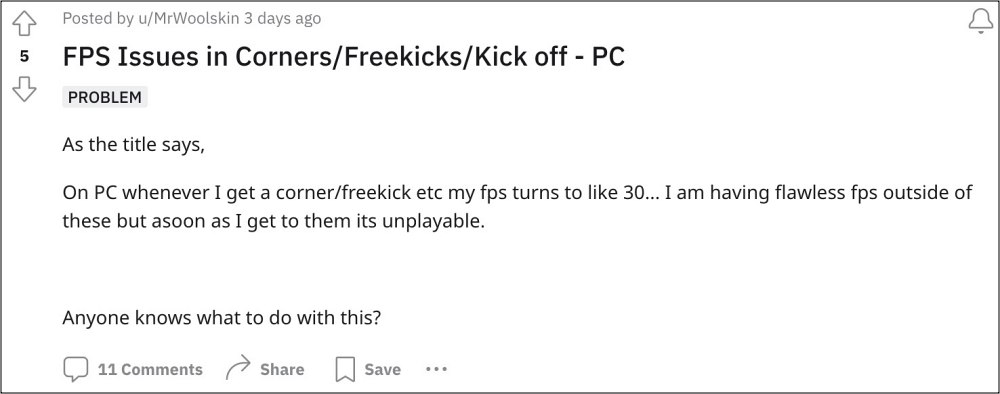
When things get back to normal, they seem to have either already conceded a goal or two [except when their opponent is Chelsea!] or missed a clear sitter [again, something which Chelase users are already quite used to]. On a serious note though, there does exist a few nifty workarounds that should help you resolve these issues. So without further ado, let’s check them out.
- Fix EA SPORTS FC 24 Lagging / Crashing / Stuttering FIX 1: Set VSync to ‘Adaptive’ FIX 2: Turn off Dynamic Resolution Scale FIX 3: Remove FPS Limit FIX 4 Enable Vertical Synchronization
Fix EA SPORTS FC 24 Lagging / Crashing / Stuttering
It is recommended that you try out each of the below-mentioned workarounds and then see which one spells out success. So with that in mind, let’s get started.
FIX 1: Set VSync to ‘Adaptive’
First off, you should consider setting VSync to ‘Adaptive’ and then check if it works out in your favor.
FIX 2: Turn off Dynamic Resolution Scale
Next up, you should turn off the Dynamic Resolution Scale and check out the results.
FIX 3: Remove FPS Limit
For some users, removing the FPS cap also did the job for them, so it could be worth a try.
FIX 4 Enable Vertical Synchronization
Last but not the last, try enabling Vertical Synchronization and check if it resolves the problem.
- FIFA 23 crashing on PS5: How to Fix
- FIFA 23 not launching due to EA Anti Cheat: How to Fix
- EA Sports FIFA 23 Beta Crashing: How to Fix
- FIFA Mobile crashing in Challenge Mode: Unknown Error 120006 [Fixed]

- toevi 2 years ago Reply The best settings for PC, they work, read the comment under the video https://youtu.be/8q92Cd9juxU?si=jJIgkO0_2r7WAEnZ
(Cancel Reply)
Δ
