Expert RAW Crashing on One UI 5: How to Fix
In this guide, we will show you the steps to fix the issue of Expert RAW crashing on One UI 5.0. The South Korean giant ships an additional camera app with its flagship devices which has been recently blessed with a couple of nifty features alongside the Android 13 update. Some of the noteworthy ones include an A strophoto mode and the support for multiple exposures.
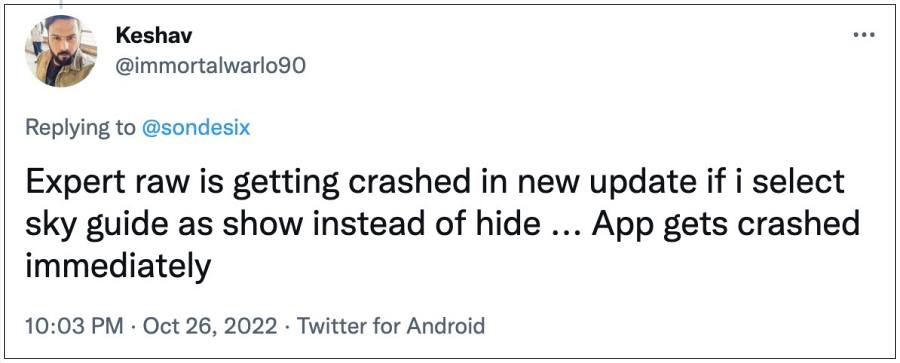
The latter will allow you to capture several photos simultaneously and then combine them into a single shot. However, as of now, some users aren’t able to make full use of these functionalities because the Expert RAW app is constantly crashing on their Samsung device running One UI 5.0. If you are also getting bugged with this issue then this guide will make you aware of a nifty workaround to rectify it. Follow along.
Fix Expert RAW Crashing on One UI 5
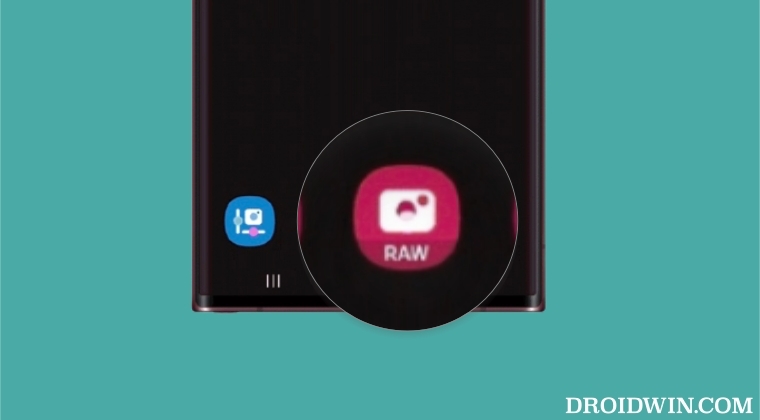
The culprit behind this issue is the app data getting corrupted. So to rectify it, you’ll have to delete the app data and then let it repopulate a fresh instance of the same from scratch. Here’s how it could be done:
- Head over to Settings > Apps > select Expert RAW.
- Then go to Storage and tap on Clear Data > OK.
- Now launch the app and the issue should be fixed.
- One UI 5 Android 13 app icon not showing in the notification panel [Fix]
- Capture Samsung One UI 5.0 Beta Update/OTA Download Link
- Battery Drain issue in Samsung One UI 5.0: How to Fix
- Why is Android System Intelligence not compatible on Samsung One UI 5.0

(Cancel Reply)
Δ
