F1 23 Force FeedBack FFB not working: How to Fix
In this guide, we will show you the steps to fix the issue of Force Feedback or FFB not working on F1 23. When it comes to racing video games, then there’s hardly an iota of doubt that the offering from EA is the best in this domain. Moroever, this time around the return of Braking Point has further upped the level of anticipation among the user base.
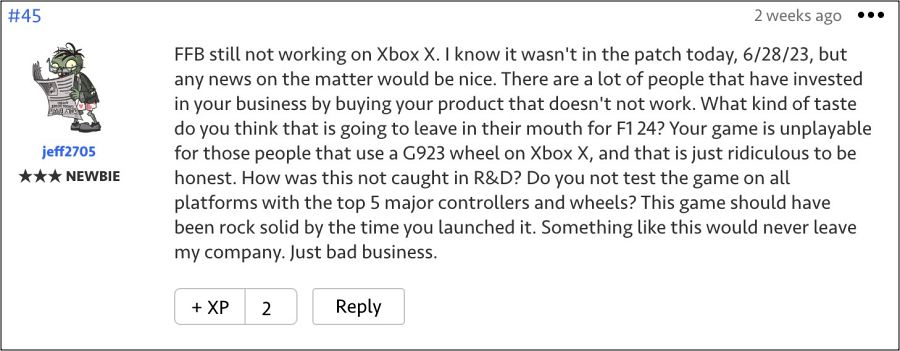
However, it seems there are a few rough edges that still need polishing. For instance, recently many have reported that the racing wheel attachments [especially from Logitech and Thrustmaster ] were not working along the expected lines. While the dust surrounding that issue was yet to settle down, a new one has already made its way.
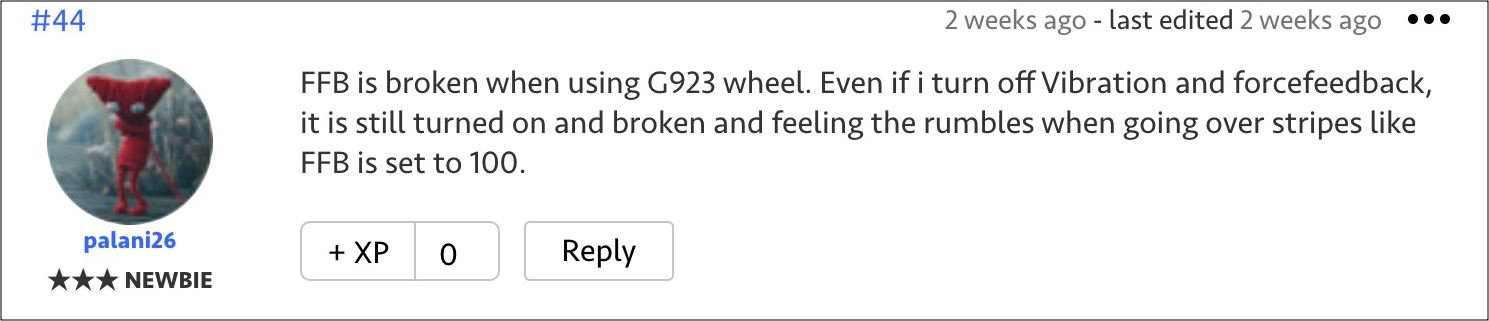
As of now, numerous users have voiced their concern that Force Feedback or FFB is not working along the expected lines in F1 23 on their Xbox consoles, thereby completely running what would have been an immersive gaming experience. Fortunately, there does exist a nifty workaround that should help you rectify this bug. So without further ado, let’s check it out.
Fix F1 23 Force FeedBack FFB not working

- To begin with, plug the wheel into your PC.
- Then completely reinstall the drivers.
- Now update the firmware and then launch F1 23.
- FFB should now work without any issues.
That’s it. These were the steps to fix the issue of Force Feedback or FFB not working on F1 23. As far as the official stance on this matter is concerned, the developers are aware of this issue, but they haven’t given out any ETA for the rollout of a fix. As and when that happens, we will update this guide accordingly. In the meantime, the aforementioned workarounds are your best bet.
- F1 22 ‘EA Play 10-hour Trial’ not working: How to Fix
- Disney Speedstorm Missing Goals/Objectives: How to Fix
- Forza Horizon 5 Lights Camera accolade not working [Fix]
- Forza Horizon 5 crashing at launch/startup: How to Fix

(Cancel Reply)
Δ
