February Fix: SafetyNet Device Integrity Failing, Wallet not working
In this guide, we will show you a potential workaround to fix the issue of SafetyNet and Device Integrity failing and Google Wallet not working after the February update. Gaining administrative privileges does allow you to welcome a plethora of mods and tweaks but on the flip side it does come with its fair share of issues either, the primary among which is the tripping of SafetyNet.
This results in the inability to use various banking and payment apps. In this regard, we do have a nifty module in our arsenal that allows us to easily pass this test and hence use backing apps on rooted apps. But it has always been a game of cat and mouse between the developers and Google. And as of now, the Silicon Valley giant seems to have gained an upper hand.
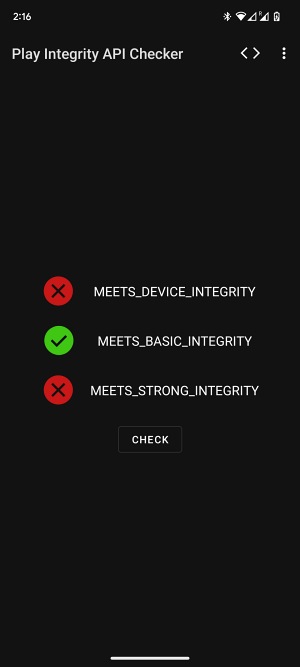
Numerous Pixel users on Android 13 have voiced their concern that their device is failing SafetyNet and Integrity Checks after installing the February Update. As a result of which, they are unable to use any banking and payment apps, including the popular Google Pay/Wallet, which is giving out the “Your device doesn’t fulfill the security requirements” error. if you are also getting bugged by this issue, then this guide will make you aware of a nifty workaround to rectify this problem. Follow along
February Fix: SafetyNet Device Integrity Failing, Google Wallet not working
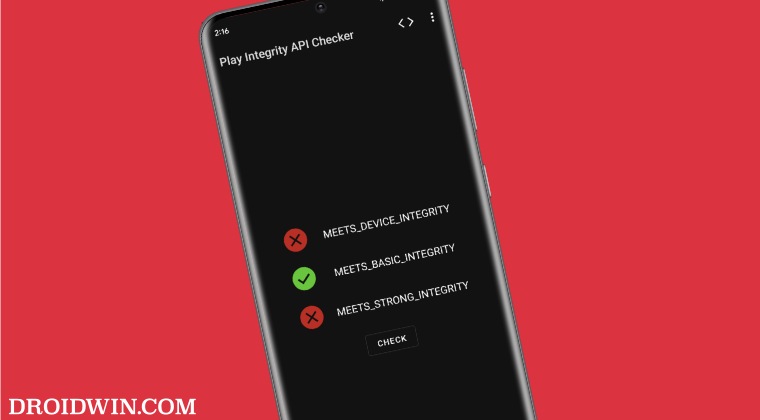
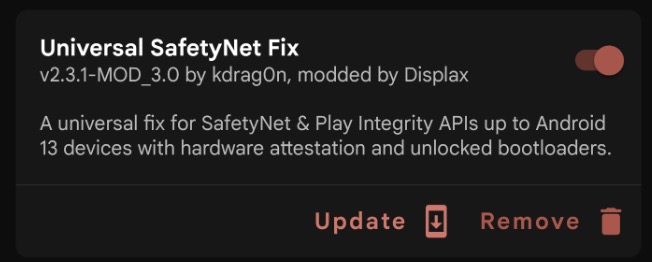
As of now, the only workaround that is spelling out success for the users involves using the SafetyNet Fix module version v2.3.1-MOD_3.0 . So grab hold of this version from GitHub and then refer to our guide on How to Pass SafetyNet on Rooted Android 12/Android 13 .


(Cancel Reply)
Δ
