Find My Mobile/Device will not work if phone is restarted!
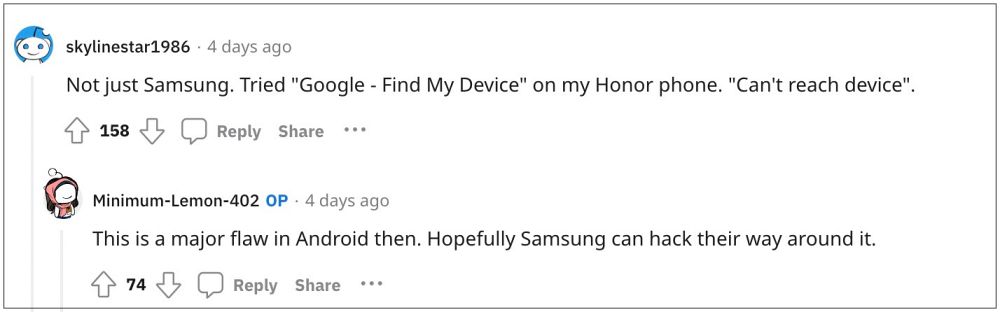
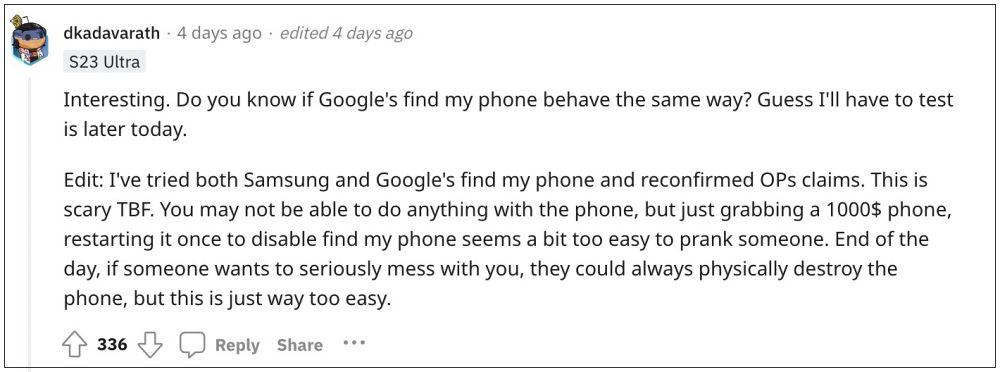
A pretty concerning bug has just been discovered by a Redditor- if you restart your device and then try to locate it via Samsung’s Find My Mobile or Google’s Find My Device, then both of them might fail to do their job!
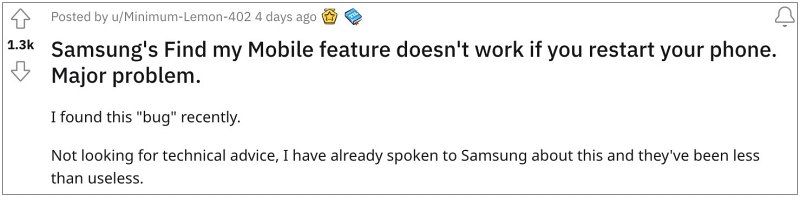
For the unaware, Google’s Find My Device and Samsung’s Find My Mobile is used to locate lost or missing devices. All that is required is that you had enabled this feature on your device and are signed in via a Google/Samsung account. Apart from finding its location on the map, you could lock it or even remotely factory reset it as well.
Find My Mobile/Device will not work if the phone is restarted!
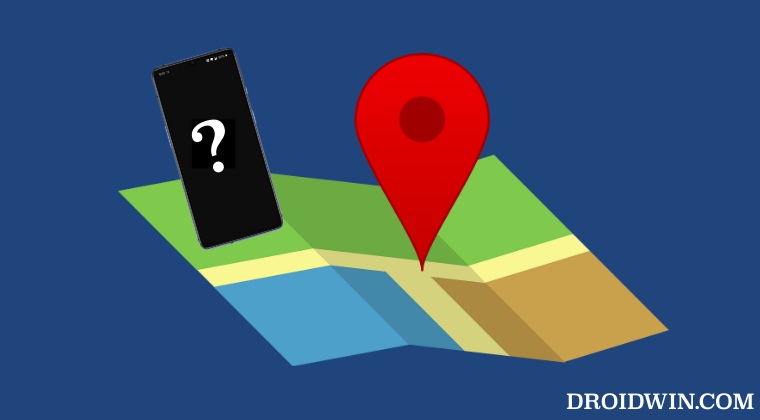
However, with this bug, any user with malicious intent who has stolen your device just needs ot do a restart [which doesn’t require a password or any form of authentication for that matter[ and then both Samsung’s Find My Mobile or Google’s Find My Device will fail to locate your device and will straightaway give out the “unable to connect to phone” error message. You could even replicate this issue yourself and check if this bug has affected your device or not. Here’s how
- First off, restart your phone but do not unlock it.
- Wait for your device to connect to a network. You could light up the screen by taping on it to verify the same [just don’t unlock it].
- Now open Samsung’s Find My Mobile or Google’s Find My Device on your PC.
- Then try to locate the phone, call it, lock it, etc. You will get an error message along the lines of “unable to connect to phone”:
- Now unlock your phone and retry the process, this time it would be able to easily locate your device.
Initially, the user only found this bug with Samsung’s Find My Mobile. But later on, other users tried this test on Google’s Find My Device and they got the same result. So this could be an underlying bug with the base framework that both these services are using. As far as any official confirmation is concerned, we are yet to hear from either Google or Samsung. As and when they chime in their knowledge on this, we will update this post accordingly.
- How to Send Fake Live Location on WhatsApp
- How to Fake/Spoof GPS Location on Android [Video]
- Fix Android Auto GPS signal lost issue in Google Maps
- Garmin Smartwatch Inaccurate GPS: How to Fix

(Cancel Reply)
Δ
