Fire TV Stick Stuck on Downloading the latest software [Fixed]
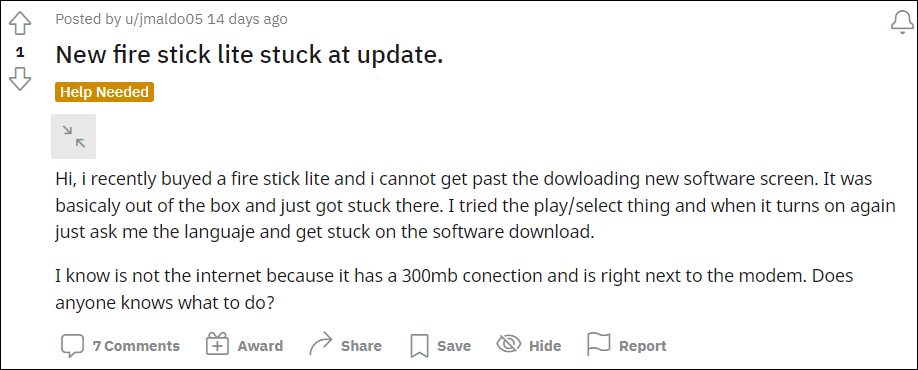
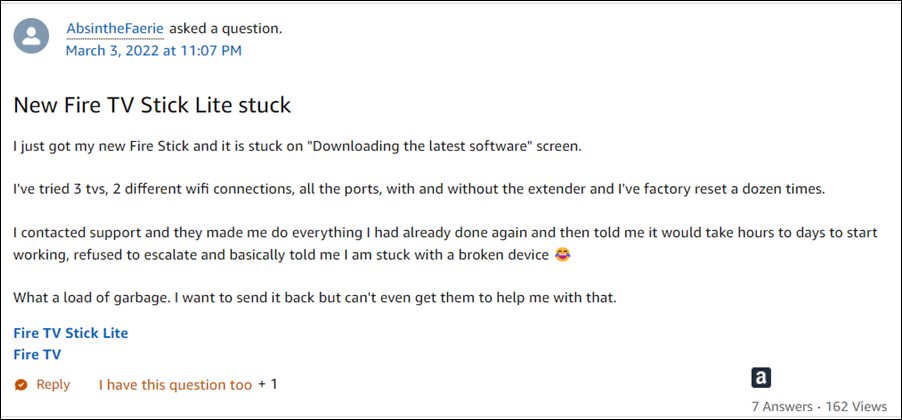
- Fix Amazon Fire TV Stick Stuck on Downloading the latest software FIX 1: Using Fire TV Remote FIX 2: Reconnect Fire Stick FIX 3: Reset Fire Stick Via Remote
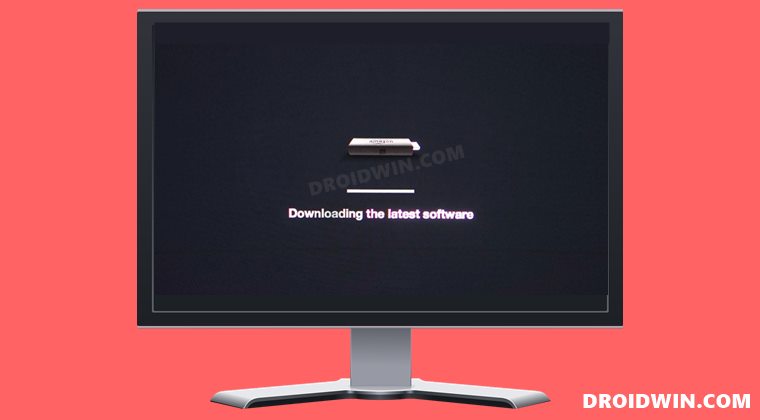
Do note that there’s no universal fix as such. You will have to try out each of the below-mentioned workarounds and see which one works best in your favor. So with that in mind, let’s get started.
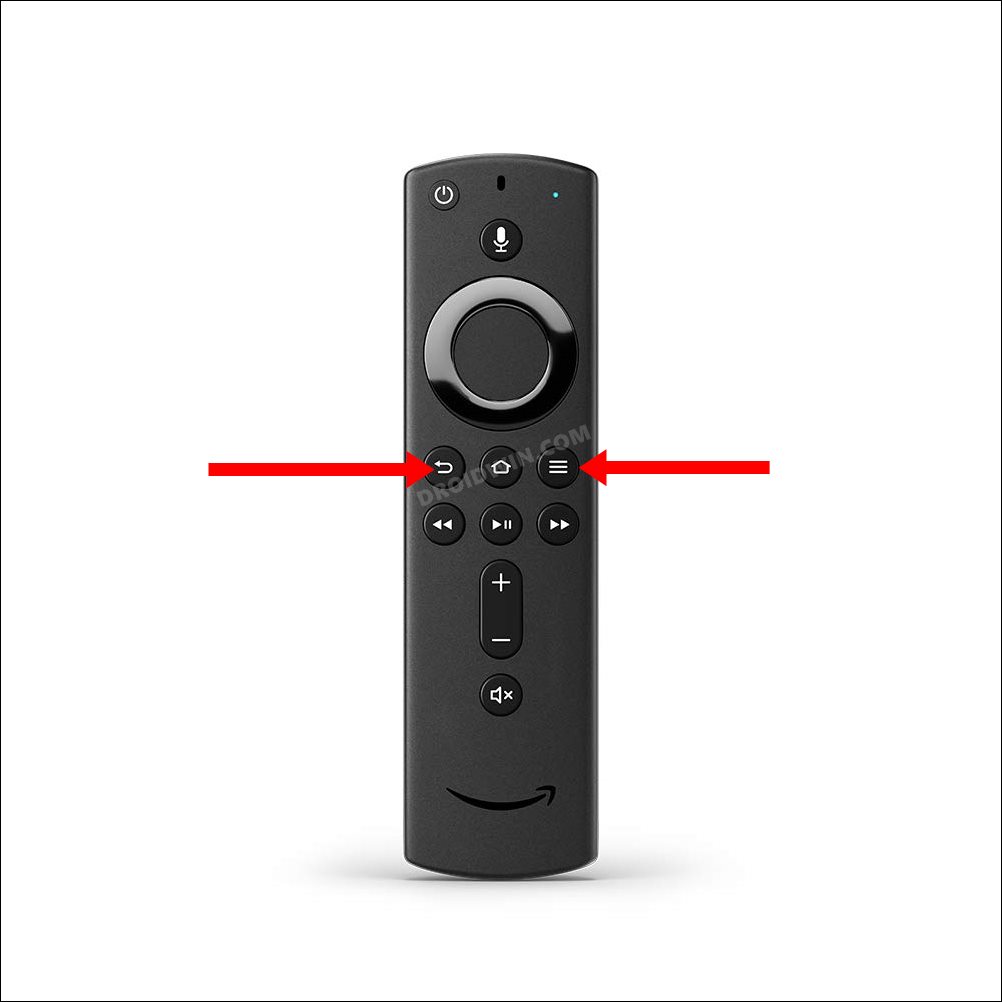
FIX 1: Using Fire TV Remote
Press and hold the Back and Menu buttons (the button with three horizontal lines) on the Fire TV Remote for about then seconds and it should rectify the underlying issue.
FIX 2: Reconnect Fire Stick
- Remove the Fire Stick from the HDMI port of your TV.
- Next up, unplug it from the power outlet as well and wait for 3 minutes.
- Then replug it into the power outlet.
- Likewise, plug it back into the HDMI port on your TV as well.
- Now check if it fixes the Amazon Fire TV Stick being stuck on the “Downloading the latest software” screen.
FIX 3: Reset Fire Stick Via Remote
If none of the aforementioned methods worked out for you, then your last course of action should be to reset the Fire TV stick to its factory default state. The general approach to do so is via the Settings menu, but since you wouldn’t be able to access that screen, we will instead be using the remote to perform this reset.
- Press and hold the Back button and the right side of the navigation button for 10 seconds.
- You will now get a reset option on your screen, select it. OR
- If you aren’t able to make the selection, then just stay on that screen.
- Fire Stick will automatically make that selection and perform the reset.
- Once done, restart the setup process, and this time you wouldn’t get stuck on that screen.
- YouTube videos on Amazon Fire TV Stick stuck on thumbnail [Fixed]
- Fix An error has occurred DP-4040: Fire TV Live Stream
- How to Access Plex Server Storage Directory on Nvidia Shield TV
- SmartTubeNext ModernClientData Error on Android TVs [Fixed]

(Cancel Reply)
Δ
SmartTubeNext ModernClientData Error on Android TVs [Fixed]

However, as of now, it seems to be going through a rough patch. Various users have voiced their concern that they are constantly getting bugged with the ModernClientData Error in the SmartTubeNext app. The entire message spells out that “Error occurred. Please send this file to the support team file-location/ModernClientData”. While it isn’t conflicting with the app’s normal functionality, still it tends to distort the viewing experience by blocking the bottom half of the screen.
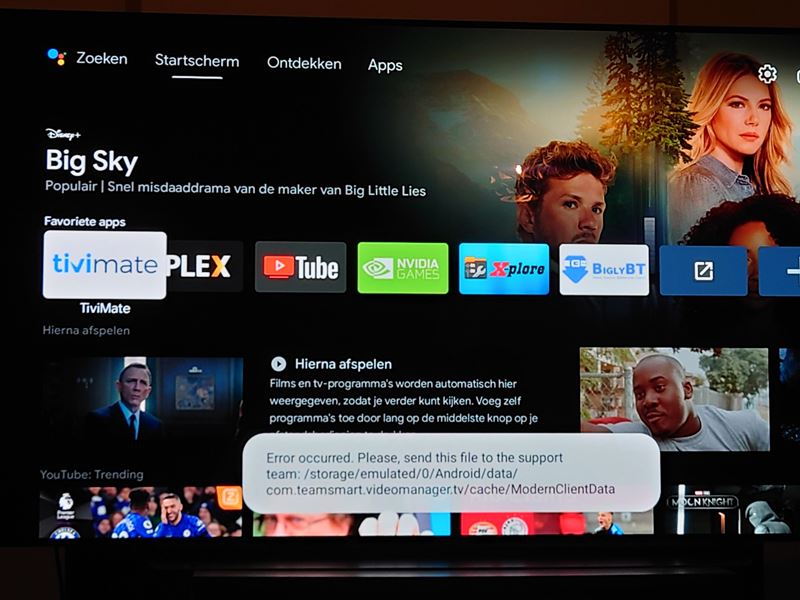
How to Fix SmartTubeNext ModernClientData Error on Android TVs
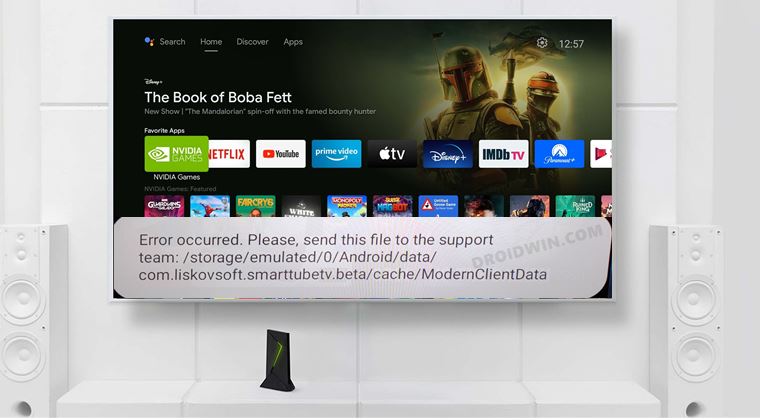
One of the biggest perks of using an open-source app is that we could easily voice our concerns and more importantly, developers are quick to respond to the community’s needs. And the same has happened this time around as well. After listening to all the concerns over at Reddit and GitHub, the developers have rolled out a new update that has finally resolved this issue.
So all that you need to do is update SmartTubeNext to the latest version 14.16. As far as the process goes, you could directly update it from within the app itself. Or you could also sideload and install the APK from GitHub, whose direct link we have shared as well: latest beta download | latest stable download .
- How to Remove Ads on Nvidia Shield and other Android TVs
- Unlock Bootloader on Nvidia Shield TV
- How to Downgrade Nvidia Shield TV to Android 9
- Install Nvidia Shield TV ADB Fastboot Drivers in Windows 10/11
(Cancel Reply)
Δ
