Fire TV Stick stuck on logo: How to Fix
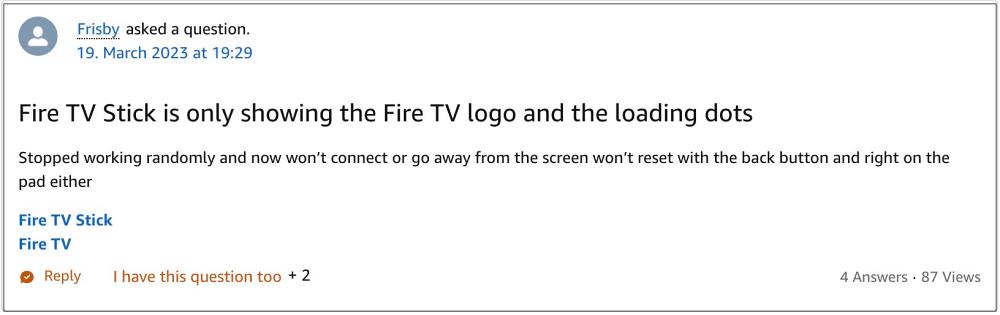
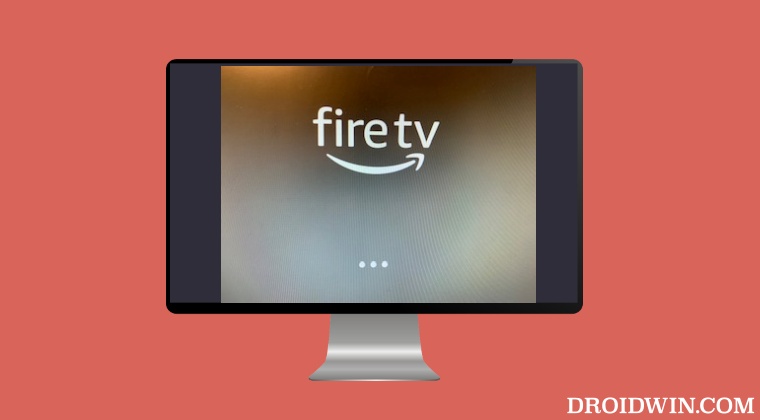
In this regard, numerous users have voiced their concern that their Fire TV Stick is stuck on the logo with the loading dots animation beneath it going on forever. The issue started all of a sudden and is affecting a handful of devices only. If you are also currently getting bugged by this issue, then this guide will make you aware of a couple of nifty workarounds that might help you rectify this issue. So without further ado, let’s get started.
- Fix Fire TV Stick stuck on logo Try the HDMI Tweaks Reconnect Fire TV Stick FIX 3: Reset Fire TV Stick via Remote
Fix Fire TV Stick stuck on logo
It is recommended that you try out each of the below-mentioned workarounds and then see which one spells out success. So with that in mind, let’s get started.
Try the HDMI Tweaks
First off, you should try out the below-listed HDMI tweaks and check if it manages to resolve the issue of the Fire TV Stick being stuck on its logo.
- If possible, try with and without an HDMI adapter or extender.
- Make sure that you’re using a high-speed HDMI cable.
- Try using a different HDMI port.
- For HDMI hubs, try plugging the Fire TV device directly into the TV.
Reconnect Fire TV Stick
- Remove the Fire Stick from the HDMI port of your TV.
- Next up, unplug it from the power outlet as well and wait for 3 minutes.
- Then replug it into the power outlet.
- Likewise, plug it back into the HDMI port on your TV as well.
- Now check if it fixes the issue of the Fire TV Stick being stuck on its logo.
FIX 3: Reset Fire TV Stick via Remote
If none of the aforementioned methods worked out, then your last course of action should be to reset the Fire TV stick to its factory default state. The general approach to do so is via the Settings menu, but since you wouldn’t be able to access that screen, we will instead be using the remote to perform this reset.
- Press and hold the Back button and the right side of the navigation button for 10 seconds.
- You will now get a reset option on your screen, select it. OR
- If you aren’t able to make the selection, then just stay on that screen.
- Fire Stick will automatically make that selection and perform the reset.
- Once done, restart the setup process, and check out the results.
That’s it. These were the three different methods that might help you fix the issue of the Fire TV Stick being stuck on its logo. As far as the official stance on this matter is concerned, the developers are yet to acknowledge this issue, let alone give out any ETA for the rollout of a fix. As and when any of these two things happen, we will update this guide accordingly. In the meantime, the aforementioned workarounds are your best bet.
- Fire TV Stick Stuck on Downloading the latest software [Fixed]
- YouTube videos on Amazon Fire TV Stick stuck on thumbnail [Fixed]
- Amazon Fire TV Remote Battery Drain: How to Fix
- YouTube TV DVR and Live TV Pause/Resume Issue [Fixed]

(Cancel Reply)
Δ
