Fix QuickTime Permission Issue: Cannot Save/Export File
In this guide, we will show you the steps to fix the issue wherein users are unable to save or export files in QuickTime due to its permission issue. This extensible multimedia framework from the Cupertino giant supports streaming, encoding, and transcoding numerous digital media formats. While it has been long been discontinued, but some users prefer to use it even to this date, owing to the plethora of functionalities that it has to offer.
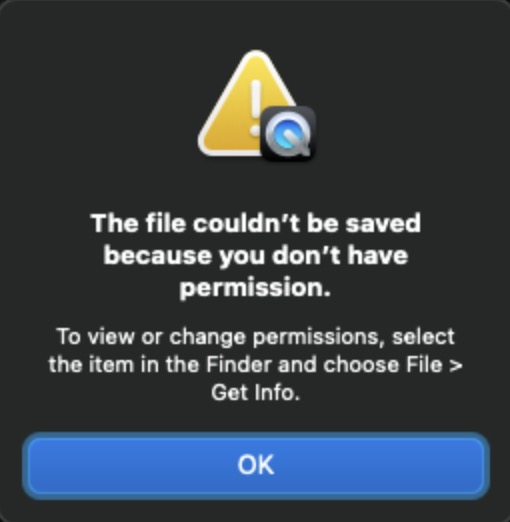
However, in spite of all the goodies attached, it isn’t free from its fair share of issues either. In this regard, numerous users have voiced their concern that they are unable to save or export a file in QuickTime. Whenever they are trying to do so, they are instead greeted with the “The file couldn’t be saved because you don’t have permission. To view or save permissions, select the item in the Finder and choose File > Get Info”.
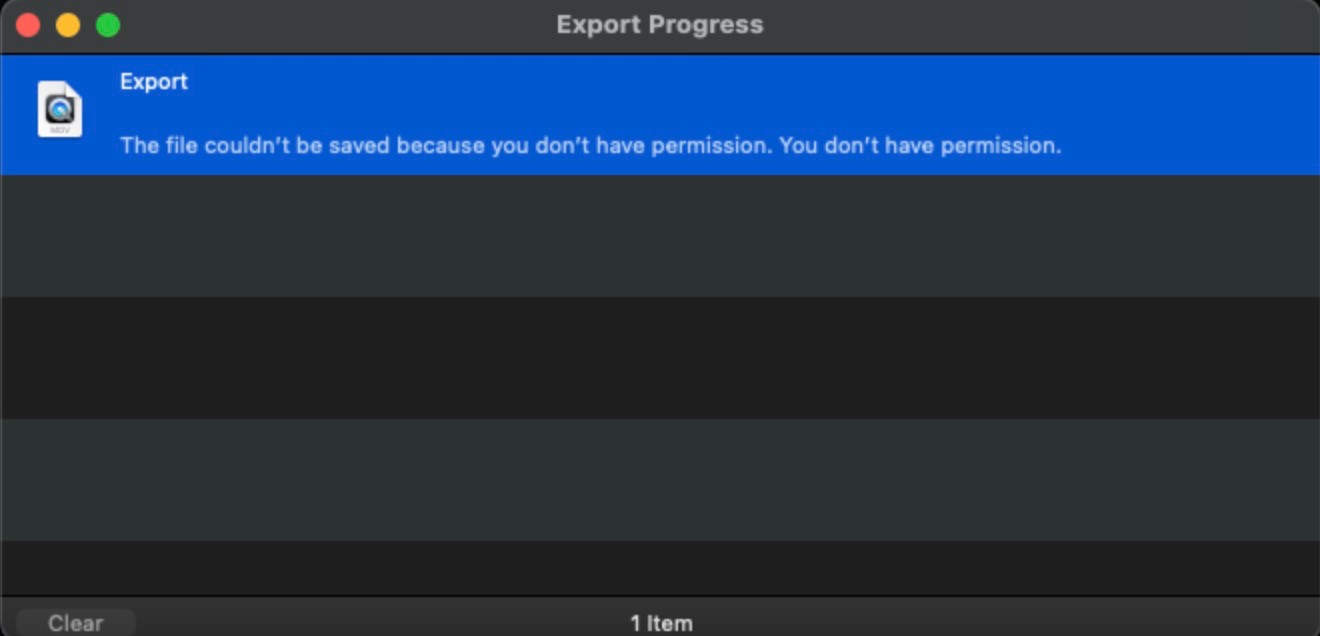
While the error message clearly states what needs to be done, however, the irony is that since the file hasn’t been saved, it cannot be accessed via Finder and hence changing its permission is just not possible. Moroever, the affected users are already using an admin account, so the case of restricted permissions is not applicable either. With that said, we did manage to find a nifty workaround that should help you rectify this issue. So without further ado, let’s check it out.
Fix QuickTime Permission Issue: Cannot Save/Export File
Since s andboxed apps have a limited number of resources, they cannot have more than the predefined number of security-scoped objects. In the case of QuickTime, this number stands at 2500. So rather than selecting the images in the open panel, you should i nstead put them into a folder, and select the folder in the open panel. So now QuickTime will now ask the OS for permission to only open the folder, rather than asking permission for each individual file.
- How to Quickly Put the Mac Display to Sleep [3 Methods]
- How to Clear/Delete Mac Clipboard using Shortcut
- Switch between different times until Lock Screen is activated [Mac]
- How to Delete Automator Actions/Scripts on Mac

- ray 2 years ago Reply so i ended up in this situ, and man your write-up here really helped out. I do some advanced 40mp time lapses with 2000-10,000 shots and have found QT to be much more streamlined than FCPX for initial assembly. after updating OSX, I ran into this permissions error and was pulling my hair out. your simple fix kept me moving and eliminated some deadline stress for me! thanks m8!
- test 3 years ago Reply test comment
(Cancel Reply)
Δ
