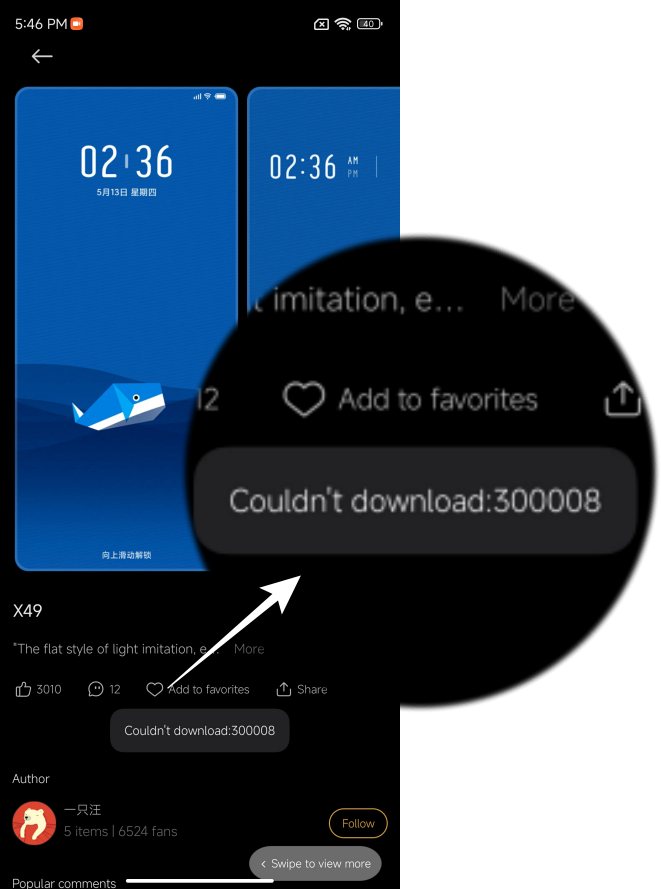
The tons of wallpapers, ringtones, fonts, and themes that it beholds are literally unmatched. Moreover, the fact that all of them are available under one roof and can easily be downloaded/purchased in just a few taps further adds to the ease of usage. However, as of late, it seems to be giving quite a tough time to the users who are on the Xiaomi EU ROM.
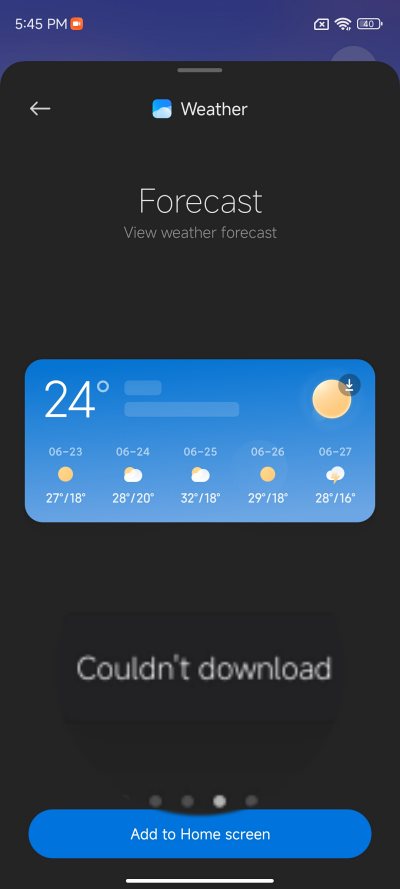
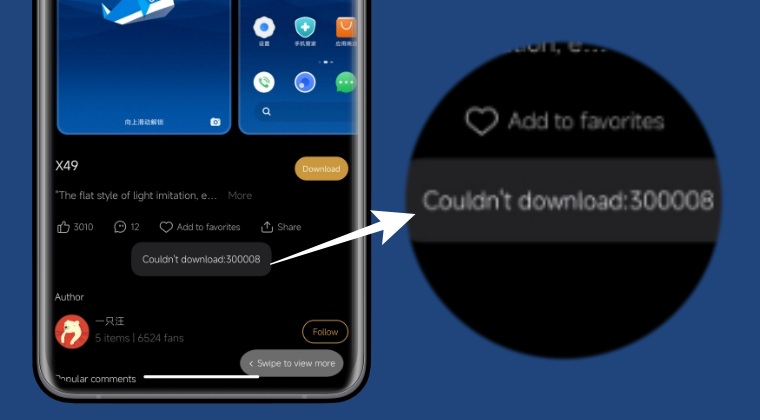
- To begin with, root your device via Magisk.
- Then mount the system partition as R/W.
- Now install a root-supported File Manager.
- Then launch it and go to the below directory: system/priv-app
- Delete the folder named DownloadProviderUI.
- Finally, restart your device and that’s about it.
- MIUI Killing Background Apps on Xiaomi: How to Fix
- Xiaomi HyperOS Unlock Bootloader? Forget about it!
- Calls not working on Xiaomi EU ROM [Fixed]
- Google Play System Update bug on Xiaomi EU ROM [Fixed]

(Cancel Reply)
Δ
