Flash Stock Firmware on OnePlus 10R via Fastboot [Unbrick Guide]
This guide will show you the steps to unbrick your OnePlus 10R by flashing the stock firmware via Fastboot. The Chinese OEM has just added a new member to its family. Dubbed the 10R, it is the budget offering in this lineup and beholds quite a few nifty features. While the underlying chipset is MediaTek might dampen the spirits of a few tech enthusiasts, but there are still quite a few tweaks and mods that you could welcome onto your device.
These include the likes of flashing custom ROMs, recoveries and gaining administrative access by rooting or flashing Magisk Modules, among others. However, carrying out these tweaks could prove to be a risky bet as well. If not done correctly, then your device could end up in a softbrick or bootloop state. Well, even then, you could easily unbrick your OnePlus 10R by flashing the stock firmware via Fastboot. And in this guide, we will show you how to do just that. Follow along.
- Unbrick Guide- Flash Stock Firmware on OnePlus 10R via Fastboot STEP 1: Download Fastboot Enhance Tool STEP 2: Download OnePlus 10R ROM STEP 3: Install Android SDK STEP 4: Install Fastboot Drivers STEP 5: Boot to Fastboot Mode STEP 6: Flash Stock Firmware on OnePlus 10R via Fastboot Tool
Unbrick Guide- Flash Stock Firmware on OnePlus 10R via Fastboot
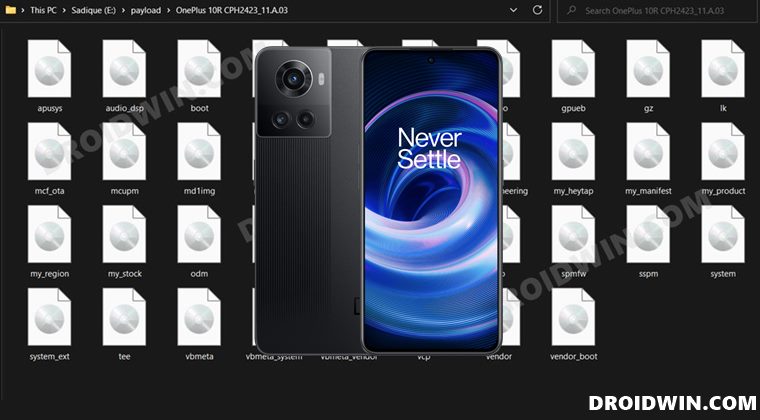
In order to successfully execute the steps of this guide, your device should at least be able to access the Fastboot Mode. Likewise, the bootloader also needs to be unlocked. Moreover, please take a complete device backup beforehand, if possible by any means. This is because the below process will wipe off all the data. Droidwin and its members wouldn’t be held responsible in case of a thermonuclear war, your alarm doesn’t wake you up, or if anything happens to your device and data by performing the below steps.
STEP 1: Download Fastboot Enhance Tool
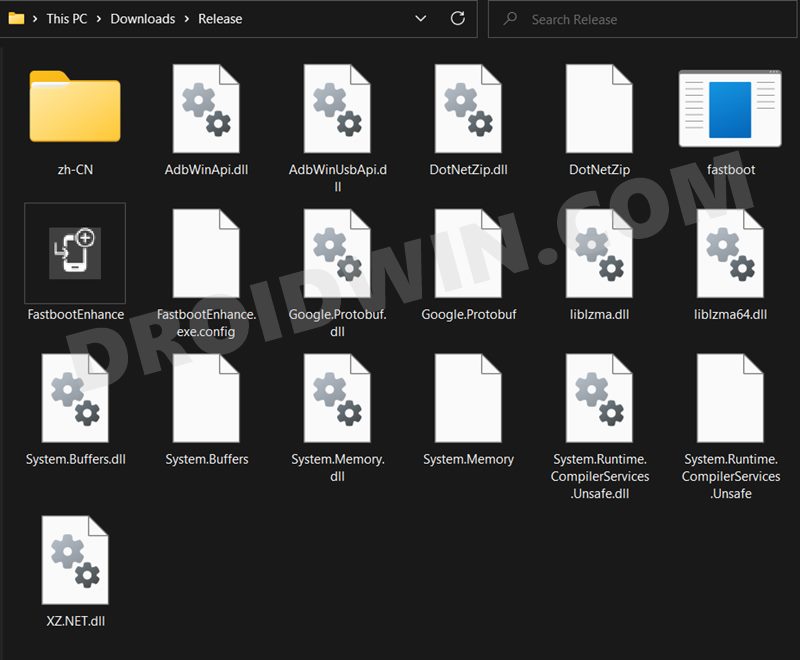
To begin with, download the Fastboot Enhance Tool from GitHub [ direct link ][Credits: XDA Senior Member xzr467706992 ]. Once downloaded, extract it to any convenient location on your PC. The biggest advantage of this tool is that you could directory flash the payload.bin file, there is no need to extract it and get the resultant IMG files!
STEP 2: Download OnePlus 10R ROM
- Next up, get hold of the Indian ROM for your OnePlus 10R from below: Download OnePlus 10R Fastboot ROM, Stock Firmware, Boot.img
- Once downloaded, extract it and transfer the resultant payload.bin file to the Fastboot Enhance Tool folder.
STEP 3: Install Android SDK
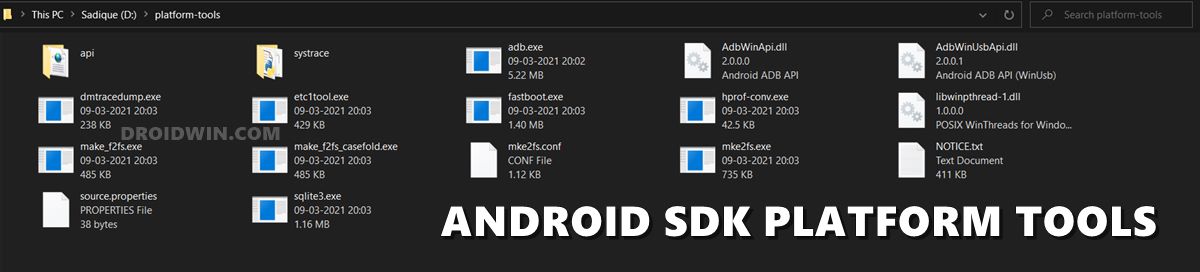
Next up, install the Android SDK Platform Tools on your PC. This is the official ADB and Fastboot binary provided by Google and is the only recommended one. So download it and then extract it to any convenient location on your PC. Doing so will give you the platform-tools folder, which will be used throughout this guide.
STEP 4: Install Fastboot Drivers
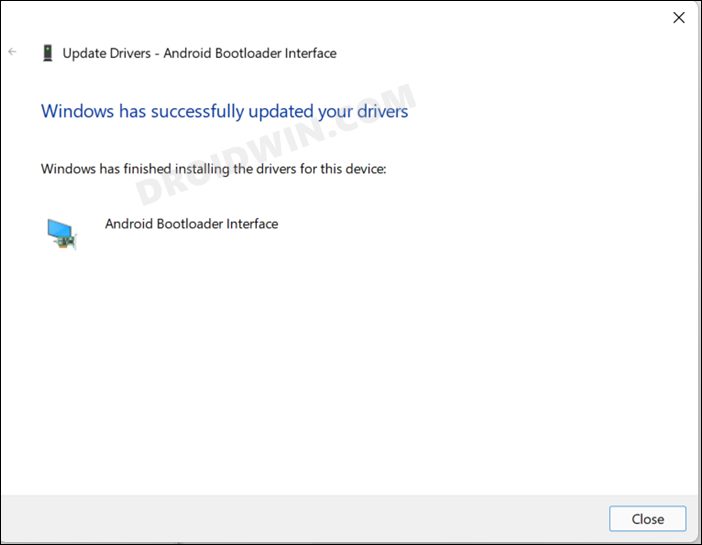
The tool doesn’t come with the Fastboot Drivers, so you will manually have to install it on your PC. For that, please refer to our guide on How to Install Fastboot Drivers in Windows 11 . Likewise, make sure to install the OnePlus USB Drivers as well [they are usually automatically installed as soon as you connect your device to the Windows PC for the first time].
STEP 5: Boot to Fastboot Mode
In most cases, a soft-bricked or boot looped device might already be in the Fastboot Mode. However, if you are stuck in a bootloop, then long-press the Power key to turn it off. Then press and hold the Power and Volume Down keys (or Power and Volume Up) together to boot your device to Fastboot Mode.
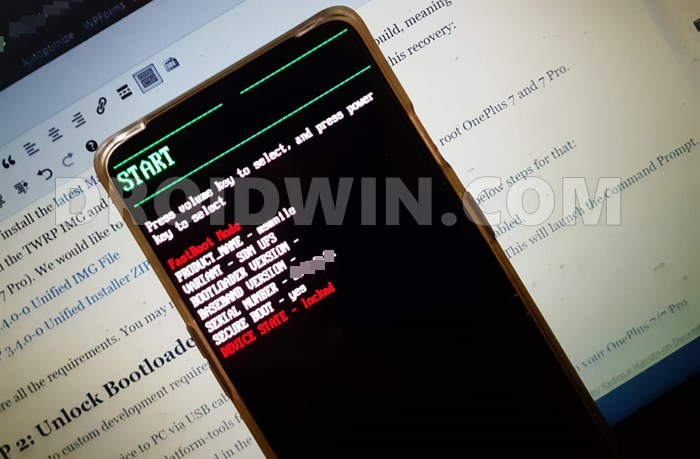
However, if you are unable to power off the device, then let its battery drain out. Once that happens, connect it to the charger. Then as soon as it is about to boot up, use the Power and Volume Up/Down keys and it will straightaway boot to Fastboot Mode.
STEP 6: Flash Stock Firmware on OnePlus 10R via Fastboot Tool
- To begin with, launch the Fastboot Enhance Tool via its EXE file.
- Your device should be listed under the Fastboot Virtualization tab, select it.
- After that, click on the Reboot to FastbootD button.
- Your device will boot to FastbootD Mode.
- Now go to the Payload Dumper tab and click on Browse.
- Navigate to the payload.bin file, select it and click Open.
- The file will now be loaded in the tool, displaying the resultant information.
- Now go to the Fastboot Virtualization tab and click on Flash payload.bin. If the flashing starts, well and good.
- However, if you get the ‘Virtual A/B temporary partitions exist’ popup, then click on No.
- After that, go to the Partitions tab and type in cow in the Filter by name box.
- Select all the partitions from the results that have cow in their name and hit the Delete button.
- Once done, click on Flash payload.bin. This time the flashing will start without any issues.
- Once complete, you will be notified of the same. You may now boot to the OS by clicking on Reboot to System.
- How to Unlock Bootloader on OnePlus 10R
- How to Root OnePlus 10R via Magisk Patched Boot.img
- Download OnePlus 10R Fastboot ROM, Stock Firmware, Boot.img
- How to Extract OnePlus OFP Firmware File

- Jayant Khanvilkar 2 years ago Reply hi, i need to flash ofp from edl with msm for one plus 10r . i cant find msm toolkit with .ofp files on your website
(Cancel Reply)
Δ
