Google Analytics Internal Error when moving a Property [Fixed]
In this guide, we will show you the steps to fix the Internal Error in Google Analytics when moving a Property. If you are a content publisher or own a website/blog, then the Analytics tool from the Silicon Valley giant is probably the most important tool that you could have in your arsenal. it allows you to get hold of some crucial information related to your site, including the likes of traffic, session duration, pages per session, bounce rate, etc.
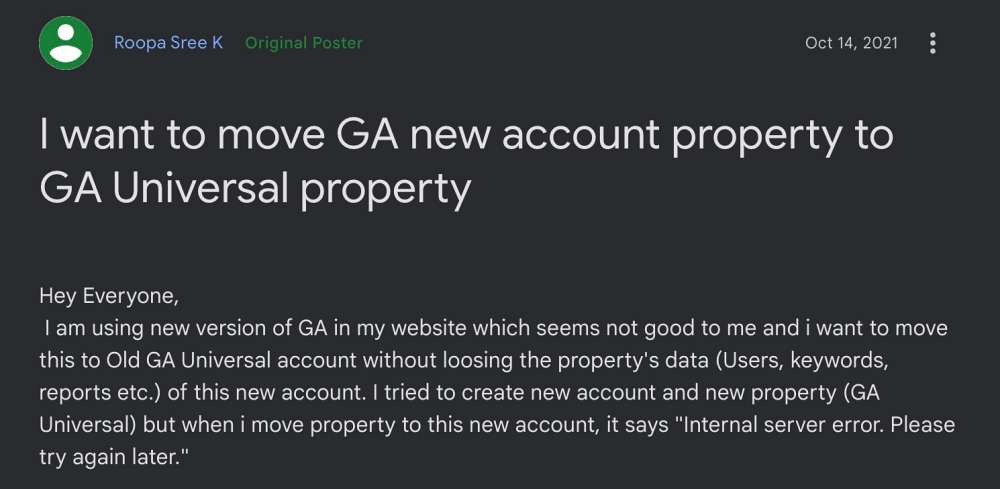
Moreover, it is about to undergo a major overhaul with Google replacing its Universal Analytics (UA) with Google Analytics 4. In this regard, all the sites should move over to this new analytics before the deadline day of July 1, 2023. However, users who are trying to move their Analytics property from one Google account to another are reportedly getting the ‘internal error please try again later’ prompt.
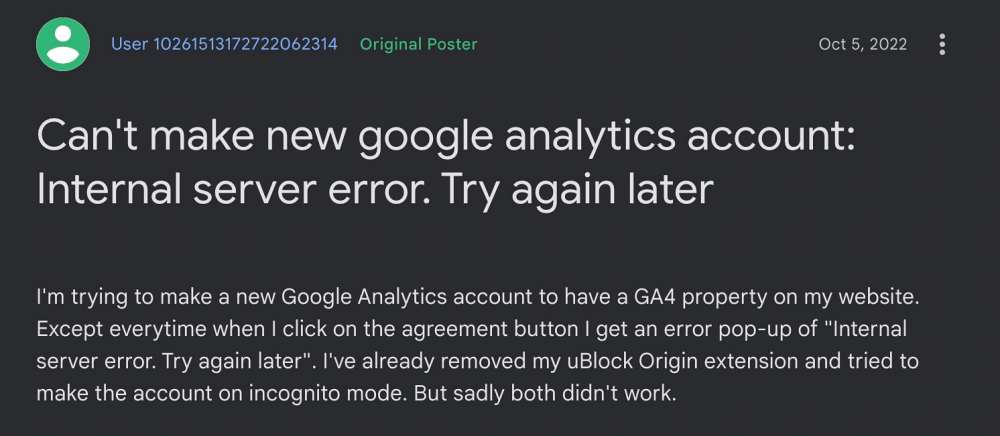
To rectify this issue, users have already tried the basic workarounds for performing this property transfer in Incognito Mode, using a different browser, and disabling all the JavaScript-related extensions, but none of them spelled out success. If you are also getting bugged with this issue, then this guide will make you aware of a nifty workaround to resolve it. Follow along.
Fix Google Analytics Internal Error when moving a Property

First and foremost, you should keep in mind that You cannot convert a GA4 Property to a UA Property or vice versa. So if you want to start using the UA Property again, there is no way to backfill the Property with GA4 data. You will ha e no choice but to start from scratch.
However, if you are not performing this backfilling of data and are simply transferring property from one account to another, but are still getting the Internal Error in Google Analytics, then you are currently affected by one of the Analytics bugs. This issue is only affecting those users who are trying to transfer property to a newer account.
If the transfer from UA to GA4 is happening to an older Analytics account, then this issue wouldn’t happen. Moreover, upon debugging the issue in the browser’s console window, you might see the log along the following lines:
ERROR Error: fa`Object: {"data":{"er":{"errorCode":3,"httpStatus":400}},"status":400,"config":{"method":"POST","transformRequest":[null],

"transformResponse":[null],"jsonpCallbackParam":"callback","resourceName":"account","resourceOperation":"Create","url":"/analytics/app/data/admin/accounts","
- Twitter “You may only view analytics about your own tweet” [Fix]
- Google Chrome ‘Properties’ Malware Extension: How to Remove/Delete It
- STATUS_INVALID_IMAGE_HASH Error in Chrome [6 Fixes]
- Chrome Helper ‘Libnotify: registration failed with code 9 on line 2835’ [Fix]

(Cancel Reply)
Δ
