Google Photos ‘Failed to sort’ Error: How to Fix
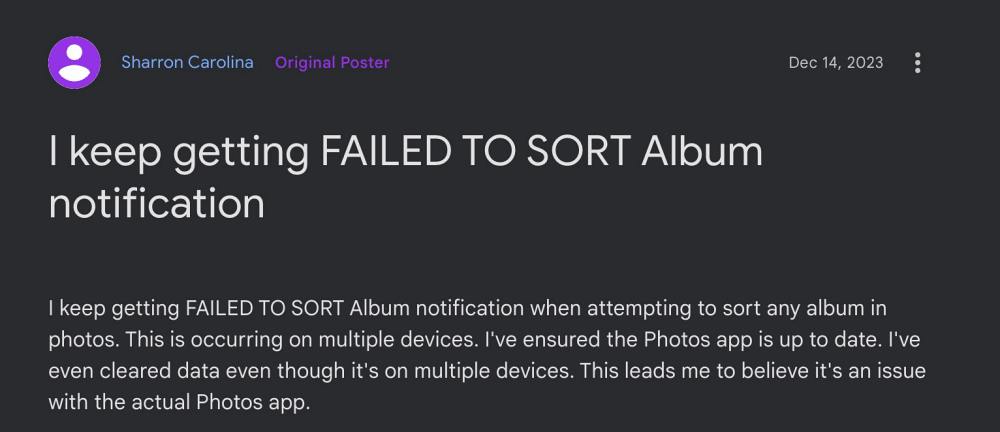
For instance. numerous users have recently voiced their concern that they are getting the ‘Failed to sort’ error message in Google Photos when trying to sort images present in an album from newest to oldest. For other users, the issue is all the more infuriating as they are unable to sort photos in any order whatsoever. If you are also getting bugged by any of these issues. then this guide will make you aware of a nifty workaround to resolve this error. Follow along.
Fix Google Photos ‘Failed to sort’ Error

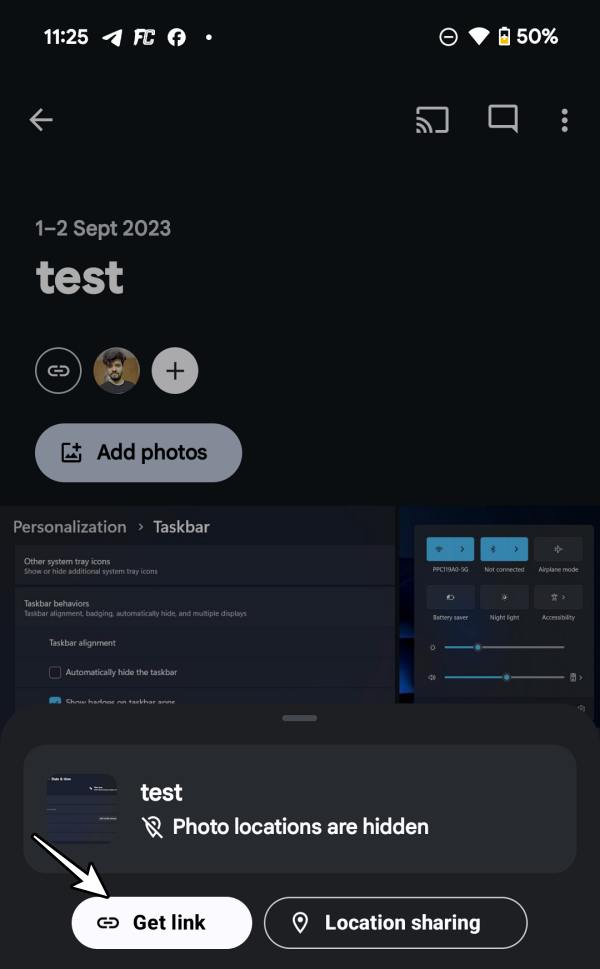
As of now, the only workaround that is spelling out success for the users involves sharing the album with someone. In this regard, simply create a shareable link to that album, share that link with yourself on WhatsApp/Telegram, or simply paste it into the notes app. Then open the album via that link and you can easily sort the images present in that album without any issues.
That;’s it. This was a handy workaround that could help you fix the ‘Failed to sort’ error in Google Photos. As far as the official stance on this matter is concerned, the developers are aware of this issue, but they haven’t given out any ETA for the rollout of a fix. As and when that happens, we will update this guide accordingly. In the meantime, the aforementioned workarounds are your best bet.
- How to Stop Google Photos from Taking a Backup of RAW Images
- How to Transfer all files from Google Photos to another platform
- Video Boost will not work with unlimited Google Photos storage
- How to Directly Save Photos to Locked Folder in Google Photos

(Cancel Reply)
Δ
