Google Pixel Buds Pro Bluetooth Random Disconnection [Fixed]
In this guide, we will show you the steps to fix the Google Pixel Buds Pro random Bluetooth disconnection issue. These true wireless earbuds from the Silicon Valley giant behold a strong build quality, impressive Active Noise Cancellation, and up to 11 hours of listening time. However, all this will count for nothing if it isn’t able to carry out its normal functionality. Unfortunately, that has indeed been the case for the past couple of weeks.
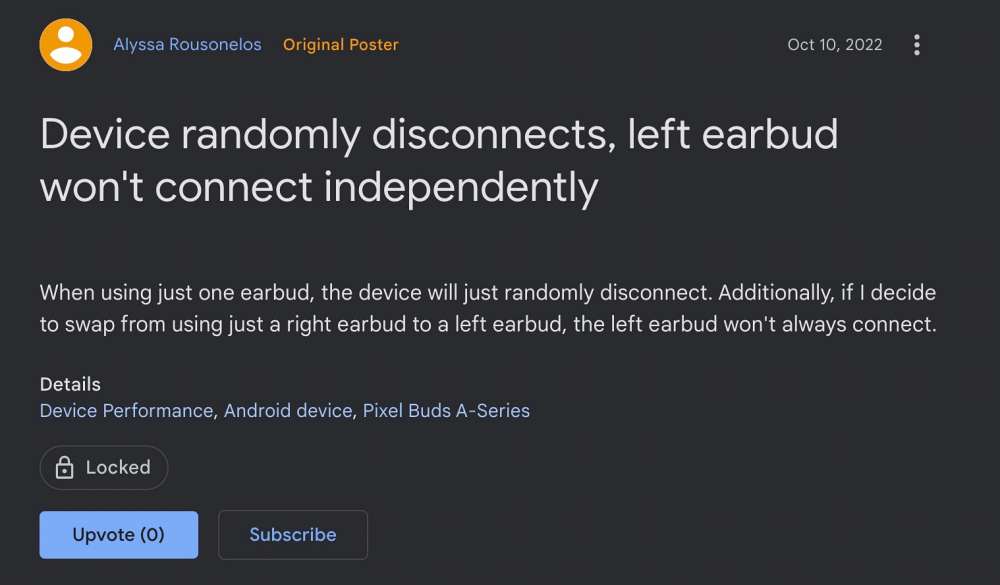
We have already documented its non-workability with the Pixel devices and issues with Google Assistant , and now there has been another intrusion by a bug. This time around, many users have voiced their concern that they are facing random Bluetooth disconnection issues on their Pixel Buds pro. As a result of which, the audio keeps disconnecting and they hear a chime sound whenever that happens.
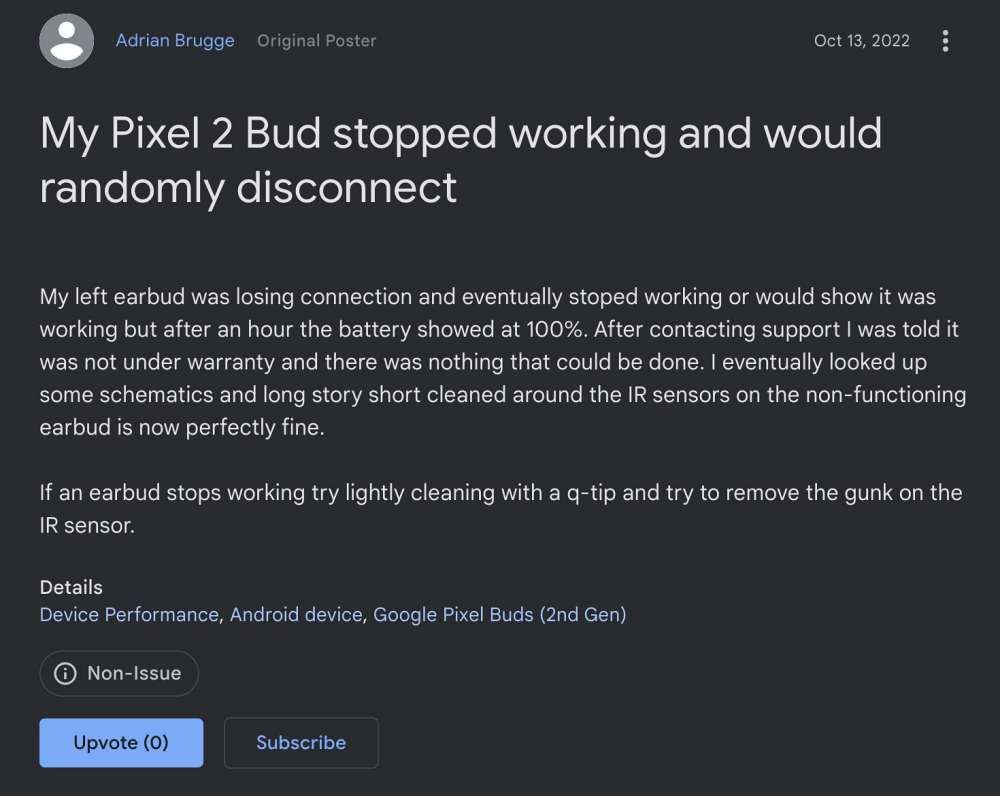
To make matter worse, even the older Pixel Buds A-Series and 1st & 2nd-gen Pixel Buds are affected this time around. While some point it towards a hardware issue, but that doesn’t look like the correct explanation [ how come all the buds face hardware failure within the same time frame]. So as of now, all fingers point towards a buggy software update rolled out by Google. With that said, there do exist a few nifty workarounds that might help you resolve this bug. So without further ado, let’s check them out.
Fix Google Pixel Buds Pro Bluetooth Random Disconnection [Fixed]
As of now, the only workaround that seems to be spelling out success for the users involves un-pairing the earbuds, factory resetting them, and then setting them up from scratch. So refer to the below-listed steps to give it a try and then check out the results.
- Head over to Settings > Connected Devices and select your earbuds.
- Then tap on Forget > Forget Device. Now put back the buds in the case.
- Now plug in the case to the charger via a USB C cable and keep the lid open.
- Then press and hold the pairing button on the back for 30 seconds.
- Once the light stops blinking and just stays white, leave the button.
- The reset is now complete. So go to Settings > Connected Devices.
- Now select your earbuds and proceed with the instructions to pair them.
That’s it. This should fix the Google Pixel Buds Pro random Bluetooth disconnection issue. As far as the official stance on this matter is concerned, the developers are aware of this issue, but they haven’t given out any ETA for the rollout of a fix. As and when that happens, we will update this guide accordingly. In the meantime, the aforementioned workarounds are your best bet.
- Pixel Buds app not working with Pixel 7 Pro: How to Fix
- Google Assistant is not working on Pixel Buds Pro [Fixed]
- Galaxy Buds Dead/Not Working: How to Fix
- Cannot Connect Bluetooth Earbuds to Android 12/13 [12 Fixes]

(Cancel Reply)
Δ
