Google Search results changes to two column layout and is ruined!

Source
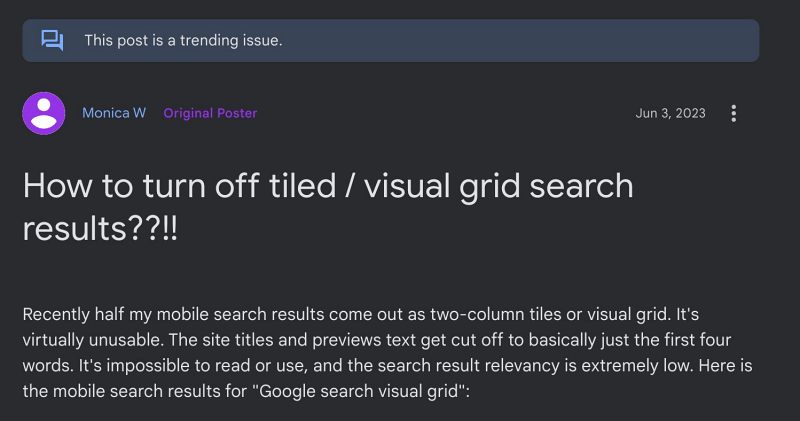
Google Search Results Changes to Two Column Layout and gets ruined!
The latest one to make its way is the UI/UX change of Google Search, wherein all the results will now appear in two columns layout as opposed to scrollable results. And there are a plethora of issues with that. The biggest among them is the fact that you would now get less information at a given point in time on your screen. Moroever, the details that appear is half baked, as the other half of the information gets cut off.
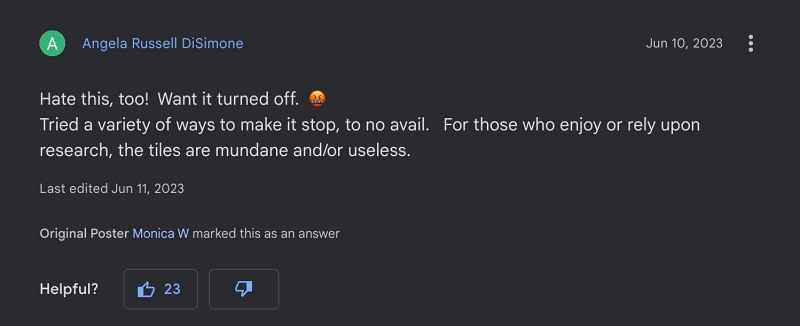
This happens because the Silicon Valley giant tends to give a higher preference to the UI/UX aspect as opposed to the stability front. So what if you searched for something and aren’t getting complete information about that query, at least the UI search results are being displayed in nicely rounded corners. After all, an aesthetically pleasing GUI would be preferred by users instead of getting a high search result relevancy, right Google?
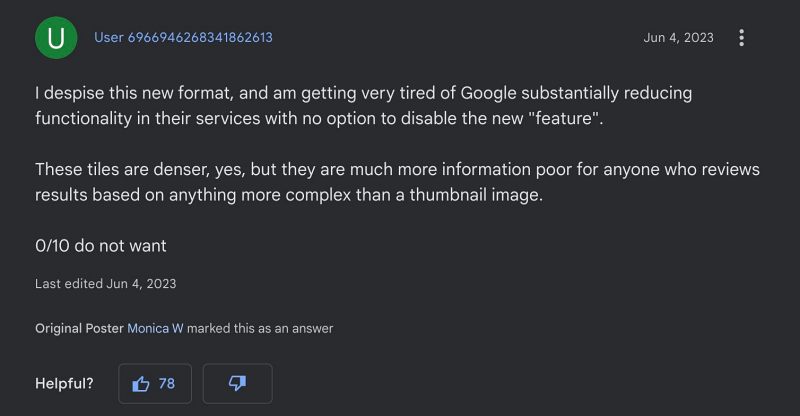
Well, this rant could go on and on, but it wouldn’t result in any applicability as such. This is because the same has happened countless times in the past, and let alone us, many major tech blogs have raised concerns over these unwanted changes, but only to fall on deaf ears. What Google decides will be implemented sooner than later, whether users like it or not doesn’t really matter. Things would be much better if Google adheres to the phrase- “if it ain’t broke, don’t fix it”.
- Text cursor jumps to end of Google search via mouse [Fix]
- How to Bring Back the Old Google Search Toolbar UI
- Turn off Continuous/Infinite Scrolling in Google Search [Video]
- Google Search result: These search terms appear in the result [Fixed]

- Charlotte 2 years ago Reply Way too small font size. And changing font size doesn’t fix it. I really haþe. It makes hoogle unusable on my phkne without constantly zooming in and out. How do I turn it back?
(Cancel Reply)
Δ
