When it comes to online spreadsheet software, then there’s hardly an iota of a doubt that the offering from the Silicon Valley giant is right there at the top. Without the need to download any standalone software, being completely free, ease of sync across various platforms, and its handy collaborative functionality are just some of the reasons for its rise to fame. However, in spite of all the goodies attached, it isn’t free from its fair share of issues either.
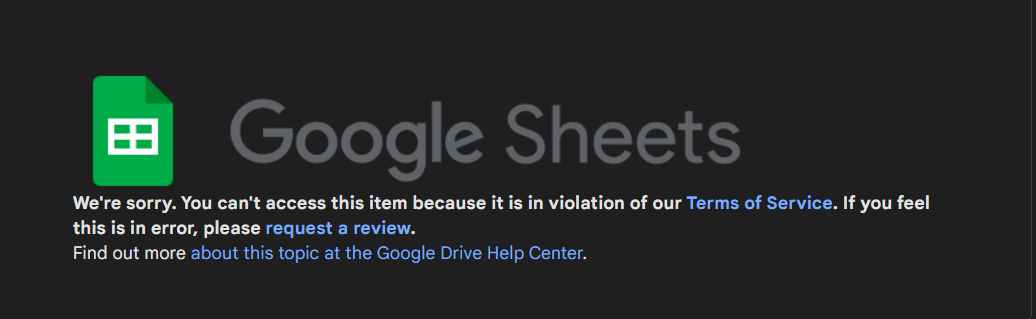
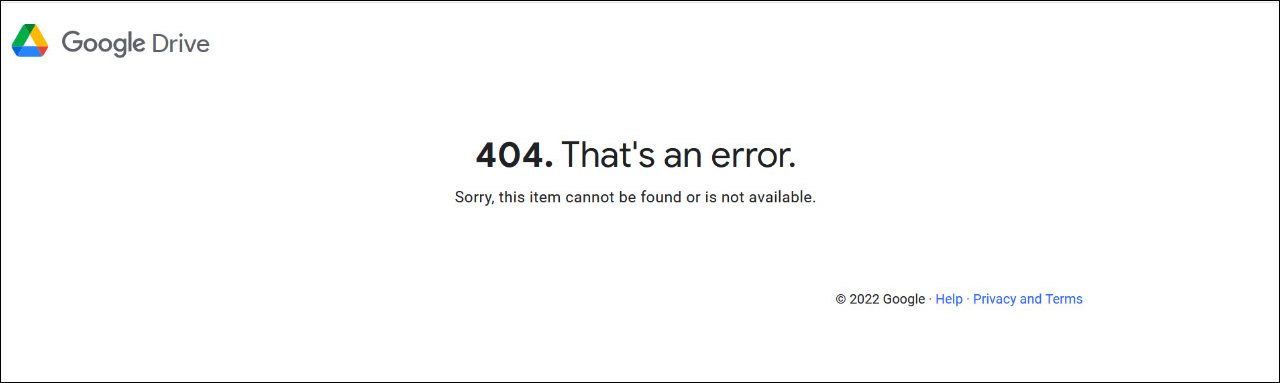
At the time of writing, the developers are aware of the issue. However, they haven’t given out any ETA for the rollout of a fix. As and when that happens, we will update this guide accordingly.
- UPDATE 1 [26th June 2022]: The developers have rolled out a fix , so the underlying issue should have been rectified.
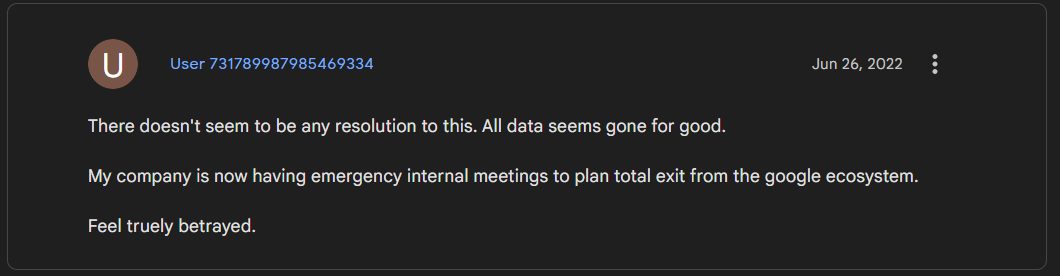
- UPDATE 2 [27th June 2022]: Turns out the update didn’t work out for all as many users are still getting bugged with this issue.
- Google Sheets Set Custom Page Break not working: How to Fix (Opens in a new browser tab)
- IMPORTXML and IMPORTHTML not working in Google Sheets [Fixed] (Opens in a new browser tab)
- Google Sheets Timeline Chart not working: No loader available error [Fix] (Opens in a new browser tab)

(Cancel Reply)
Δ
