Here’s why Pixel 7/Pro Face Unlock will not work with Banking Apps
In this guide, we will let you know why your Pixel 7/Pro Face Unlock will not work with banking apps. The latest additions to the Pixel family have bought in a truckload of noteworthy features, with the likes of a second-generation Tensor chipset, a slew of camera goodies, and the introduction of face unlock being the talk of the town.
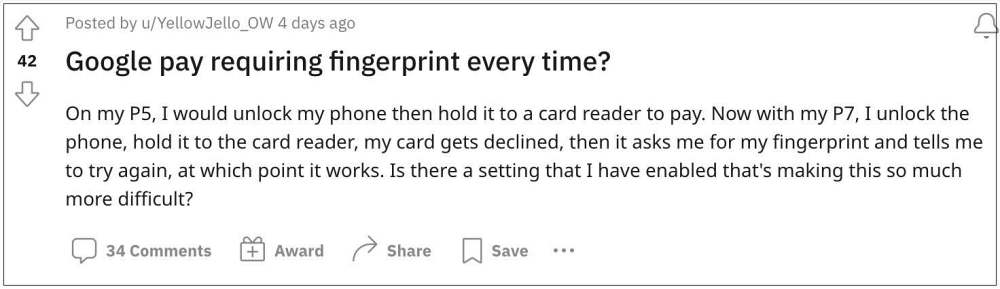
However, it is the latter one that has been in the news, and not necessarily for all the right reasons. While users were waiting for ages for this functionality to land on their Pixel device, but when it did, it seems to have fallen short of expectations.
Pixel 7/Pro Face Unlock will not work with Banking Apps
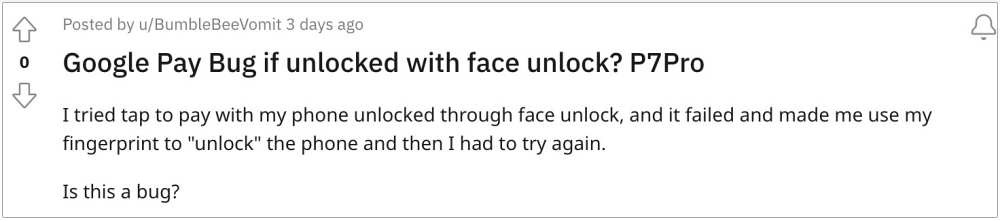
Numerous users have voiced their anger regarding the inability of the Pixel 7/Pro Face Unlock feature to work with banking apps. So if you have unlocked your device via Face Unlock and then bring your device near the card reader, then the transaction will straightaway be declined.

You will first have to relock the device and then unlock it via your fingerprint before you could carry out the transaction. In other words, if you want to carry out a transaction via your device, you will have to unlock it via your fingerprint itself. So why is this happening?
Why Face Unlock does not work with Banking Apps on Pixel 7/Pro
Pixel 7/Pro uses a weaker 2D face unlock mechanism which belongs to the level 1 biometric standard. As a result of which, it is not qualified to be used with the apps and APIs that require BIOMETRIC_STRONG authentication. The BIOMETRIC_STRONG authentication could only be used with Class 3. However, the Pixel 7/Pro device comes with a Class 1 level and hence its Face unlock cannot be used with banking and payment apps.
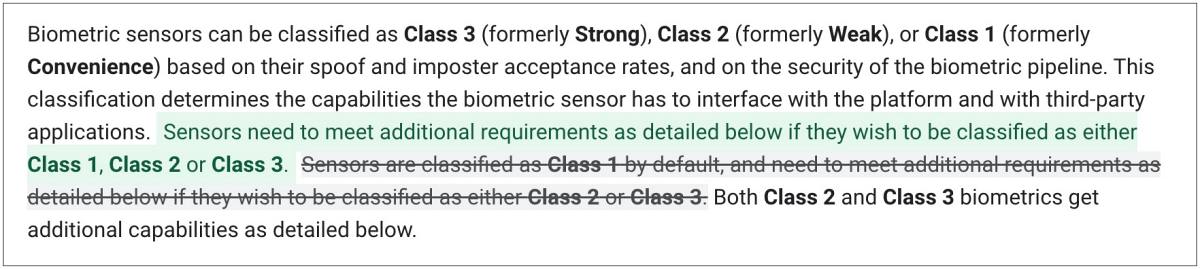
If you wish to get into the technicalities of this explanation, we would highly recommend you check out this in-depth explanation from Google regarding the Biometric Sensors and their different levels of security. [All this fiasco just makes us appreciate the IR projector and Soli on the Pixel 4 series even more!]
- Pixel 7 Pro Network Drop/No Service/No SIM Card: How to Fix
- Locked Folder missing in the Camera app in Pixel 7/Pro? Here’s the Fix!
- Pixel 7/Pro: How to Check if an app is 32-bit or 64-bit
- Fix Inconsistent and Erratic Scrolling Issues in Pixel 7/Pro [4 Fixes]

(Cancel Reply)
Δ
