How to Add any Apps to OnePlus Parallel Apps
In this guide, we will show you the steps to add any apps to the Parallel Apps section on your OnePlus device. Having a second instance of an app gives you a plethora of benefits. For instance, you could create a second space for WhatsApp and log in using your second phone number or create a second Facebook app and log in using your additional account. In this regard, there exist numerous third-party apps that allow you to get this job done.
However, when it comes to OnePlus, you don’t need to be dependent on any third-party apps as it beholds a native built-in option for the same. But it isn’t free from its fair share of drawbacks either. One among them is the inability to add certain apps to the second space. But using a nifty workaround, you could easily address this issue and add any app to the Parallel Apps on OnePlus. So without further ado, let’s check out how this could be carried out.
How to Add any Apps to OnePlus Parallel Apps
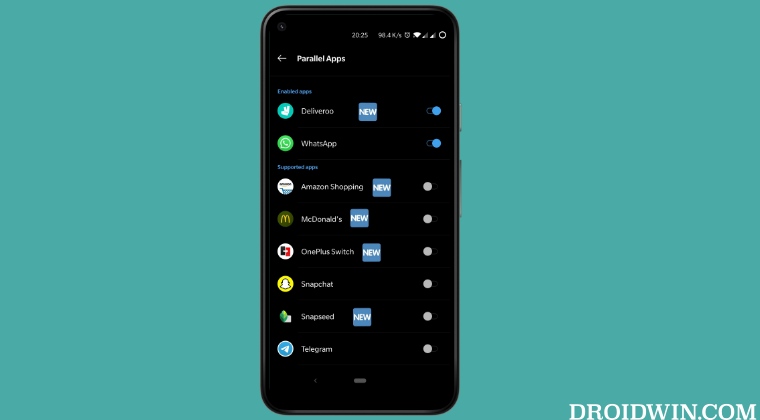
The module is officially supported till Android 11, trying it on Android 12+ versions might not give out desirable results.
- To begin with, you will have to root your device via Magisk.
- Next up, download and install Xposed Framework LSPosed.
- Now download and install the OnePlus Parallel Apps Extender .
- Then launch LSPosed, go to its Modules section, and enable OnePlus Parallel Apps Extender.
- Install Xposed/LSPatch without Root on Locked Bootloader [Video]
- Install Xposed Framework/LSPosed on Android 13 [Video]
- How to Pass the SafetyNet test after installing Xposed or EdXposed
- How to Pass SafetyNet on Rooted Pixel Experience ROM [Video]

(Cancel Reply)
Δ
