How to Bring Back YouTube Dislike Counter in Android
In this guide, we will show you the steps to bring back the YouTube Dislike Counter in Android. The Silicon Valley giants keep on testing new features in the background and if it meets their requirements, they decide to implement them right away. But where is the part where they take the opinion from its userbase? Well, unfortunately, it doesn’t exist in the Google ecosystem.
If the feature is in sync with their needs, they would straightaway implement it, without giving the user any flexibility to disable/re-enable it. There could be a plethora of instances that we could share here, with the new tab UI in Chrome for Android being in our recent memory. But now there has been another entry to this list. Google has recently done away with the Dislike counter in YouTube.
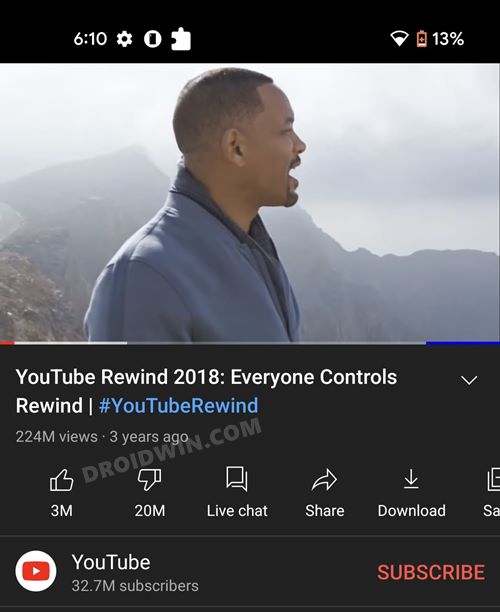
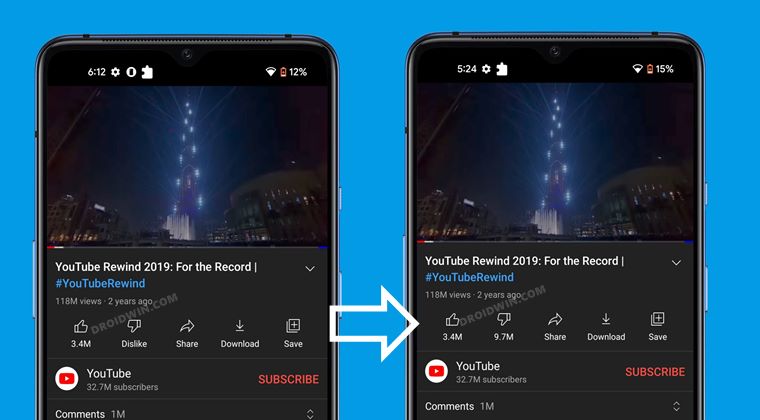
While the dislike button is still there and you could still dislike the video, however, you wouldn’t be able to get hold of the total number of times a video has been disliked. So what’s the fuss about it? Well, for me and countless other users, this dislike meter was an important metric to determine whether the video was actually what it claimed to be/helpful or just another one of those clickbaits.
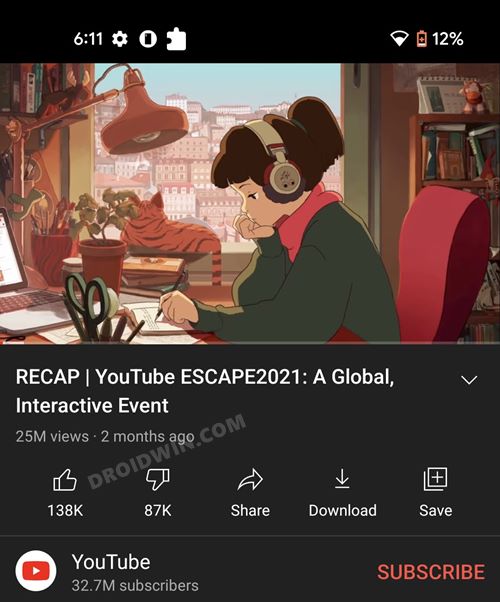
For a change, Likes > Dislikes
How to Bring Back YouTube Dislike Counter in Android
- To begin with, download and install YouTube Vanced Manager [there are many fake sites, the only official one is https://vancedapp.com/. You could reverify the same from their official XDA page ].
- Then launch the app and checkmark YouTube Vanced (YouTube Music is optional).
- You will now be taken to the app’s home page. Expand the Vanced microG section and tap on the Download icon next to it.
- Next up, enable the Allow from this source toggle for the installation to complete.
- Once installed, expand the YouTube Vanced section and tap on the Download icon next to it.
- Then select your preferences and hit the Install button.
- Once the installation is complete, head over to the app drawer and launch YouTube Vanced.
- Now tap on the profile icon and select Settings.
- After that, tap on Return YouTube Dislike settings.
- Then turn on the toggle next to Enable RYD. It is now recommended to close and relaunch the app for the change to be reflected.
That’s it. These were the steps to bring back the YouTube Dislike Counter in Android. So here’s how this app managed to carry out this tweak. There is a Chrome extension named Return-YouTube-Dislike [it is open source, you may check out its source code on Github ] whose developer has also released an API of the same. The developers of YouTube Vanced have integrated that API into its own app.
As far as the legitimacy of the YouTube Vanced is concerned, there’s always an element of doubt surrounding an app that is downloaded from outside the Play Store. However, I haven’t come across any negative reviews of this app to date. Moroever, to further enhance your privacy, you could probably skip the Google sign-in inside the app.
- How to Uninstall YouTube App from Android via ADB Command
- Fix: YouTube preview not showing in WhatsApp [Android, iOS]
- YouTube Music App Not Working/Crashing/Freezing [Fixed]
- YouTube Watch History not Updating on Roku TV [Fixed]

(Cancel Reply)
Δ
