How to Change Boot Animation on OnePlus
In this guide, we will show you the steps to change the boot animation on your OnePlus device. A decade back or so when ClcokWorkMod Recovery was reigning supreme, CyanogenMod was the go-to choice for custom ROM enthusiasts [well, some OEMs like OnePlus even shipped their device with this ROM!] and Titanium Backup always had our back, at that point in time, customizations were always at the top of the priority queue.
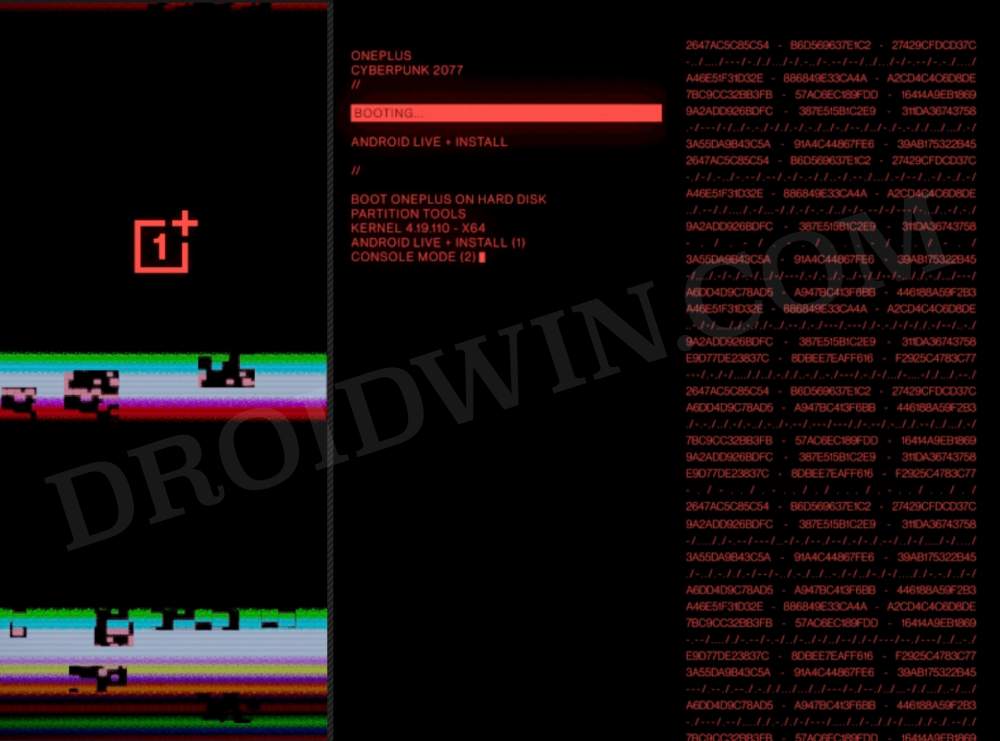
Among the plethora of tweaks that you could carry out, changing the boot logo and boot animation were among our favorites. And even though the craze for these animations has slowed down over the due course of time but there’s no denying the fact that a new boot animation is welcomed any day of the week. After all, who would like to see the same old boring animation every time their device boots up?
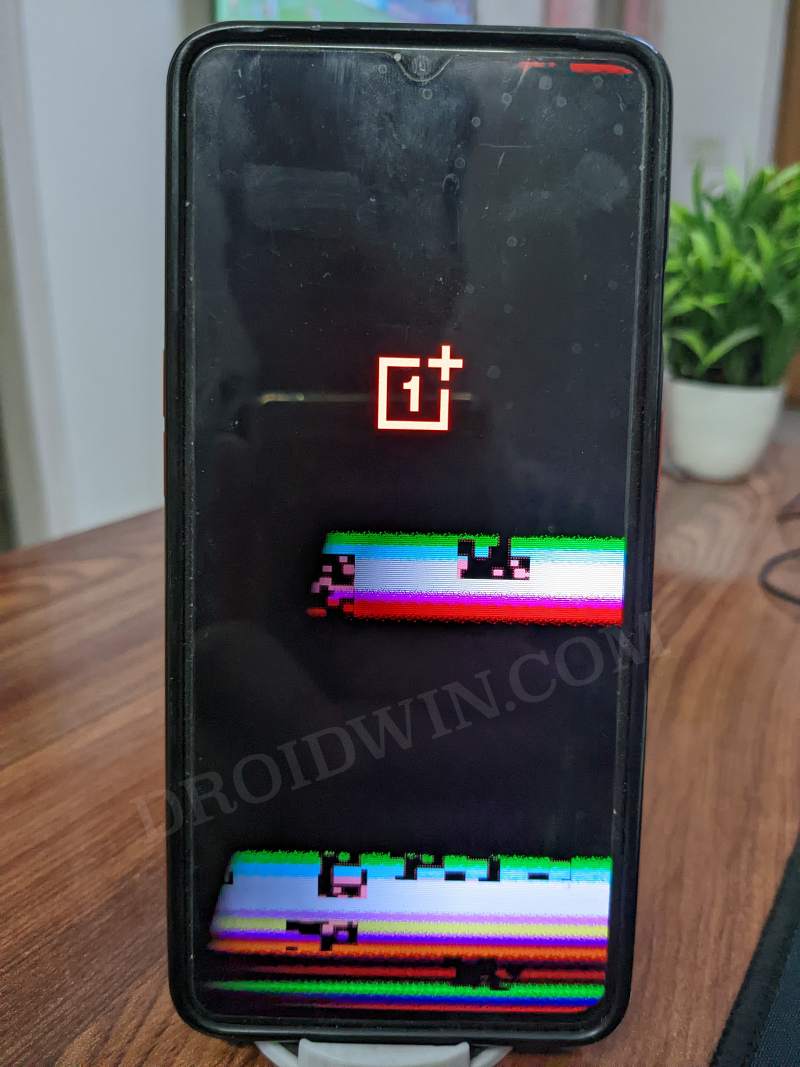
So to make your device boot-up more interesting, let’s add a few intriguing elements to it. In other words, let’s change the boot animation on your OnePlus device and give it a fresh new outlook, at least for the initial boot-up time frame. Without further ado, follow along with us on this interesting journey!
How to Change Boot Animation on OnePlus
First and foremost, your device needs to be rooted. If you haven’t done so, then do check out our guide on How to R oot your device via Magisk / KernelSU / APatch . Once done, you may then start off with the below steps:
- First off, download and install a root-supported file manager such as Solid Explorer.
- Then head over to the below location and take a backup of your stock boot animation: Root > my_product > media > bootanimation
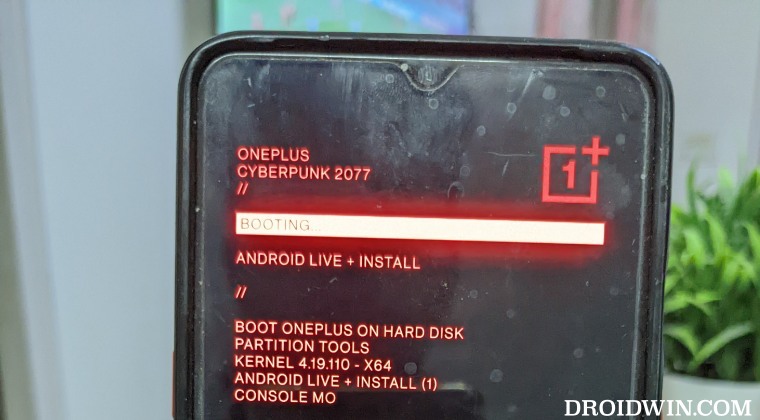
- Once done, download the desired boot animation from below [Credits steve0007 ]: Pac-Man Bootanimation McLaren bootanimation Cyberpunk 2077 Bootanimation Original with glitched effects (by co4) Original with color-matching shutdown logo (by co4)
- Now launch Magisk, go to Modules, and tap on Install from Storage.
- Select the bootanimation.zip file and it will be flashed. Once done, hit Reboot.
- Your device will now reboot with the newly installed boot animation.
New Bootanimations are now Live!
Courtesy of XDA Senior Member kingwicked, we now have a few impressive boot animations for your OnePlus device. As before, take a backup of your stock boot animation [as explained above] and then flash it via Magisk/KernelSU/APatch.
Download Link
- How to Remove Orange State Warning on OnePlus Android 13
- OnePlus Bluetooth not working after the Android 13 update [Fix]
- OnePlus Health App not working on Android 13 [Fixed]
- How to Install OnePlus Sans Font on any Android

- knowx 5 months ago Reply how to change in oneplsu 9 pro boot animation with oxygen os 15 and android 15 is not chnage i will try but method is so long and risky
- pbergonzi 3 years ago Reply Thank you, however it didn’t change on anything on T-Mobile McLaren with OOS 12.
- pbergonzi 3 years ago Reply Thank you.
(Cancel Reply)
Δ
