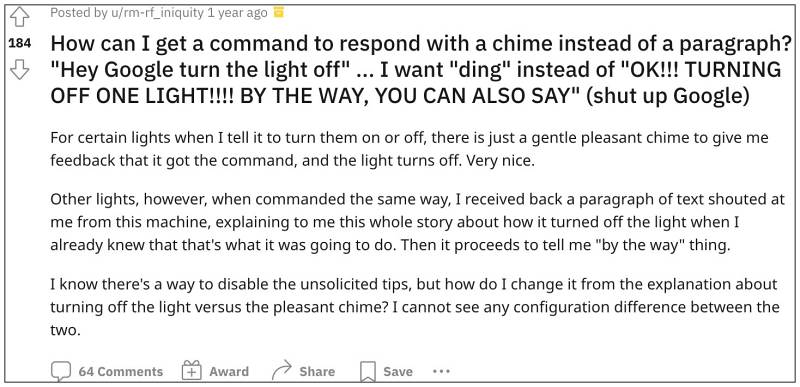

As soon as Alexa starts a suggestion, simply respond back “Alexa, stop By The Way”. You will now get a response from Alexa that “Okay, I will snooze my suggestions for now”. As is evident from its response, it will only temporarily disable these suggestions. So if you are looking to permanently put an end to this, then refer to our next method listed below
- Launch the Alexa app, go to More in the bottom right, and select “Routines”.
- Then c reate a new routine by pressing the “+” button in the top right.
- Give it a name of your choice and select “Schedule” under “When this happens”.
- Now pick a time for the routine to run every day and then press Next.
- Then tap on “Add action” and select “Custom”.
- Now type in “stop by the way” in the text field, hit “Next”, and finally click Save.
- The routine has now been saved and you could put it to the test right away.
- Amazon Alexa Brief Mode Not Working: How to Fix
- Amazon Fire TV Remote Battery Drain: How to Fix
- Google Nest Camera & Doorbell No Push Notifications [Fix]
- Amazon Smart Thermostat Voice Commands not working: How to Fix

(Cancel Reply)
Δ
