How to Disable Auto Macro in Stock Camera on OnePlus 11
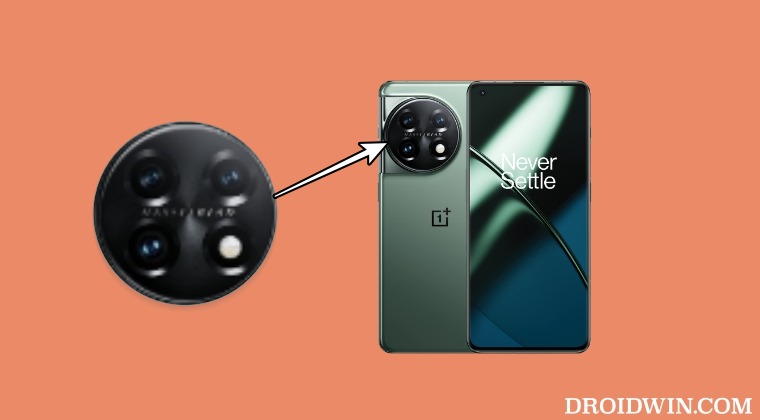
In this guide, we will show you the steps to disable the Auto Macro mode on the stock camera app on your OnePlus 11. The eleventh iteration of the device from the Chinese OEM beholds quite an impressive camera. With a triple rear [wide, ultrawide, and telephone] coupled with the Hasselblad Color Calibration and the ability to record 8K videos, well it seems to have checkmarked most of the prerequisites in the camera department.
However, some users are having a tough time interacting with certain camera features. A bunch of users have voiced their concern that they are unable to disable the Auto Macro mode on the stock camera app on their OnePlus 11. When they do so from the Camera’s Settings menu, then it automatically tends to turn back on after a few minutes. If you are also facing the same issue, then this guide will help you out. Follow along for the fix.
How to Disable Auto Macro in Stock Camera on OnePlus 11
- OnePlus 11 MSM Download Tool might finally have been hacked!
- Fix the OnePlus 11 auto brightness issue after flashing OxygenOS
- How to Downgrade OnePlus 11 from Android 14 to Android 13
- OnePlus 11 EU/Global Regions are yet to receive OxygenOS 13.1

(Cancel Reply)
Δ
