How to Disable Google Search reCAPTCHA on Firefox
Over the past few days, numerous Firefox users have voiced their concern that they are getting reCAPTCHA whenever they try to do a Google search. At the time of writing, it’s mostly the users on version 147 that are facing this issue; versions 146.0.1 and 148 beta don’t have this bug, which is really strange, as these server-side issues usually d o n’t happen with specific browser versions.

So we did some digging and found out that the issue might be related to version 147’s user agent string. Moreover, we have already tried d isabling uBlock Origin and Privacy Badger, but they didn’t spell out success either. Fortunately, there does exist another nifty workaround that will help you put an end to this issue. So without any further ado, let’s check it out.
How to Disable Google Search reCAPTCHA on Firefox
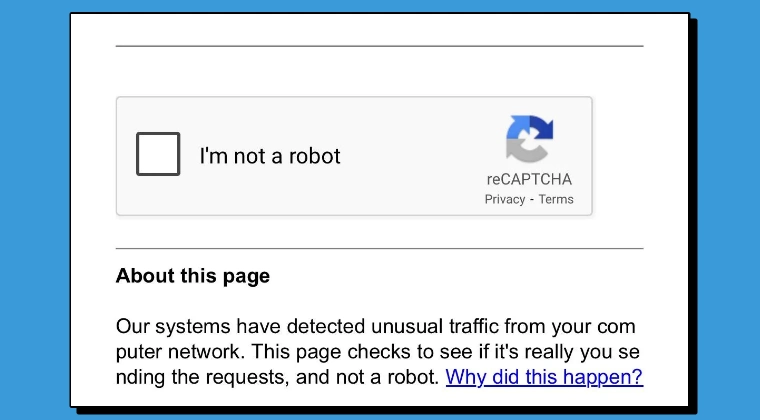
To rectify this issue, we will override the browser version’s 147 user agent in Firefox’s config and spoof it to version 146, tricking Google into believing that we are actually using the older build [146] instead of the newer one [147]. Here’s how it can be done:
- Launch Firefox and head over to the below location: about:config
- Then click on Accept the Risks and Continue.
- Now, type the below name in the search box: general.useragent.override
- Select String, hit the plus icon, and input the below value: Mozilla/5.0 (Windows NT 10.0; Win64; x64; rv:146.0) Gecko/20100101 Firefox/146.0
That’s it. This will fake your browser version to 146 and, in turn, will disable the constant Google Search reCAPTCHA occurrence in the Firefox browser. As far as the official stance on this matter is concerned, the developers are aware of this issue , but they haven’t given out any ETA for the rollout of a fix. As and when that happens, we will update this guide accordingly. In the meantime, the aforementioned workarounds are your best bet.
- How to Enable Split View in Firefox [Finally!]
- How to Remove the Pin Icon from the Firefox Shortcuts
- Firefox Artifacting/UI Glitch: How to Fix
- How to Enable Tabs Group in Firefox from about:config page
- How to Customize Firefox using CSS

(Cancel Reply)
Δ
