How to Disable Now Playing View sidebar in Spotify
In this guide, we will show you the steps to disable the “Now Playing View” sidebar in Spotify. When it comes to music streaming services, then Spotify has firmly established itself as the absolute best in this domain. But even after attaining such great heights, it isn’t afraid of carrying numerous UI/UX tweaks at regular intervals. And as is the case with every change, there is a divided opinion.
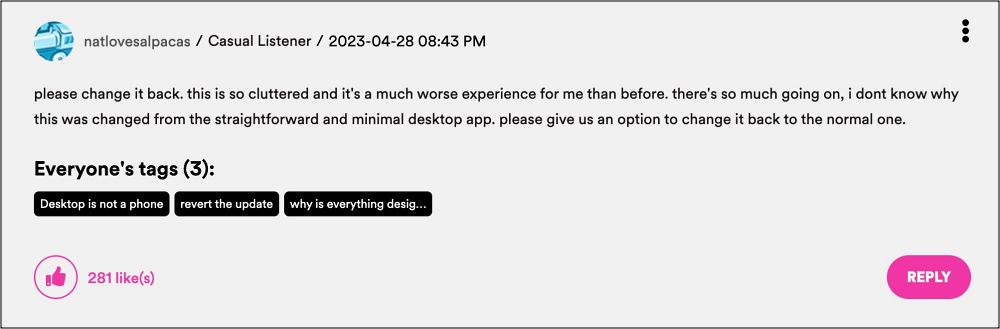
Unfortunately, this time around, it’s completely one-sided, and not the one that Spotify would have liked. Spotify had recently added the “Now Playing View” sidebar and going through close to 800 user opinions on its forums, the majority of them are simply looking for the steps to disable it right away. But why is that the case?
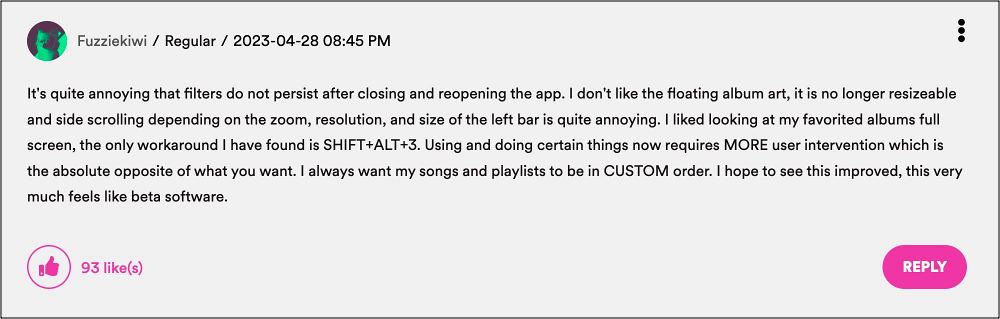
Some of the most common reasons why users are looking to bid adieu to this feature right away include: the left bar is unnecessarily taking up so much space, they have to constantly resize it, are unable to view the playlist folder in full screen, and it tends to turn back on automatically whenever they play music from a different playlist/artist page.
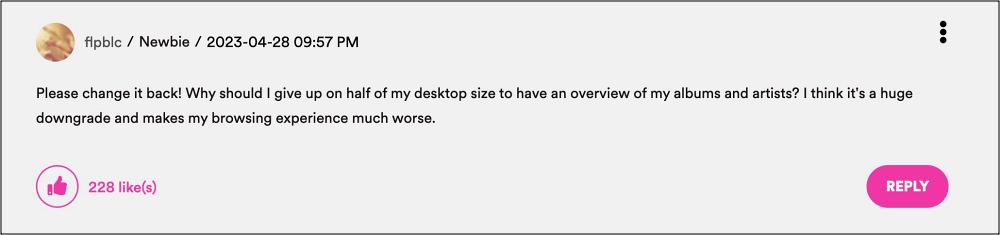
All in all, it has given them quite a troublesome and infuriating user experience and hence they want it gone for good. Fortunately, as opposed to other players, Spotify has given complete granular control over this feature and allows you to easily disable it in just a few clicks. Here’s how.
How to Disable “Now Playing View” sidebar in Spotify
- How to Play Snake Game Eat the Playlist on Spotify
- Spotify: This app is restricted to premium users only [Fix]
- New Episodes of Podcasts missing in Spotify [Fixed]
- Spotify not working with Google Clock Alarm [Fix]

(Cancel Reply)
Δ
