How to Disable Until Battery Remaining Time on Pixel
In this guide, we will show you the steps to disable the “Until Battery Remaining Time” on your Pixel device. The devices from the Silicon Valley giant behold a slew of nifty yet underrated features. One among them is the ability to display the estimated time till when your battery will last. This gives the user a rough estimate of the ETA for the battery drainage so that they could mold their charging decision accordingly.
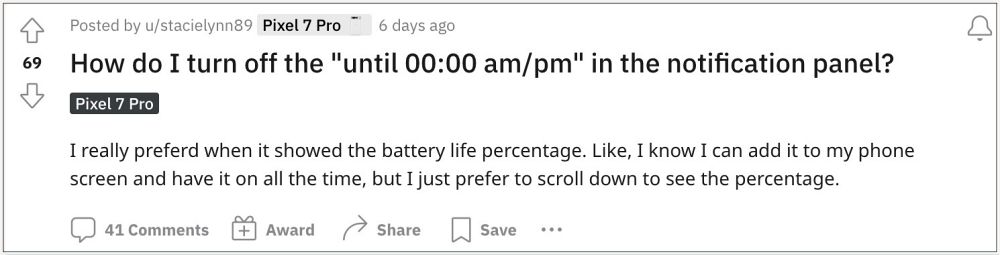
However, for some users, it tends to only make the notification pane more cluttered. Moreover, they could still get a rough estimate of when the battery juice is about to get exhausted by looking at the battery percentage, so they want to get away with this unnecessary addition . If you are also in the same boat, then this guide will make you aware of the steps to disable the “Until Battery Remaining Time” on your Pixel device.
How to Disable Until Battery Remaining Time on Pixel
In order to get this job done, you’ll have to disable the Device Health Services app. However, do keep in mind that doing so might have an adverse effect on Adaptive Brightness. So only proceed ahead if that’s well and good.
- Head over to Settings > Apps > tap on the overflow icon and select Show System.
- Then search Device Health Services and select the same from the search results.
- Now tap on Disable > Disable App and your task stands complete.
UPDATE 1
There’s also a gesture tweak associated with this functionality. So when you pull down the notification shade once you will get the percentage whereas it will show the battery remaining time when you pull it down twice.
- Pixel app icon spacing & padding increase after the March update [Fix]
- Pixel 7 Pro Camera not working with Zoom and Flashlight [Fix]
- Game Dashboard Missing in Pixel 7 Pro: How to Fix
- Pixel 7 Pro Sudden Drop in WiFi/Random Disconnection [Fixed]

(Cancel Reply)
Δ
