How to Download HEVC Extension from Microsoft for Free
In this guide, we will show you the steps to download the HEVC extension from Microsoft free of cost! High-Efficiency Video Coding is currently the most widely used video compression algorithm. Successors to AVC and MPEG4, it offers much better compression results. This means that you could get the same video quality at a higher compression rate or a substantially improved video quality at the same bit rate [in comparison with its successor].
Nowadays many streaming giants like Netflix and Hulu use this algorithm so that you will be able to stream their contents without hogging much of the bandwidth and network resources. Moreover, the HEVC extension has become an absolute must if you are planning to watch a 4K video on your Windows 11 PC. If you don’t have it, then the default Windows media player will throw in the following error “To play this video, you need a new codec”.
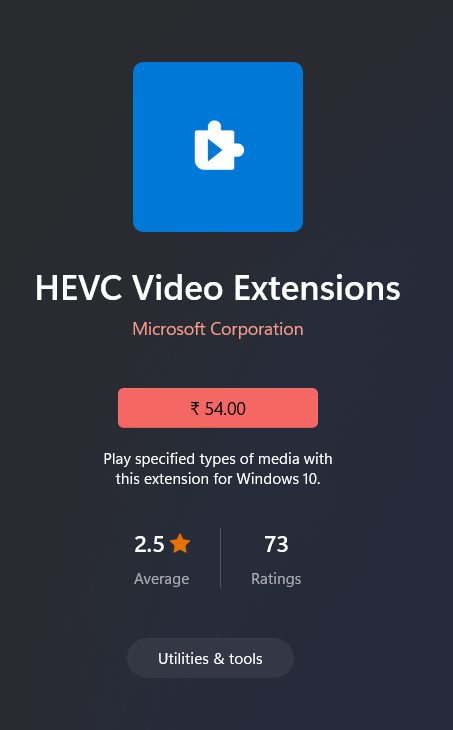
Microsoft Paid HEVC Extension
To fix ‘this issue’, all that you need to do is head over to the Microsoft Store and get your hands on the official codec developed by Microsoft. But here’s the catch- the codec comes at a cost , it isn’t free! This decision has already caused quite a furor in the tech community and rightly so. But guess what, you could still download and install the HEVC extension from Microsoft free of cost! And in this guide, we will show you how to do just that. Follow along.
How to Download HEVC Video Extension from Microsoft for Free
- To begin with, type in the below URL in the browser’s address bar ms-windows-store://pdp/?ProductId=9n4wgh0z6vhq
- You will now get a pop-up to launch Microsoft Store, click Open.
- You will now be taken to the HEVC Video Extensions from Device Manufacturer
- Finally, hit the Install button and your tasks stand complete. It’s from Microsoft as well, but Free!
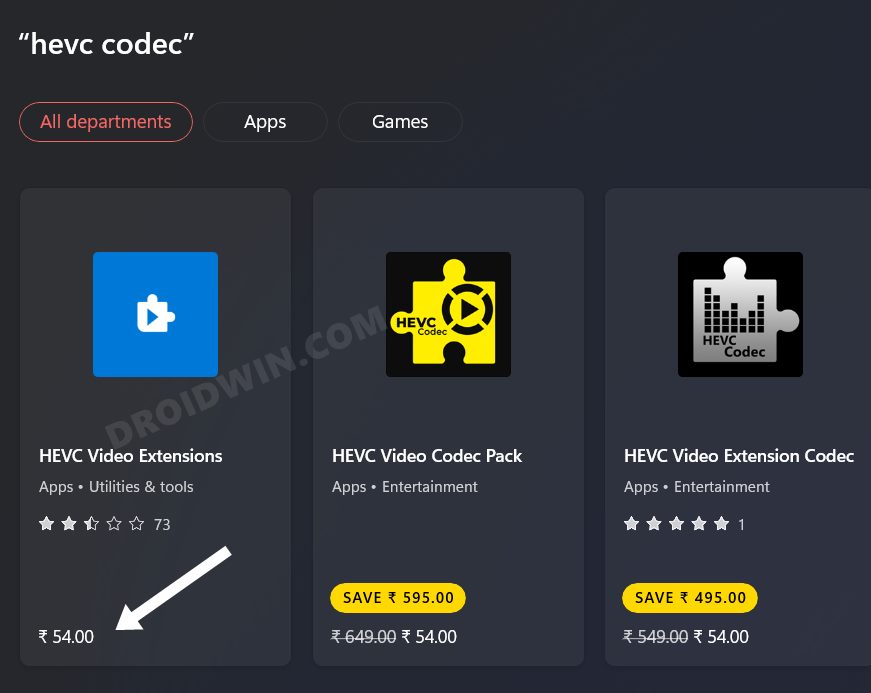
So this was a nifty workaround through which you could download the HEVC extension from Microsoft free of cost. Do note that this codec would never appear if you do a manual search in the Store. Rather, you will get the paid version of the codec [see below]. Using the above URL is the only way out for now. However, there could be every chance that the Redmond giant ends up blocking this URL and hence this exploit.
- Update.exe Application Error In Windows 11: How to Fix
- Find all running processes using Powershell in Windows 11
- Install Linux | Run Linux Commands in Windows 11
- High Ping in Windows 11: How to Fix [8 Methods]

(Cancel Reply)
Δ
