How to Enable and Use Gemini in Unsupported Country
In this guide, we will show you the steps to enable and use Gemini in an unsupported country. The Silicon Valley giant has developed quite a few multimodal large language models, among which it’s fair share to say that Gemini has been the standout one. While it might still take some time to sail in the same boat alongside OpenAI’s ChatGPT 4, but its deep integration into the Android ecosystem from Google will surely give it an upper hand over its counterpart.
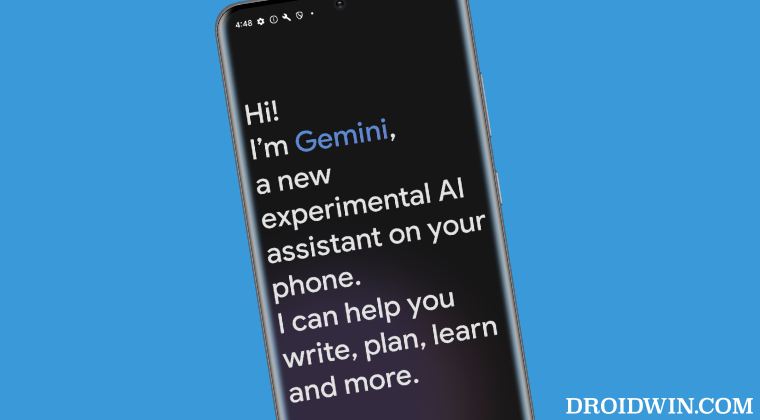
Moroever, while the AI has made its presence felt across numerous regions across the world, there are still quite a few countries where it is yet to step its feet , with the likes of Germany, Poland, and Italy being the noticeable absentees. But fret not, you aren’t left behind! There does exist a couple of nifty workarounds that should help you enable and use Gemini in an unsupported country. So without further ado, let’s check them out.
- How to Enable and Use Gemini in an Unsupported Country Via Language Tweak Via VPN
How to Enable and Use Gemini in an Unsupported Country

It is recommended that you try out each of the below-mentioned workarounds and then see which one spells out success. So with that in mind, let’s get started. Before starting, make sure to uninstall Gemini if you have it already installed.
Via Language Tweak
- First off, set Offline Speech Recognition to English [US].
- Then change the Assistant Language to English [US].
- Also, change the Discover Language to English [US]
- Once done, disable Google Assistant via the Google App.
- Then download Gemini and install it onto your device.
- Finally, launch the app and tap on Get Started. That’s it.
Via VPN
- Download and install a VPN app from the Play Store.
- Then launch it and set your region to the US.
- Now download Gemini and install it onto your device.
- Finally, launch it and it should run without any issues.
- How to Switch from Gemini to Google Assistant
- How to Use Google Gemini AI Smart Reply on Pixel
- How to Turn off Circle to Search Feature on Pixel
- Google Messages Reply Option Missing: How to Fix

(Cancel Reply)
Δ
